3DWin the studio
Follow Me
Follow Me sweeps a face along a path of drawn lines in the 3D view: the face travels down every line of the path and is mitred at every turn, so a profile becomes a moulding, a gutter or a frame. You pick the face, then a line of the path, and stop wherever you click or let it run the whole way.
What it is
Follow Me carries a face along a chain of drawn lines. The face, its outline and its holes, rides straight along each line of the path and is cut on the mitre at every turn, so corners meet exactly; a curved path is many small turns. The ends are capped, unless the path closes on itself, in which case the sweep closes too.
The face can be a face of drawn lines or a face of a body. From a drawn face, the sweep is a new body. From a body's face, the body itself grows along the path.
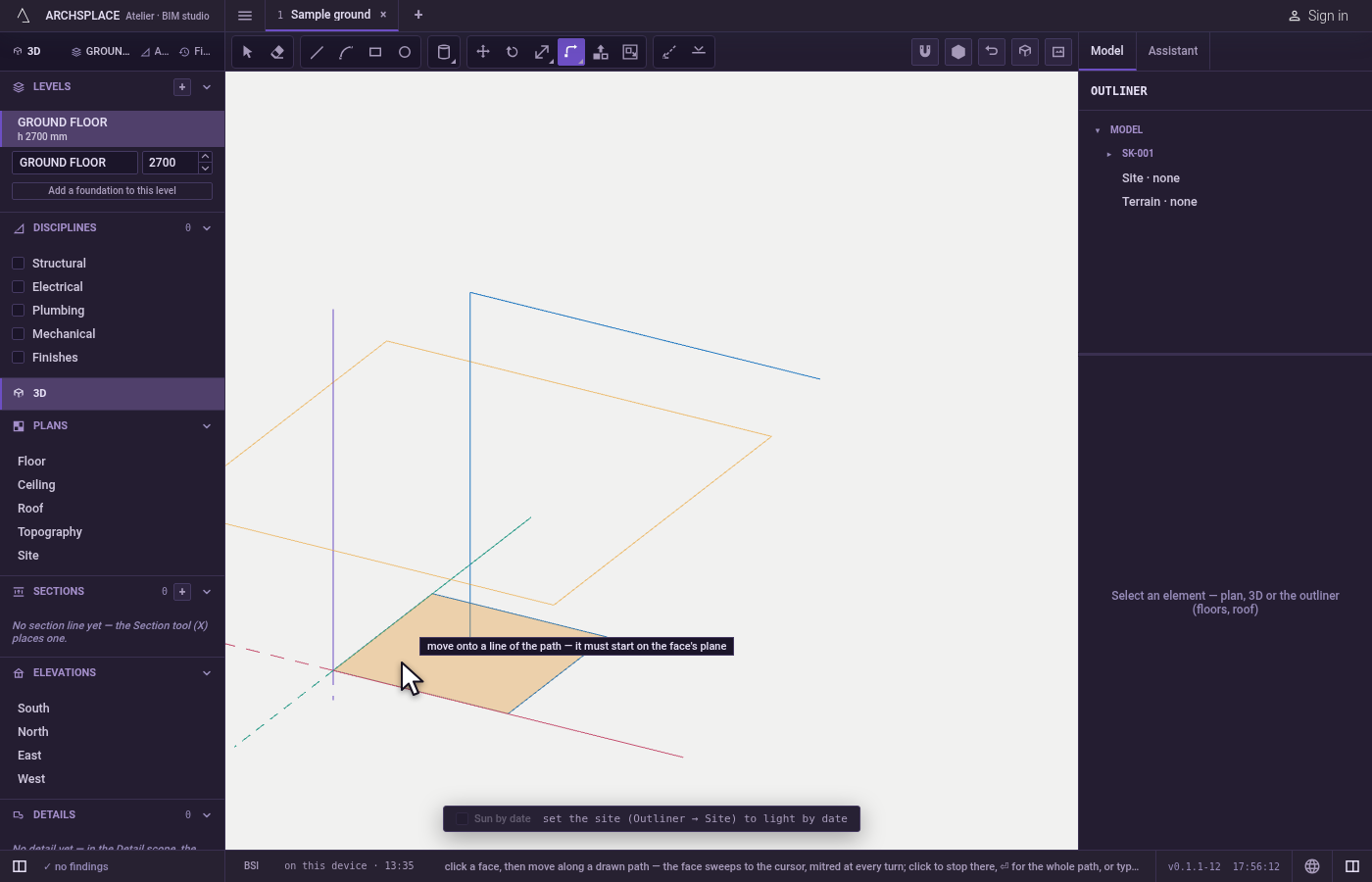
Each step shows itself. Before the first click the face under the pointer lights in orange; once taken it stays lit while you look for the path. Over a line of the path, the whole path lights and a ghost sweeps to the pointer, the hint giving the length along the path. Over a path that cannot be followed, the hint says why.
When to use it
- To make a moulding, a cornice or a skirting along the edge of a face.
- To make a gutter, a handrail or a pipe along a path.
- To frame an opening with a profile that turns its corners.
The steps
Draw the profile and the path. Draw the profile as a closed face, for example with Line or Rectangle on an upright plane. Draw the path with Line and Arc, starting on the face's plane.
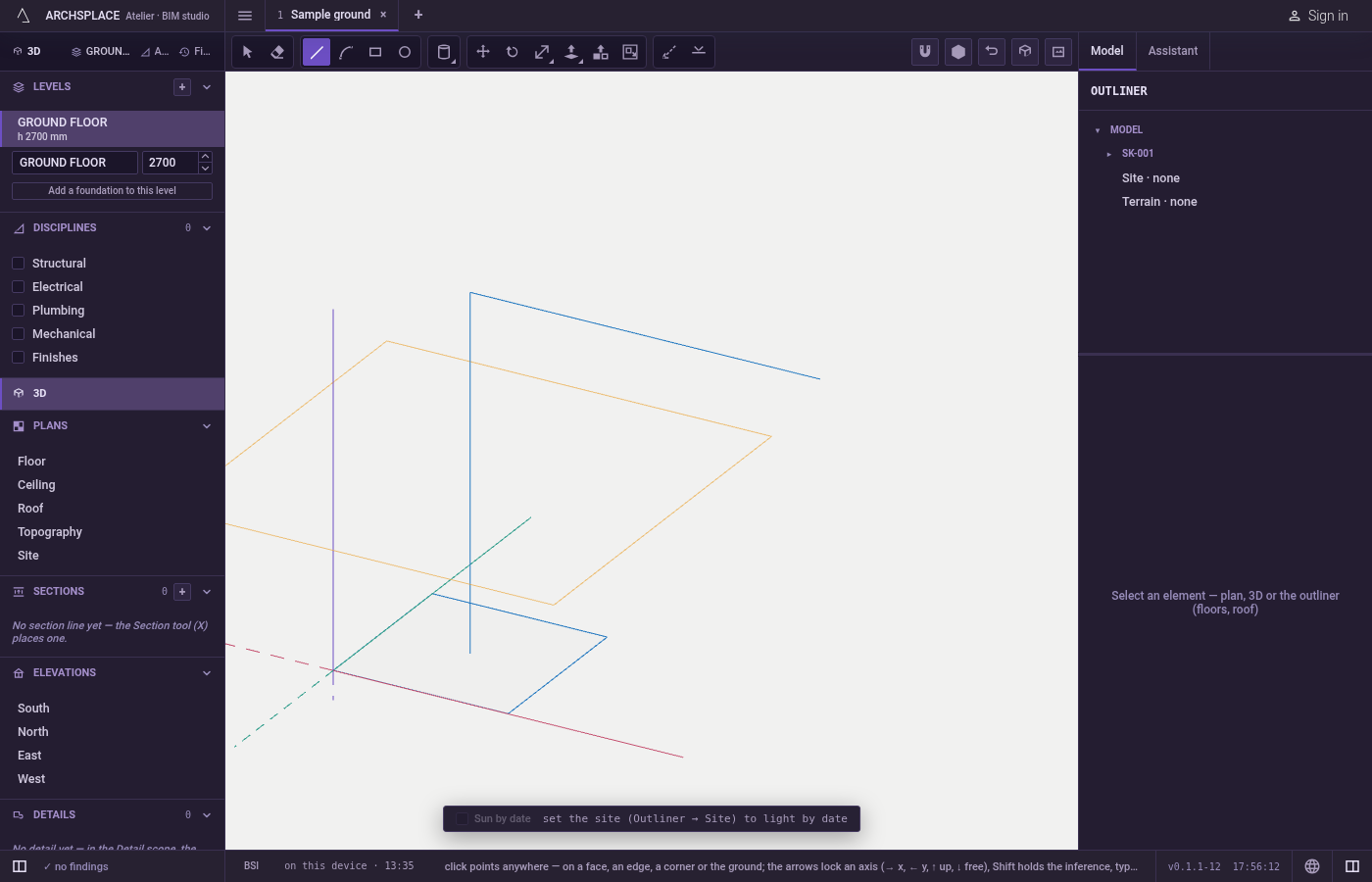
Take the tool. Press
W, or click Follow Me.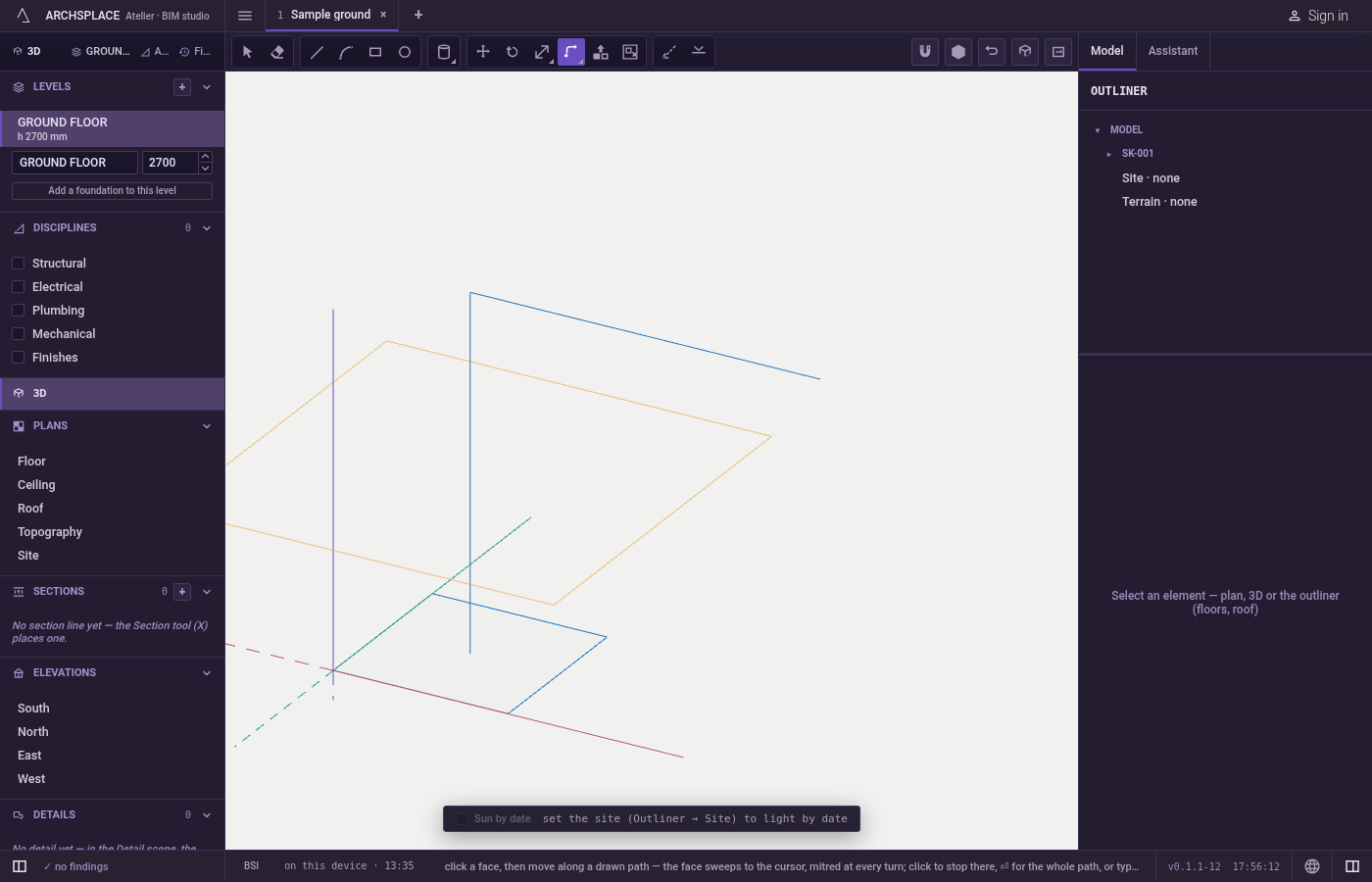
Click the face. The hint reads click to take this face over it. Once taken it stays lit.
Move onto the path. Point at a line of the path: the path lights and the face sweeps to the pointer. The hint gives the length along the path.
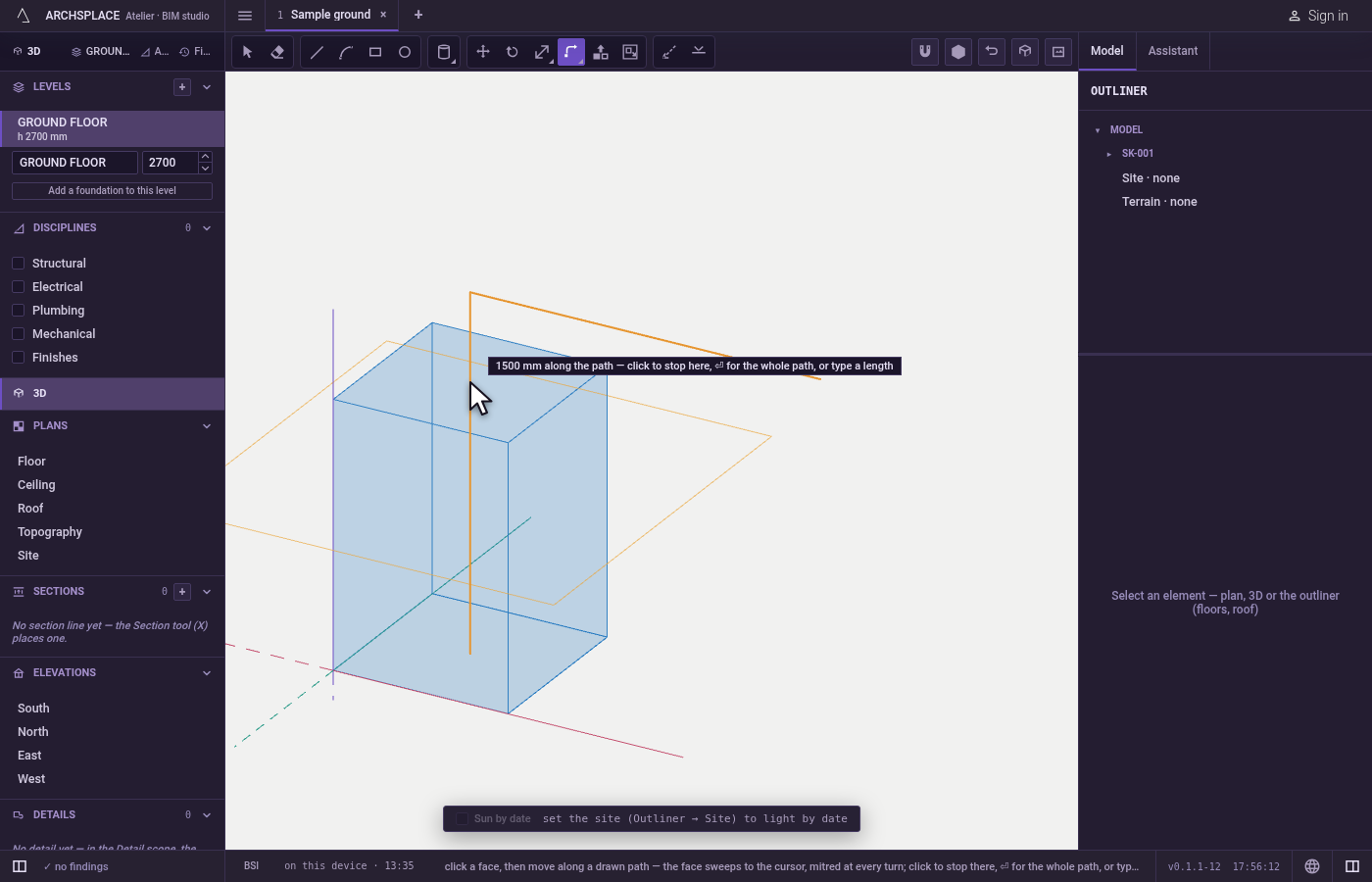
Stop or go the whole way. Click where the sweep should stop, press
Enteralone for the whole path, or type a length and pressEnter.Escapelets go of the face.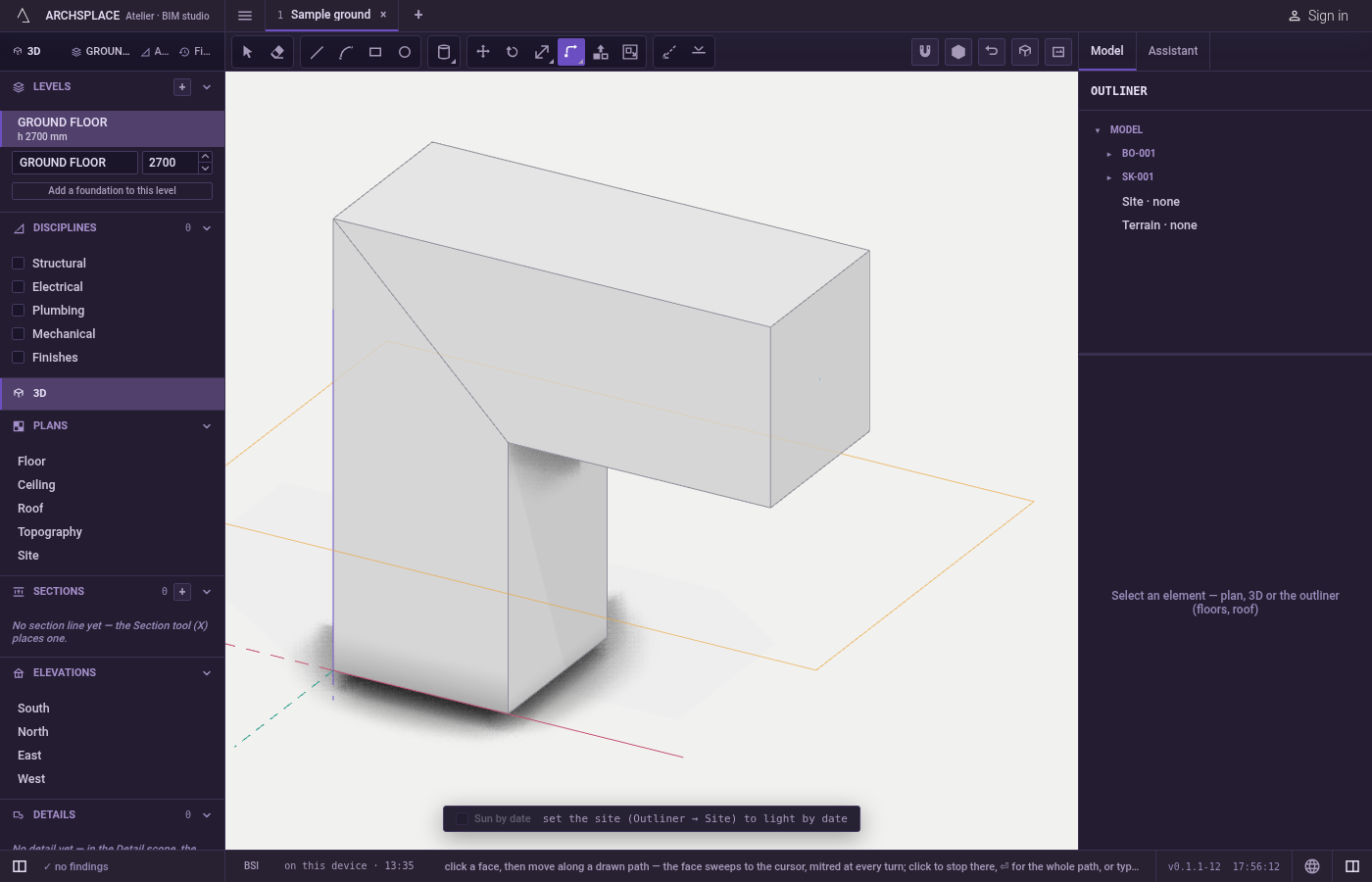
What it refuses
- A path that does not start on the face's plane. The path must start on the face's plane: draw it from the face.
- A path that folds back on itself. No mitre can turn it there, and the hint says so.
- A sweep that cannot join its body. When the sweep crosses itself or folds through the body, it is refused and the project stays as it was.
- A path that is not drawn lines. The path is a chain of lines drawn with Line or Arc, of two points at least; an edge of a body is not a path.
- A click on nothing. Over empty space the hint asks for a face to sweep: a drawn face, or a face of a body.
What it writes to the contract
One sweep is one undoable step. From a drawn face, a new body is added and the face's own lines are used up; from a body's face, that body takes its grown shape. The path's lines stay as they were. No history is kept: the body is stored as it now stands.
Common questions
Why does Follow Me say the path must start on the face's plane?
The sweep leaves from the face, so the path has to begin where the face stands. Draw the path from a point of the face's plane, for example from its edge, then run it where the profile should go.
How do I sweep only part of the path?
Move along the path and click where the sweep should stop, or type a length and press Enter. Enter alone sweeps the whole path.
Does the path stay after the sweep?
Yes. The path's lines stay where they are; the face you swept is used up by the new body. Swept from a face of a body, the body itself grows.