Panels
Account
Account is the section of the Settings dialog where you sign in to the archsplace cloud, create an account or recover a password, and where, once signed in, your name, your email and your country stand with Sign out. Nothing free in the atelier asks for an account: it is what lets you save your projects to the cloud and open them from any atelier.
What it is
Account is the first section of the Settings dialog. It opens from the person icon at the right of the header, whose menu offers Sign in (with your archsplace account) and Create an account while nobody is signed in, and, once you are, your name with Cloud projects…, Account… and Sign out.
While nobody is signed in, the browser atelier shows three forms, one at a time, with links to go from one to the other:
- Sign in: Email and Password, then Sign in or Sign in with Google. Forgot the password? leads to the third form.
- Create account: Name (as clients will see it), Email, Password (at least 6 characters) and Country, then Create account or Sign in with Google.
- Send the link: your Email; a link to set a new password is sent to it, valid one hour.
The installed atelier has no form of its own: Sign in in the browser opens your browser on the archsplace atelier, you sign in there, and the browser hands the session back to the window. While it waits, a field takes the code the browser shows, with Use the code, for when nothing comes back on its own.
Once you are signed in, the section shows your picture or your initials, your name and email, Pending approval while archsplace has not yet reviewed a new architect, your Country, and Sign out. Two more sections of the dialog need the account: Security, to change your password or, if you signed in with Google, to set one, and Cloud, which lists your projects in the cloud.
When to use it
- Saving a project to your archsplace cloud, so it can be opened from another computer.
- Opening the installed atelier for the first time and bringing your account into it.
- Creating your archsplace account from the atelier itself.
- Getting back into an account whose password you forgot.
The steps
Open the account. Click the person icon at the right of the header and choose Sign in. The Settings dialog opens on Account, the sign-in form showing.
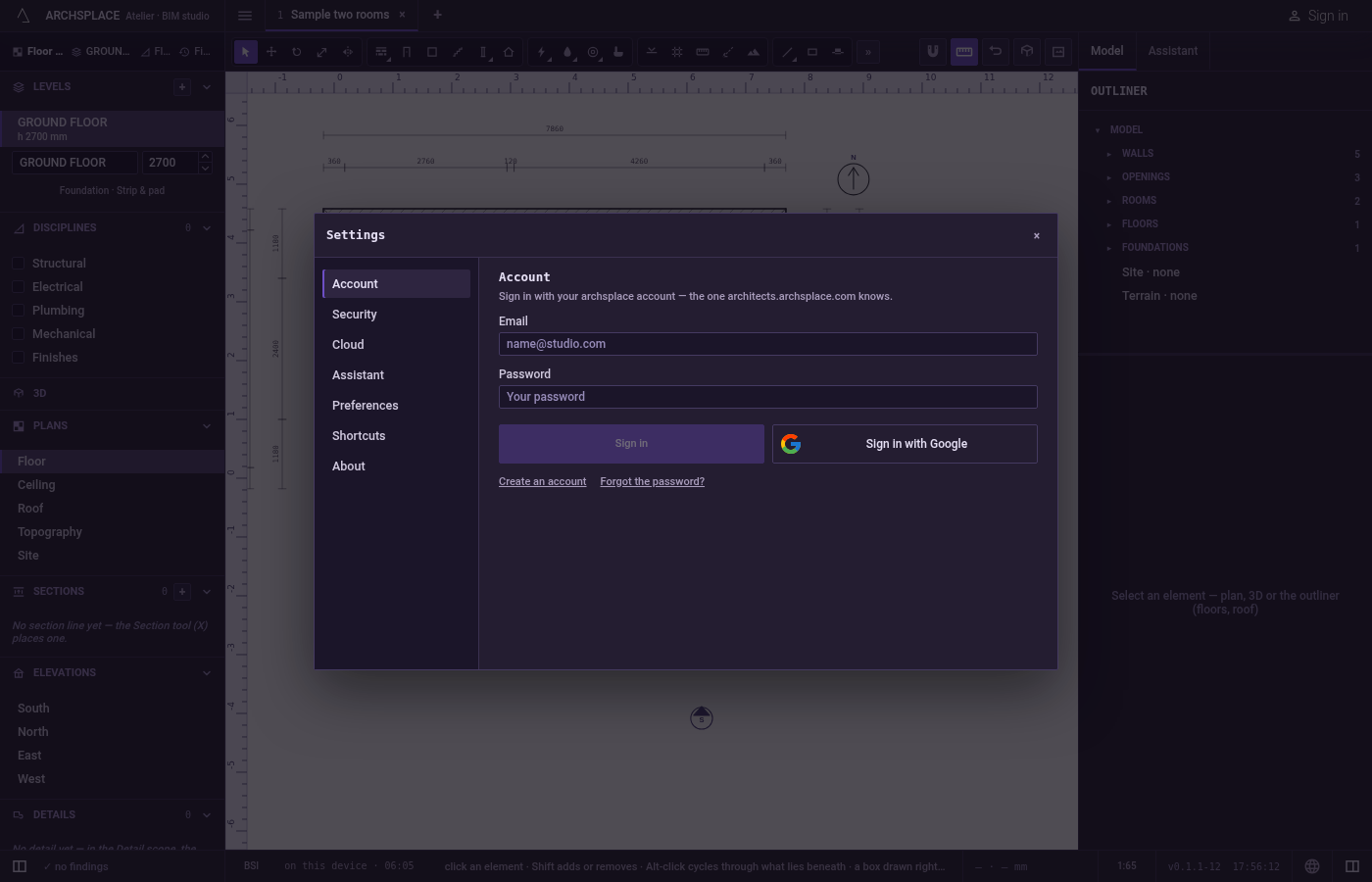
Type your email and password. Fill Email and Password. Sign in stays greyed until both are filled.
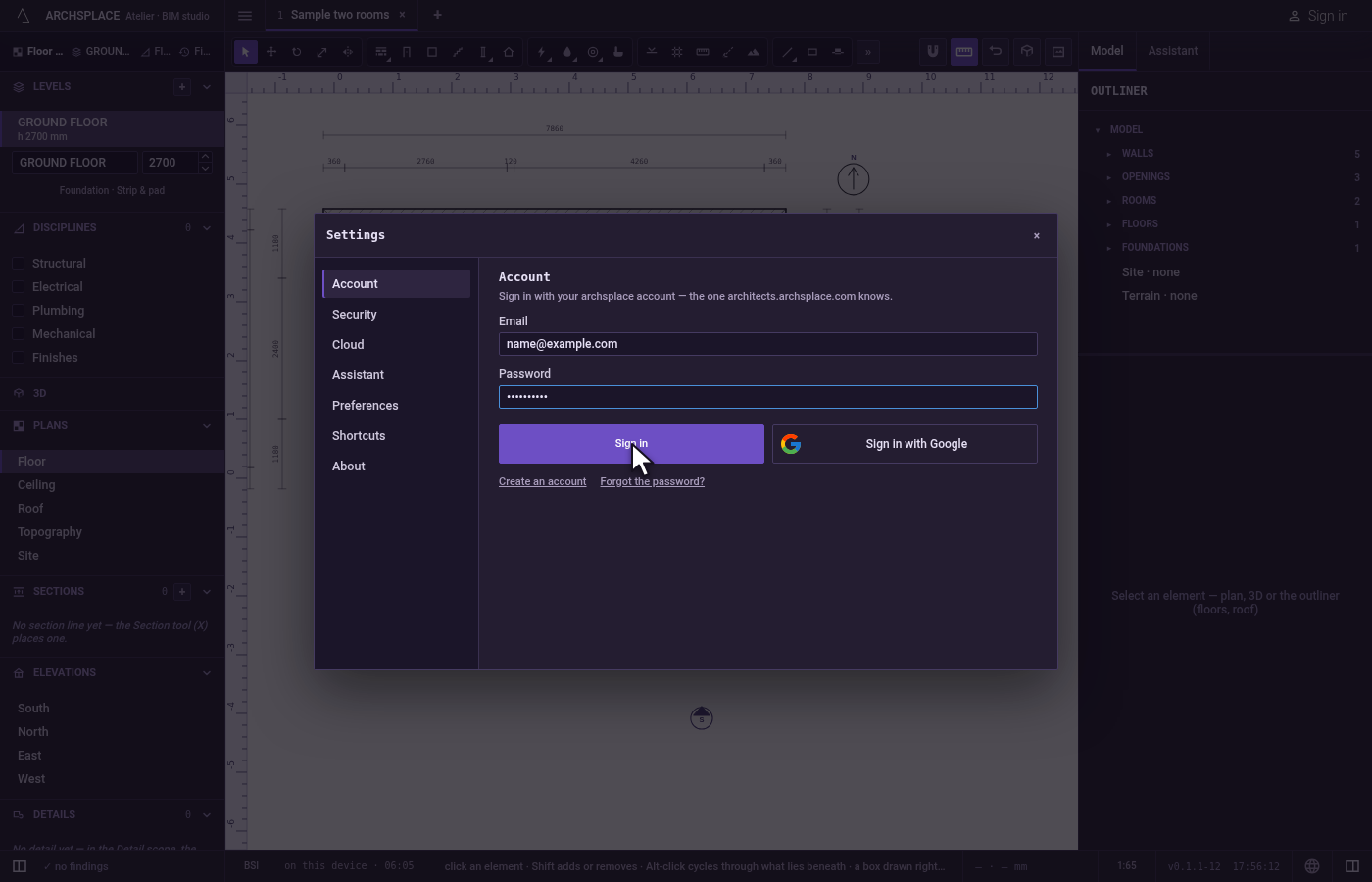
Create an account instead. Click Create an account. The form turns to Create account, with Name, Email, Password (at least 6 characters) and Country. Create account stays greyed until each is filled.
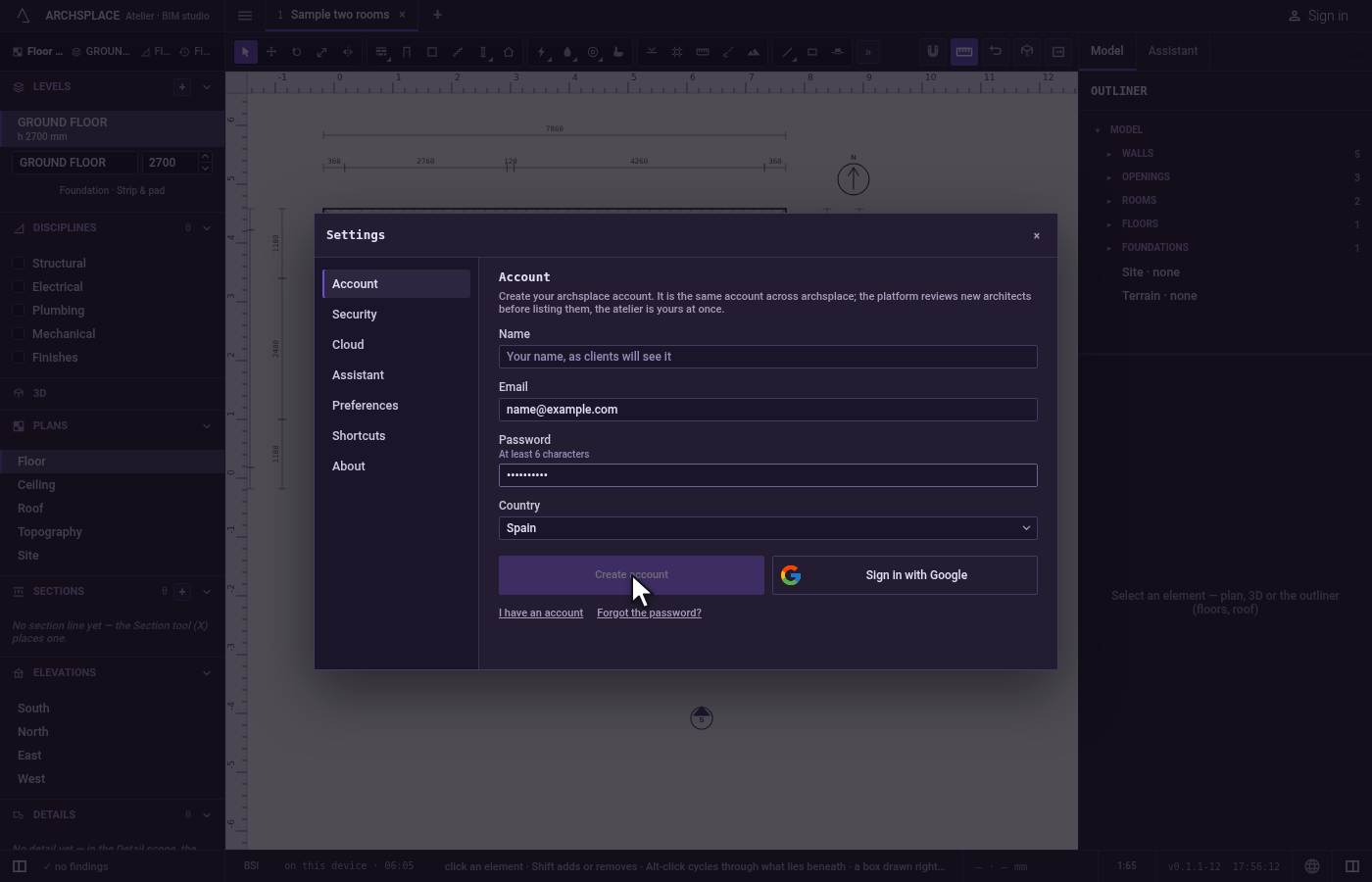
Recover a password. Click Forgot the password?. The form turns to Send the link: only Email, and a link to set a new password is sent to it, valid one hour.
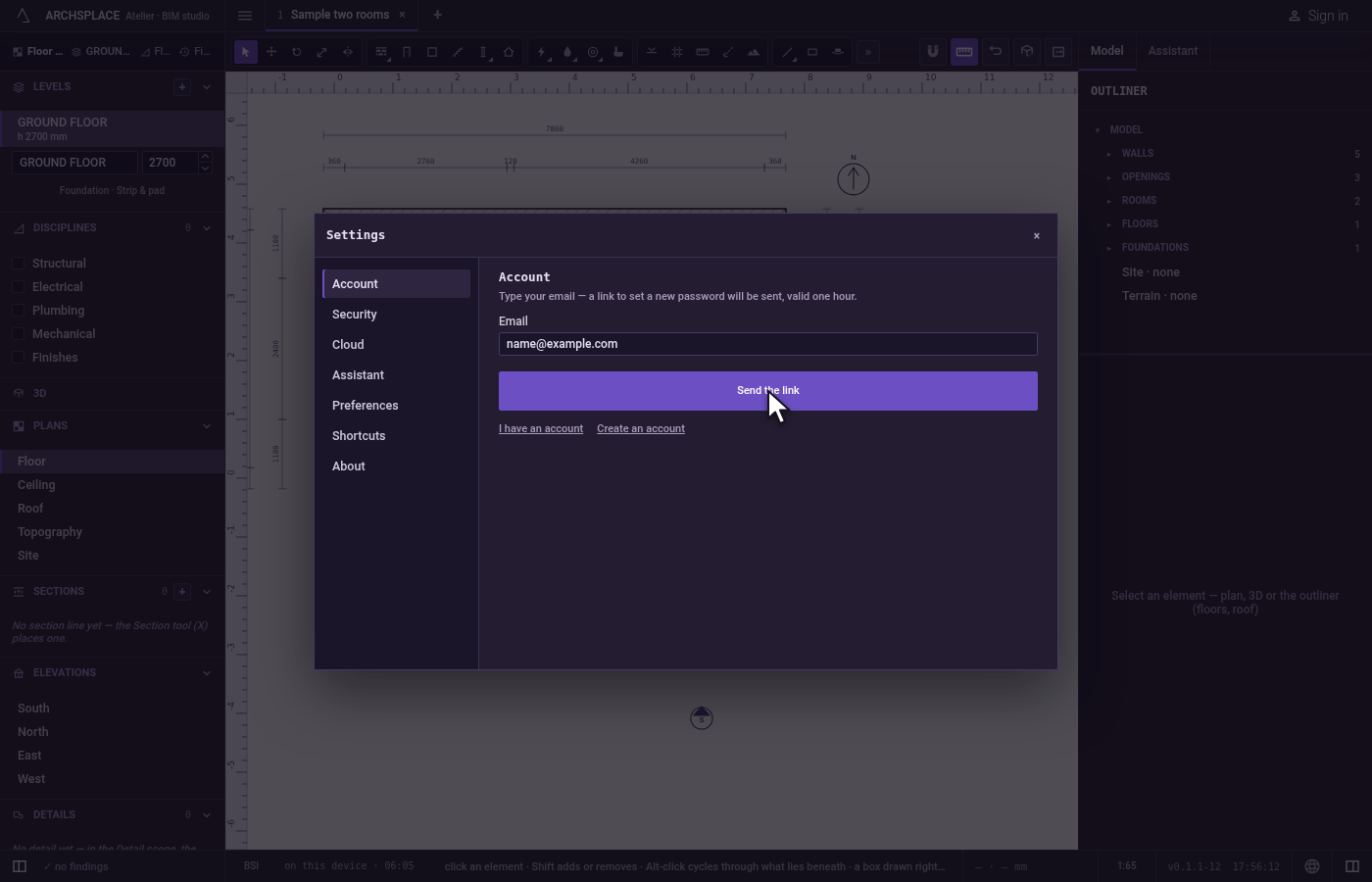
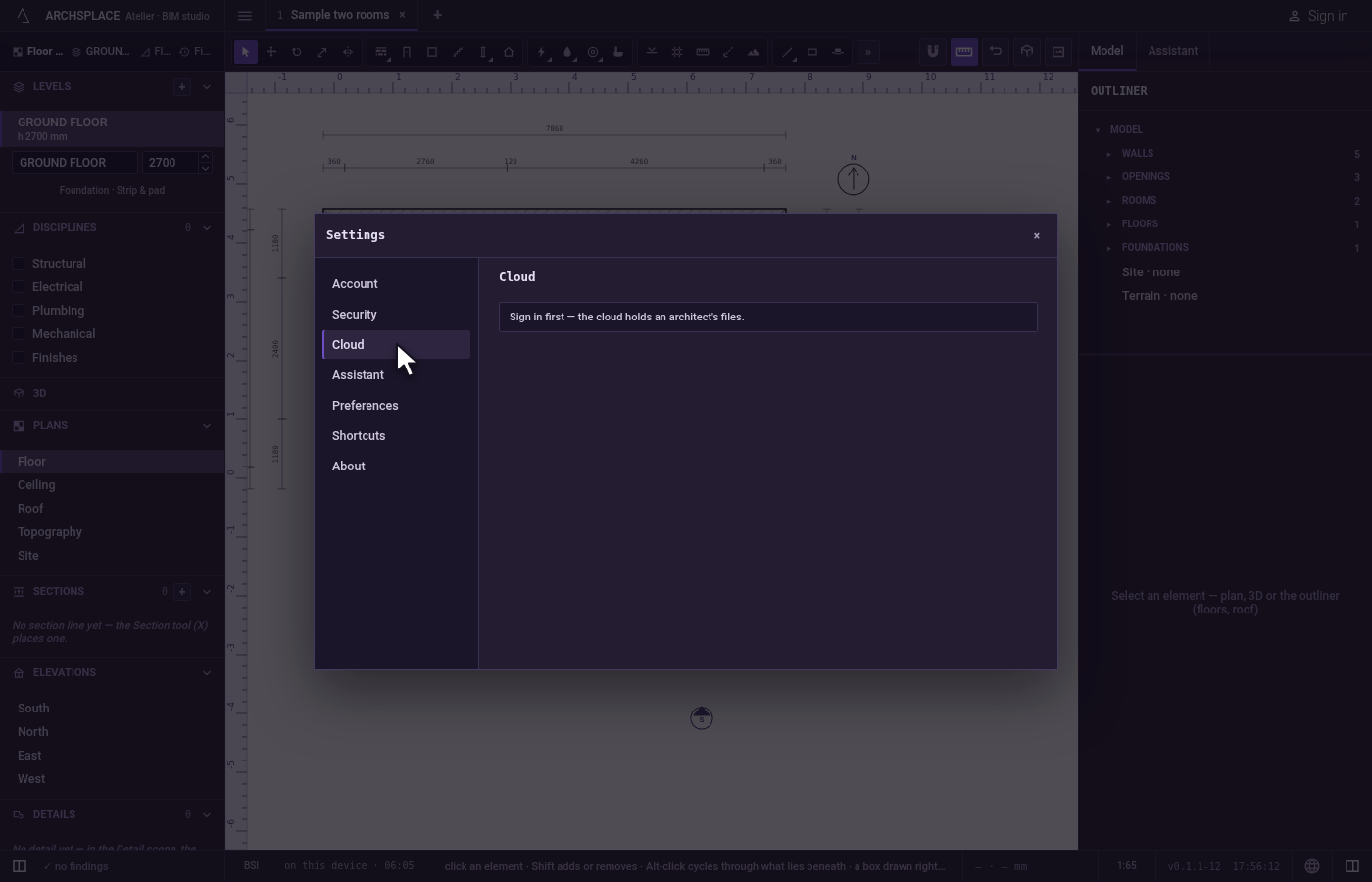
Open your cloud. Click Cloud in the dialog's rail. Signed out, it says to sign in first; signed in, it lists your projects in the archsplace cloud, each with its date, its size and Open, and above them the project in hand with Save to the cloud.
What it refuses
- A sign in or an account the platform does not accept. The form keeps what you typed and says why, or that it did not go through and the fields should be checked.
- A password shorter than 6 characters when creating an account or setting a new one: the button stays greyed.
- A new account with no name, no email or no country: Create account stays greyed.
- A Google account that is not an architect's on archsplace: a notice says so, and you stay signed out.
- A code from the browser that was used or has expired, in the installed atelier: it says so, and Open the browser again starts over.
- Changing a password without the current one in Security, when you sign in with a password: the current one proves it is you.
What it writes to the contract
Nothing. Your account and your session belong to you, not to a project, and no project file ever carries them. Signing in changes where Save sends a project: to your cloud instead of asking.
Related
Common questions
Do I need an account to use the atelier?
No. Every free feature works without one, and your projects stay in this browser or on this computer. An account is what saves a project to your archsplace cloud, so you can open it from any atelier where you sign in.
Which account do I sign in with?
Your archsplace account, the one architects.archsplace.com knows, with its email and password or with Google. If you have none, Create an account makes one in the same dialog.
How do I sign in to the installed atelier?
Click Sign in in the browser in Settings, Account. Your browser opens the archsplace atelier, you sign in there, and it hands the session back to the window. If nothing comes back, paste the code the browser shows and click Use the code.
My account says Pending approval. Can I use the cloud?
Yes. Archsplace reviews new architects before listing them on the platform, but nothing in the atelier waits for it: your cloud is yours at once.