3DMin the studio
Move
Move carries what you grab in the 3D view from one point to another: click a point on it, then click where that point lands, or type the distance. With Ctrl at the drop it leaves the original and places a copy, which you can then repeat into a row.
What it is
Move takes something by a point and puts that point somewhere else. It works the way the rest of the 3D view does: before the first click, the point you would grab is snapped and marked (a corner, a midpoint, an edge, a face), and after it, the drop is snapped the same way. While you move, a ghost of what you carry stands where it would land, with a line from the grab to the drop and the distance beside the pointer.
What moves depends on what you hold. A selection made before taking the tool moves whole. Without a selection, the click takes what lies under it: a whole component, a window or a door, or the face, edge or corner of a body or of loose lines. A face, an edge or a corner moves alone and the faces around it stretch to follow; a body or a component travels whole.
When to use it
- To place a body or a component exactly against another one, corner on corner.
- To stretch a body by moving one of its faces or edges.
- To slide a window or a door along its wall, or up and down within its range.
- To copy something once, then repeat the copy into a row of equal steps.
- To place what you copied with
Ctrl+C:Ctrl+Varms Move for the paste.
The steps
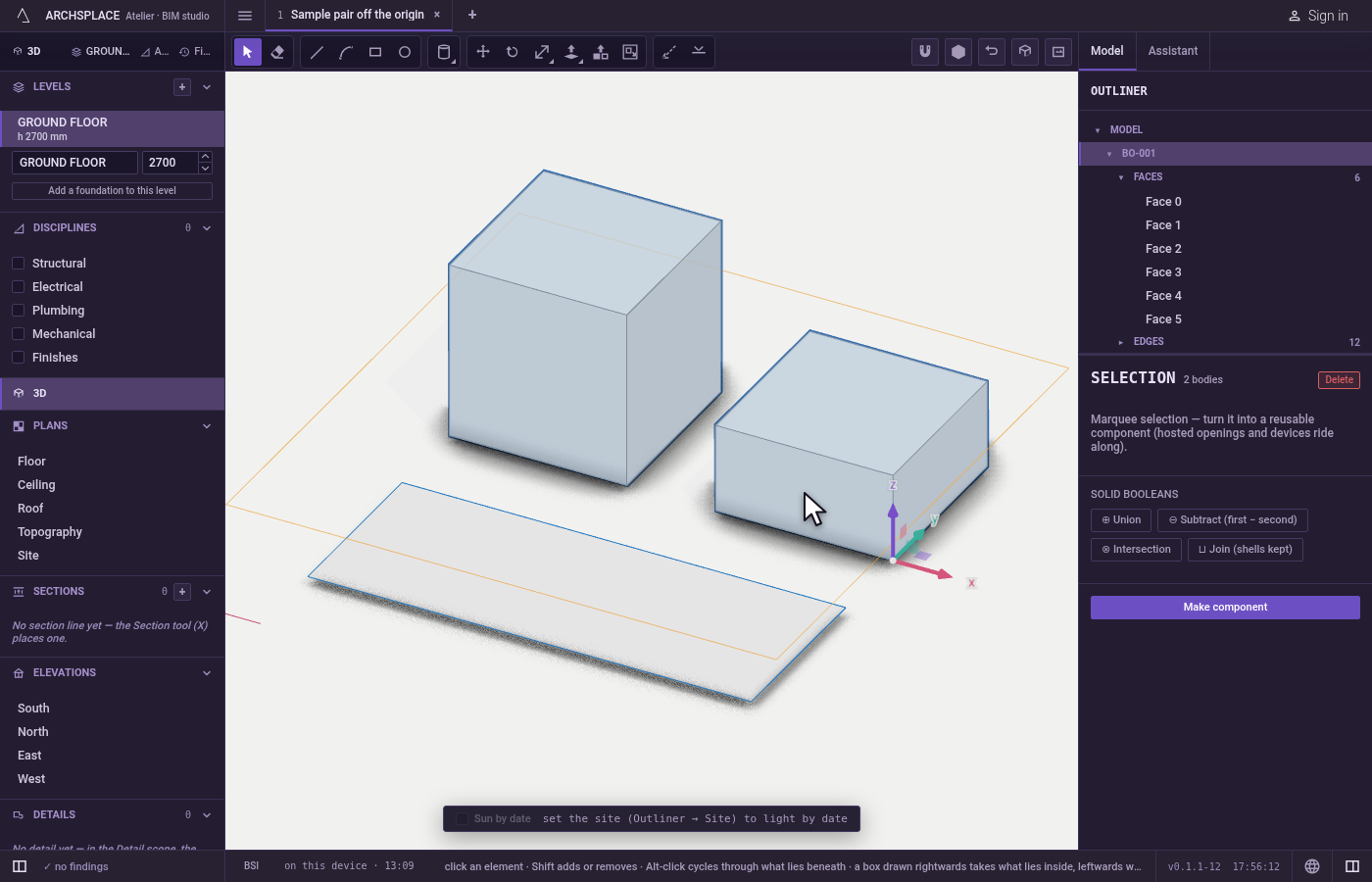
Choose what moves. Select it first with Select, or take Move and point at it: what a click would carry lights in orange.
Take the tool. Press
M, or click Move. A selection is kept.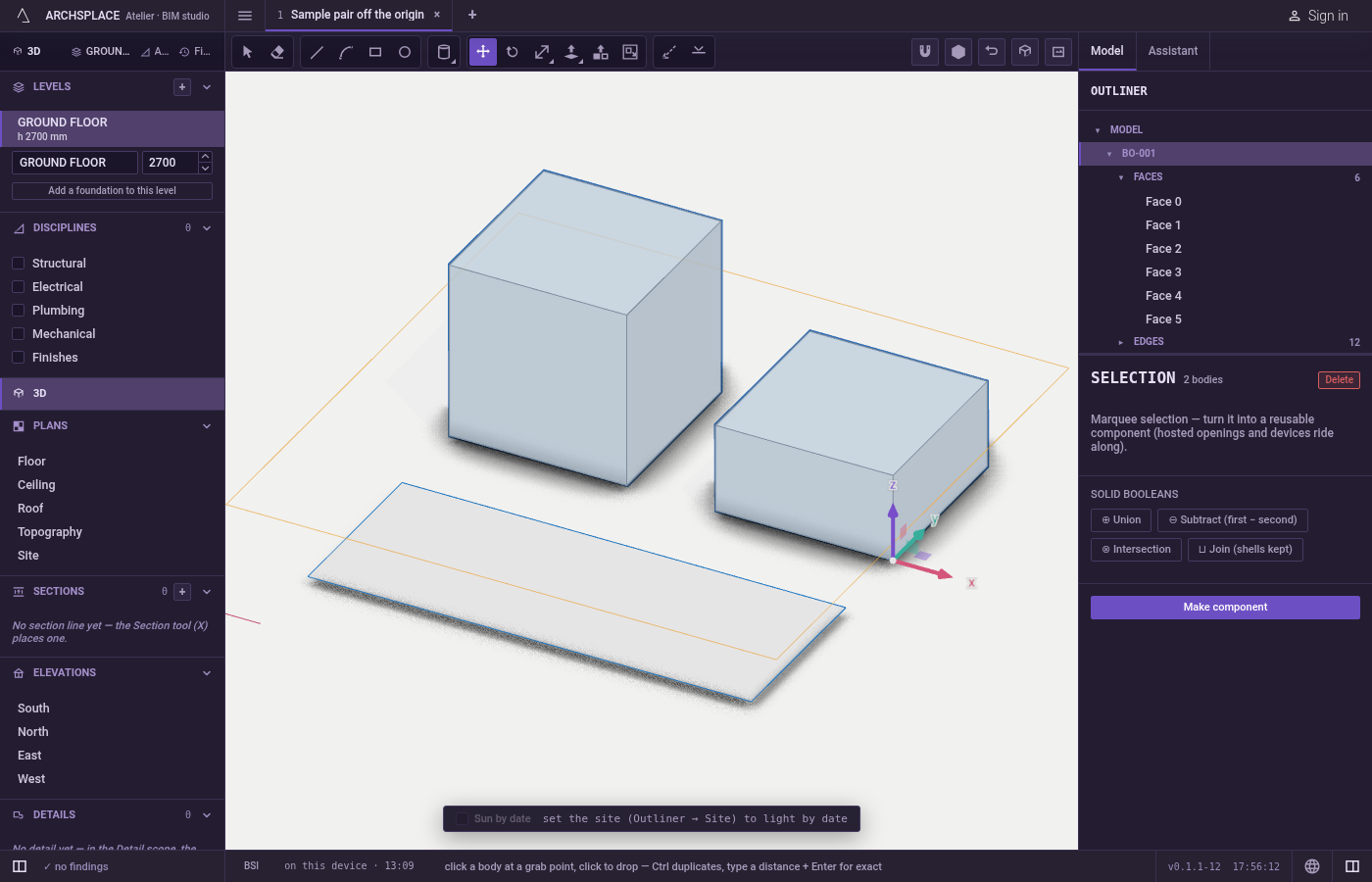
Click the point you grab. The marker shows exactly which point: grab a corner to drop that corner on another one.
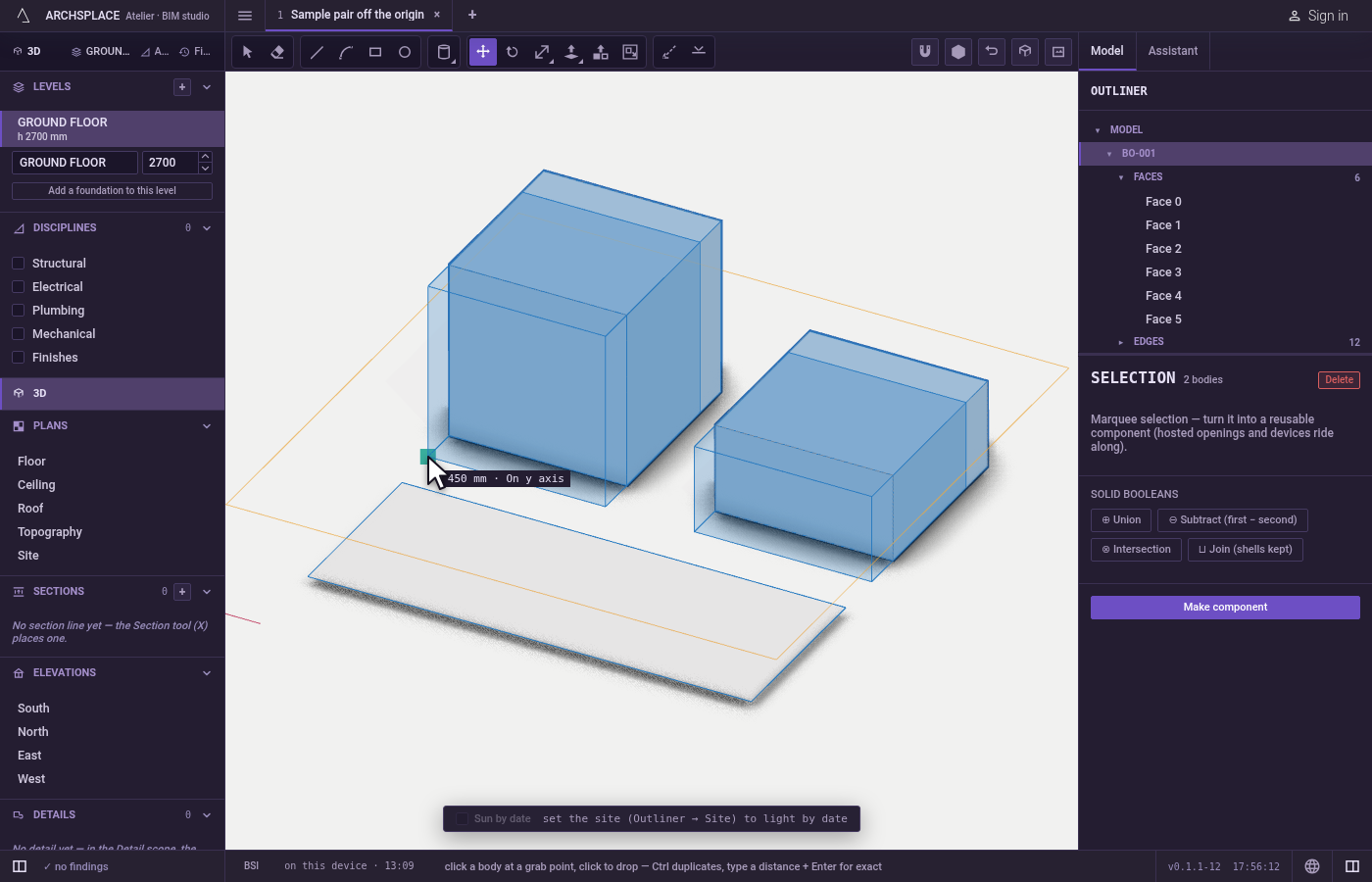
Move to the drop. Point at where it lands; the marker says what the drop takes.
→holds the x axis,←the y axis,↑the vertical, and↓frees it.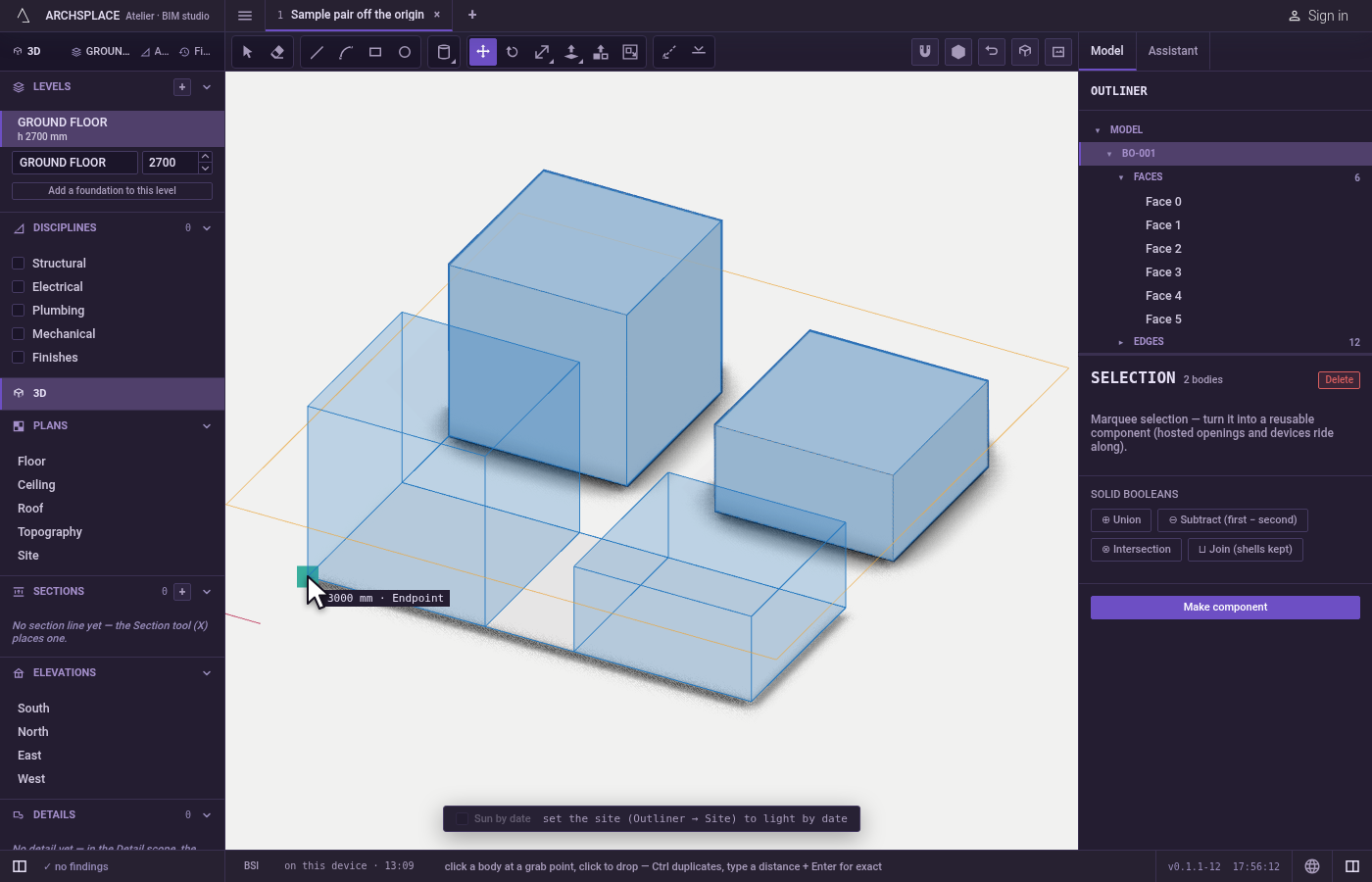
Drop it. Click, or type a distance and press
Enterto travel exactly that far towards where the pointer shows. HoldCtrl(⌘on a Mac) at the drop to leave the original and place a copy.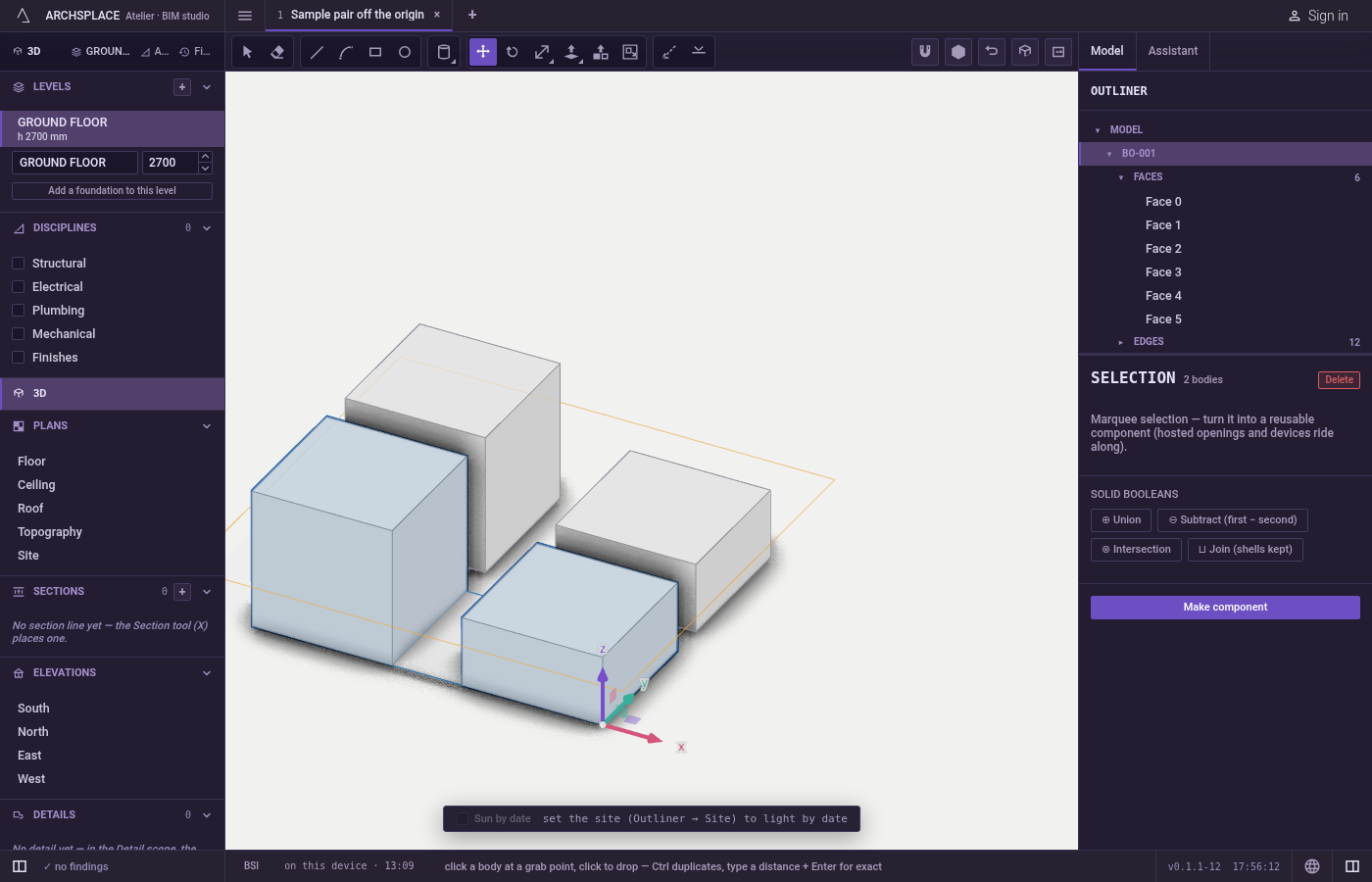
Repeat the copy if you want a row. Right after a copy, type
xand a number, thenEnter:x5gives five copies in all, each one step further. Type/5instead to divide the distance into five equal steps.Escapebefore the drop puts everything back.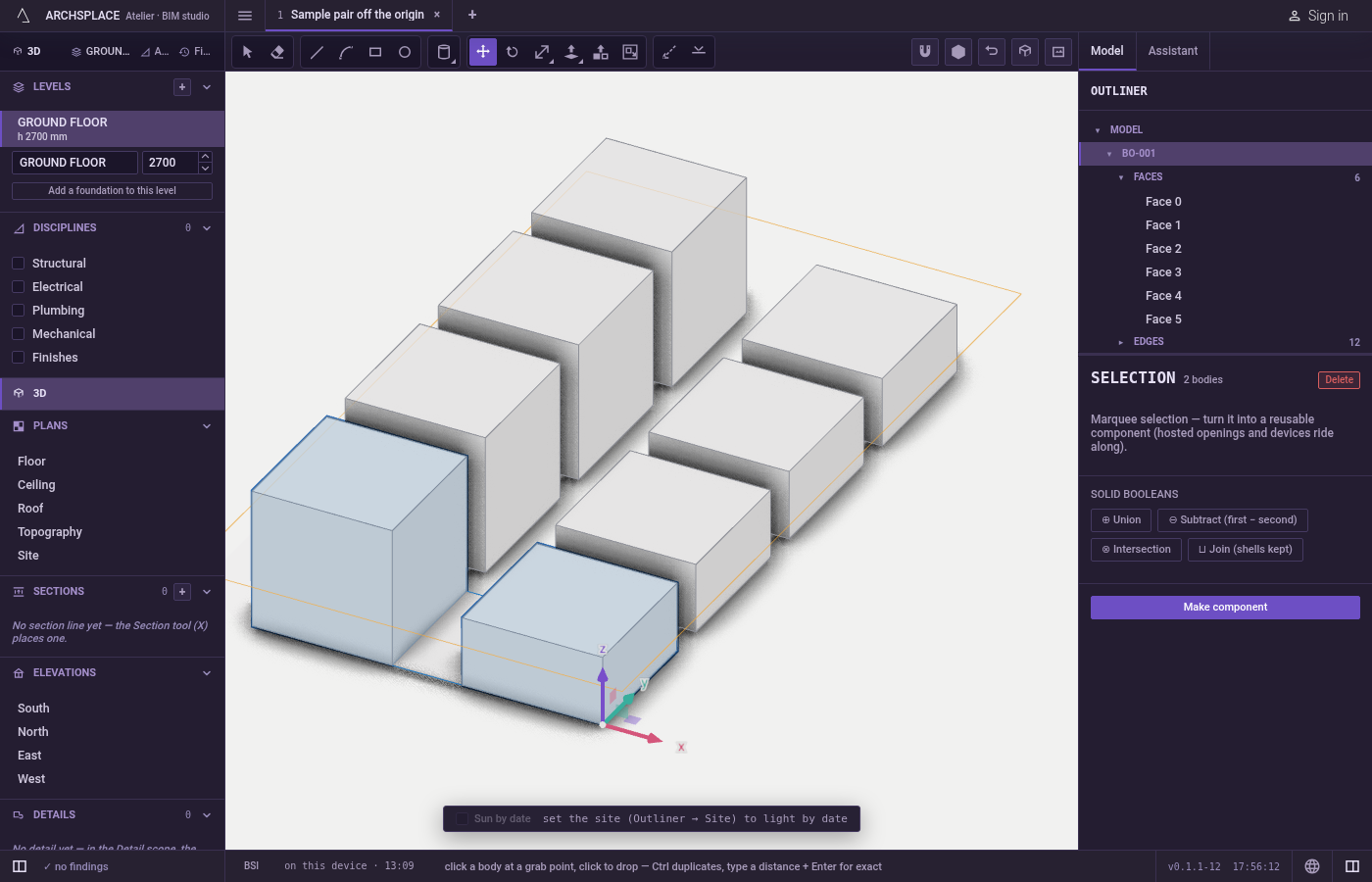
A section of the project can also be moved here: click its frame, move along its axis, and click or type a distance.
What it refuses
- A copy of part of a body.
Ctrlcopies whole bodies, loose lines, components and openings. On a face, an edge or a corner of a body it refuses, since that part reshapes the body it belongs to. The one exception is a hole:Ctrlon a face inside a hole carves the same hole again where it lands. - A rise for elements that sit on a level. A wall, a column, a beam or a stair slides in plan only; a move upward is answered with Walls, columns, beams and stairs take their height from their level, to change in the Levels list.
- A window or a door out of its wall. It slides along its own wall only. It is refused past the end of the wall, closer than 0.1 m to another opening, or with a sill outside its family's range; a door keeps to the floor.
- A slab, a level or the terrain. A slab follows its level's outline, a level's height is set in the Levels list, and the ground is measured: each says so when you try.
- Too many copies at once. An array that would place more than 2,000 copies in one act is refused; repeat it with a smaller number.
What it writes to the contract
One drop is one undoable step. Moving a body, loose lines or a component changes their position in the project; moving a face, an edge or a corner changes those points of the body and the faces that share them. A copy adds a new body, new lines or a new placement of the same component. Walls and the runs joined to them move together, their openings and devices riding along. A copied hole is carved into the same body.
Common questions
How do I move something by an exact distance?
Click the point you grab, move the pointer in the direction you want, type the distance and press Enter. It travels exactly that far towards where the pointer shows.
How do I make several copies in a row?
Move once with Ctrl held at the drop to make one copy. Then type x5 and press Enter for five copies in all at the same spacing, or /5 to divide the distance into five equal steps.
What happens if I grab a face instead of a whole body?
Only that face moves, and the faces around it stretch to follow. To carry the whole body, select it first with a triple click, then move.
Can I lift a wall with Move?
No. A wall, a column, a beam or a stair slides in plan, and its height comes from its level. A move with a rise says to change the level's height in the Levels list.