SketchEXin the studio
Extend
Extend grows the end of an open line or arc in the sketch editor along its own direction until it meets the next line ahead. It works by a click near the end, a box across several ends, or a fence, and only the lines you selected bound it when you selected some first.
What it is
Extend lengthens an open line until it reaches the next line ahead of it. The end that grows is the one nearest the pointer, measured along the line, so you choose it by pointing at the half of the line that holds it. A straight line grows straight on; an arc grows along its own circle and stays a true arc. The stretch it would add is shown before you click.
Like the other tools of this group, Extend works on the lines as you drew them: a chain from Line or an arc is open and has two ends, while a rectangle or a circle is closed and has none. Every other line of the drawing is a boundary, unless you select the boundaries before arming Extend.
When to use it
- Closing a gap where a line stops short of the one it should meet, so the outline encloses.
- Running a line on to an edge drawn later.
The steps
Choose the boundaries, if you want. In the sketch editor (see Select for the ways in), select the lines the ends should stop at with Select. Skip this and every line is a boundary.
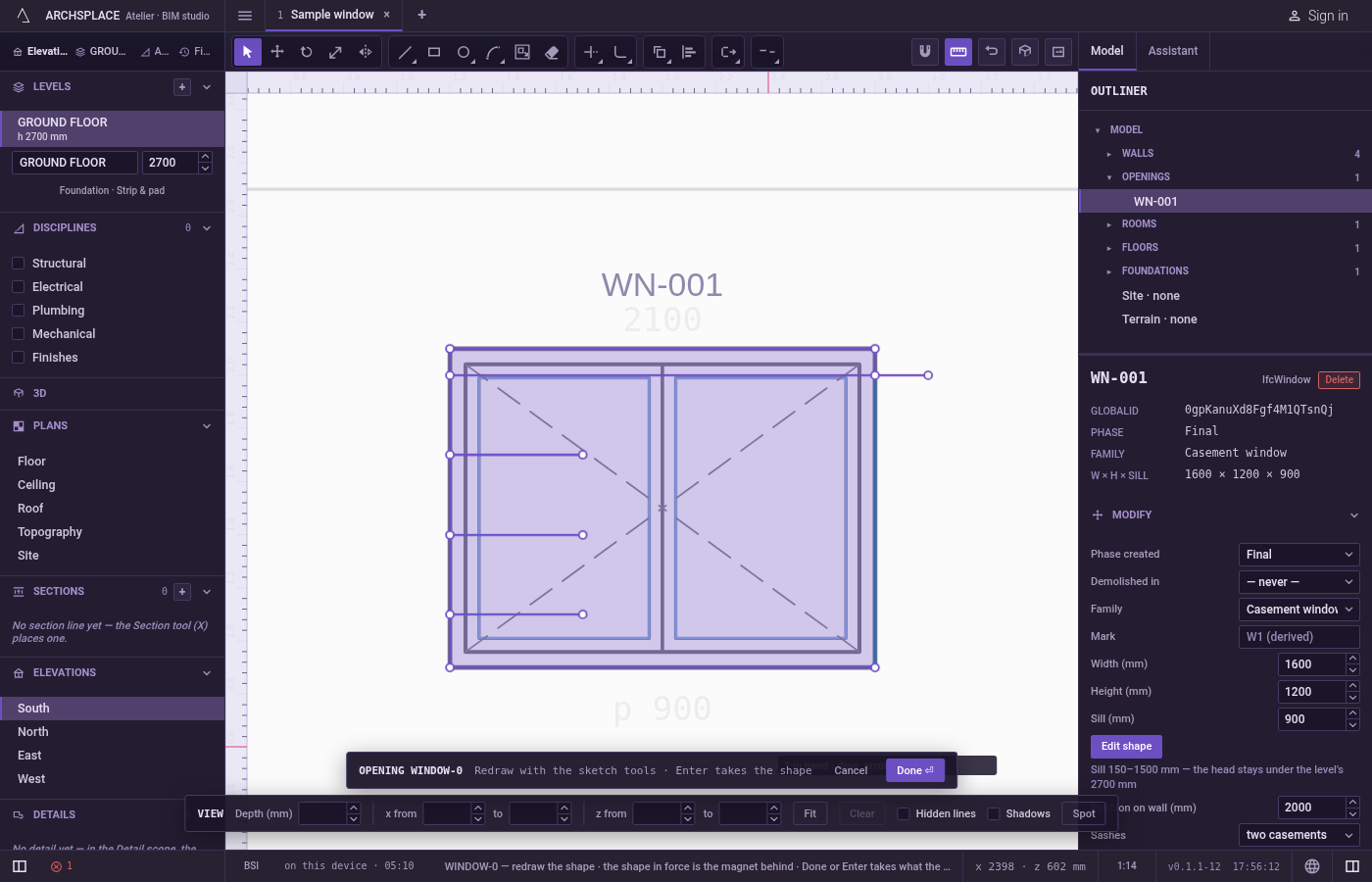
Arm Extend. Type
EthenXquickly, or click Extend on the editor's toolbar. The hint at the cursor says extend: click near an end, or drag a box across the ends to grow · Shift trims · F fence · Esc.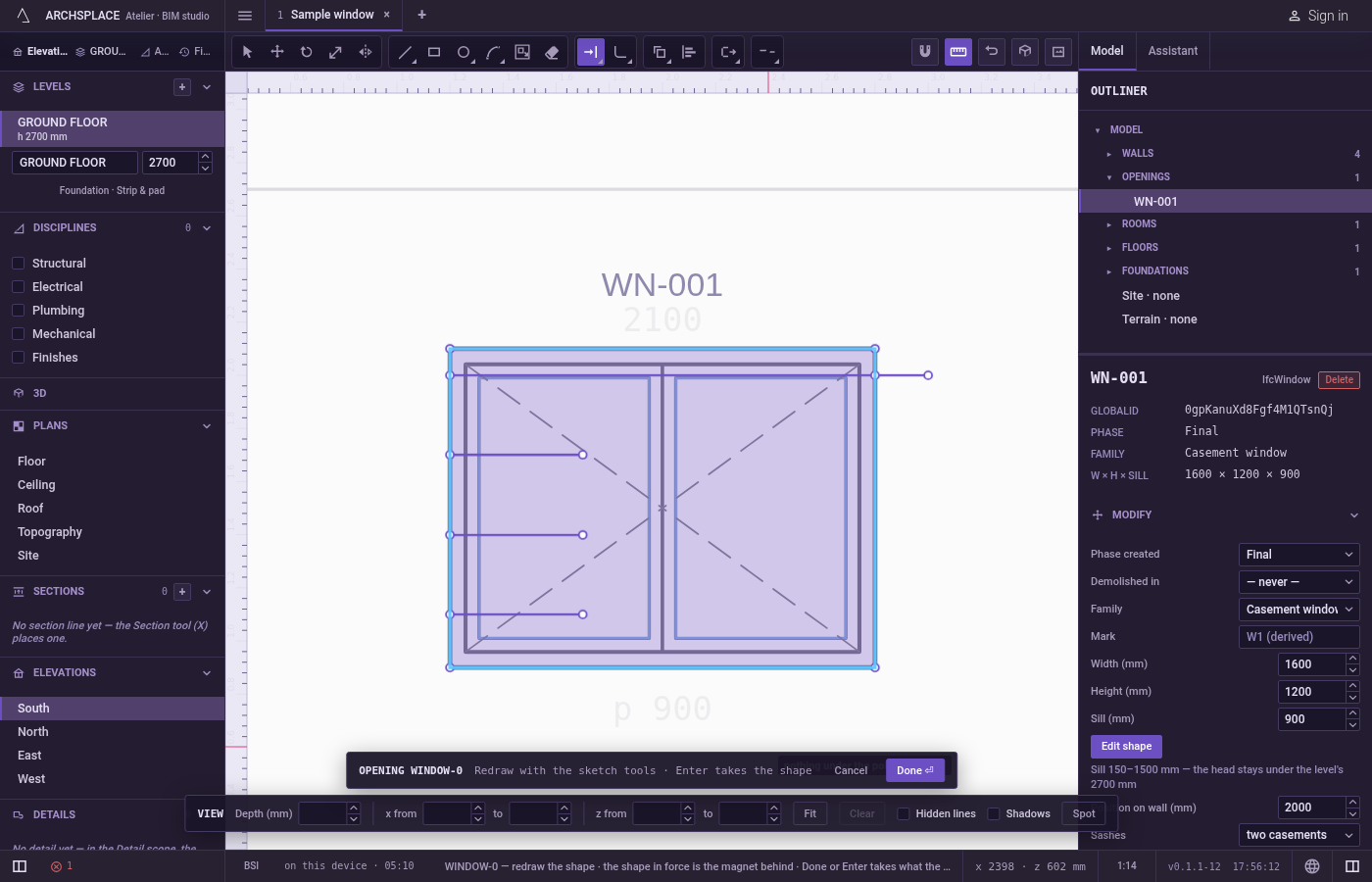
Point near the end to grow. The stretch the line would gain is drawn ahead of it, and the hint says click to extend to the edge. Extend reads the pointer exactly, with no magnet.
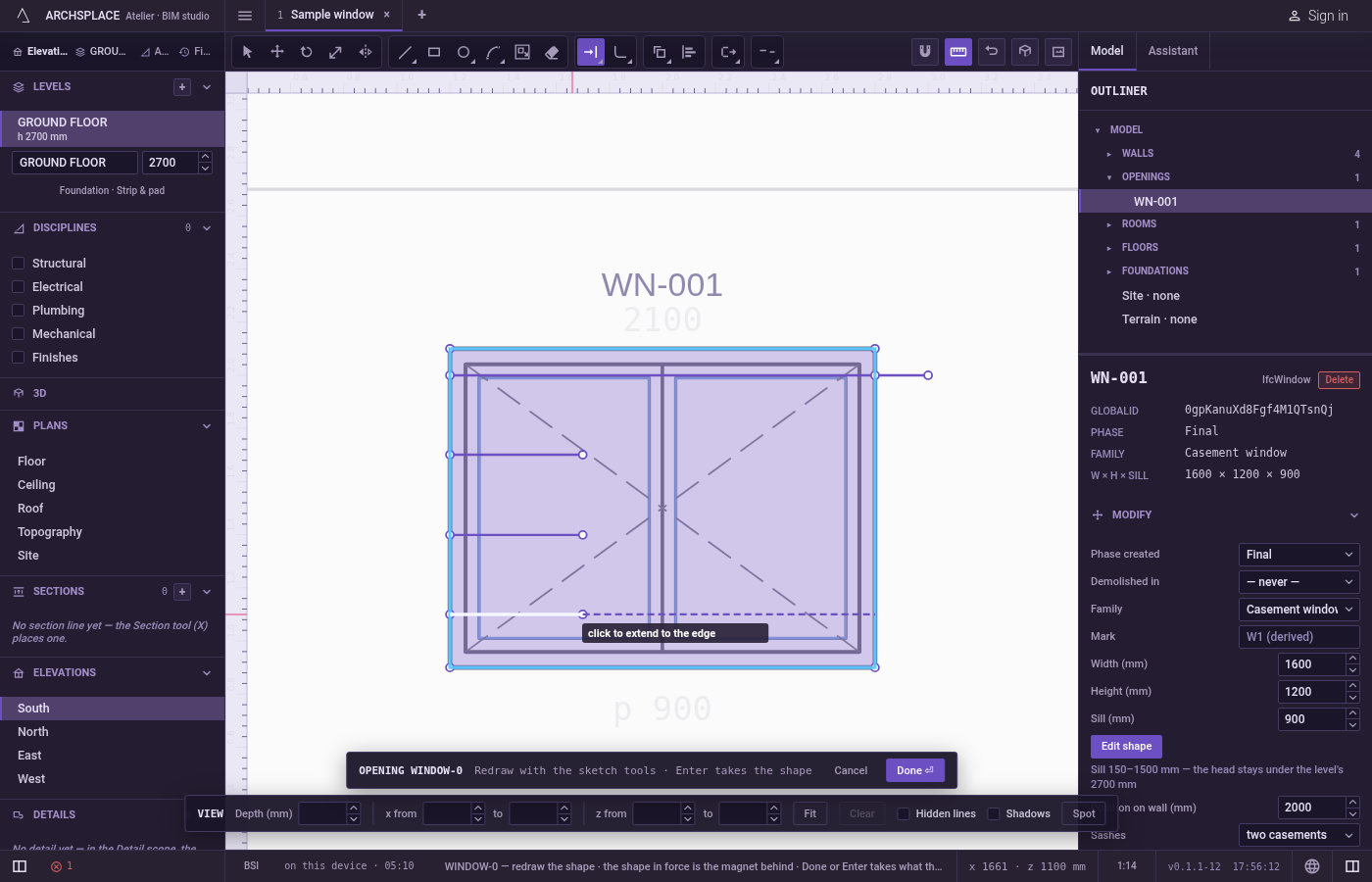
Click. The line grows to the first boundary ahead, and Extend stays armed for the next one.
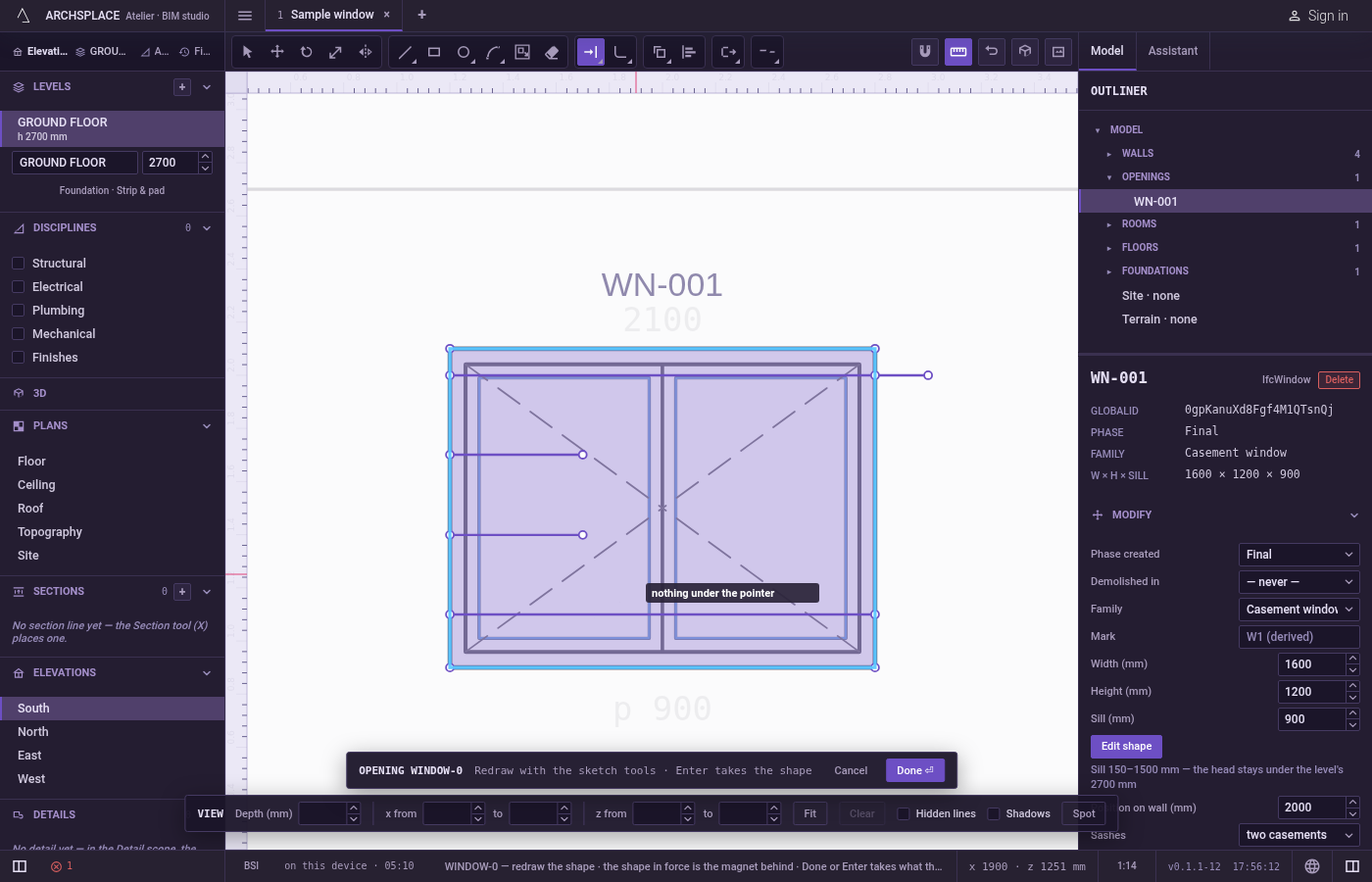
Or drag a box, or draw a fence. Drag a box across several ends, in either direction: each line it touches grows once, at the end nearest the box. Or press
F, click the points of a line across the lines to grow, and pressEnter.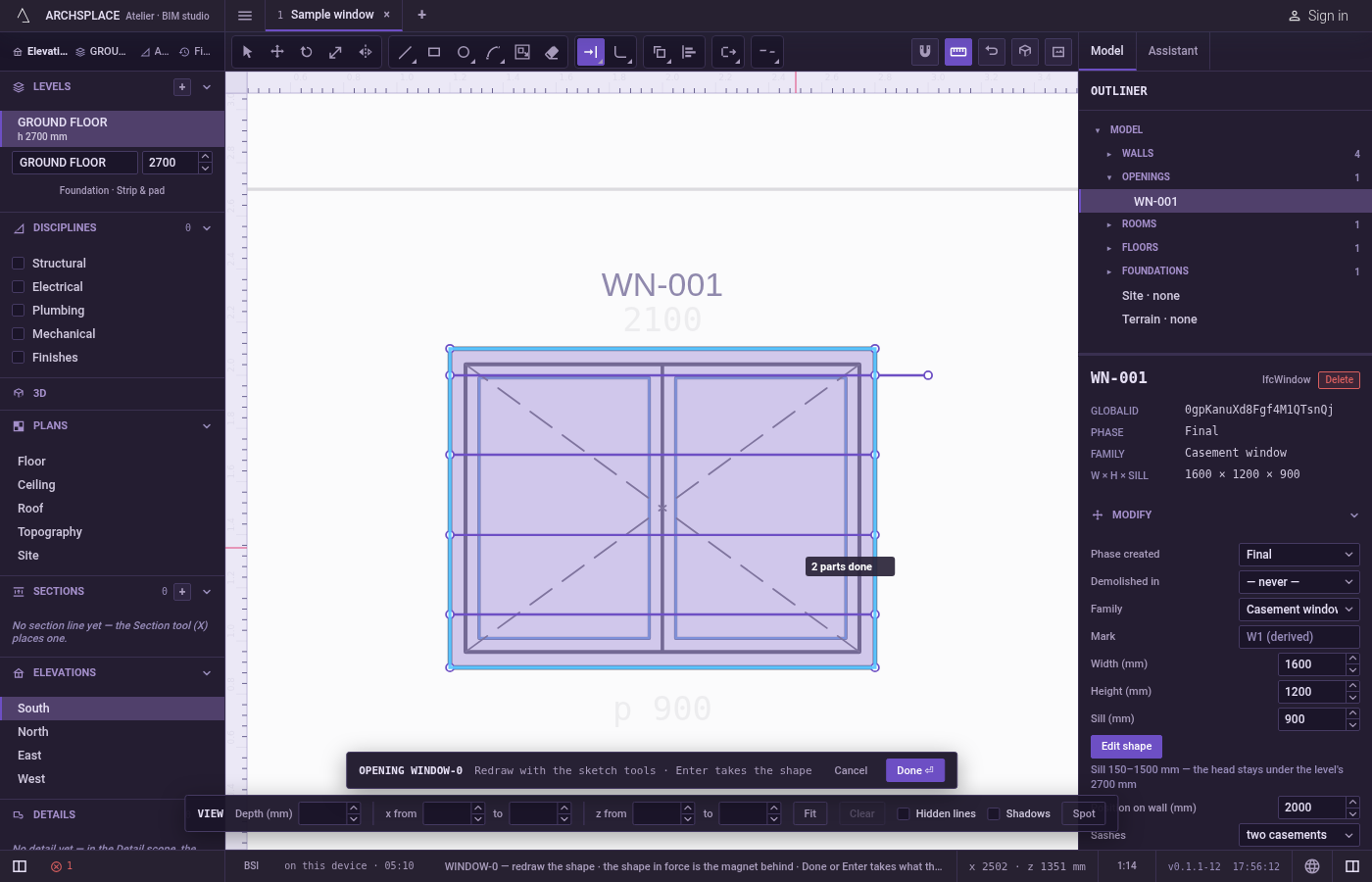
Trim instead. Hold
Shiftwhile you click, box or fence to cut back instead, as Trim does.EscapeorSpacegoes back to Select.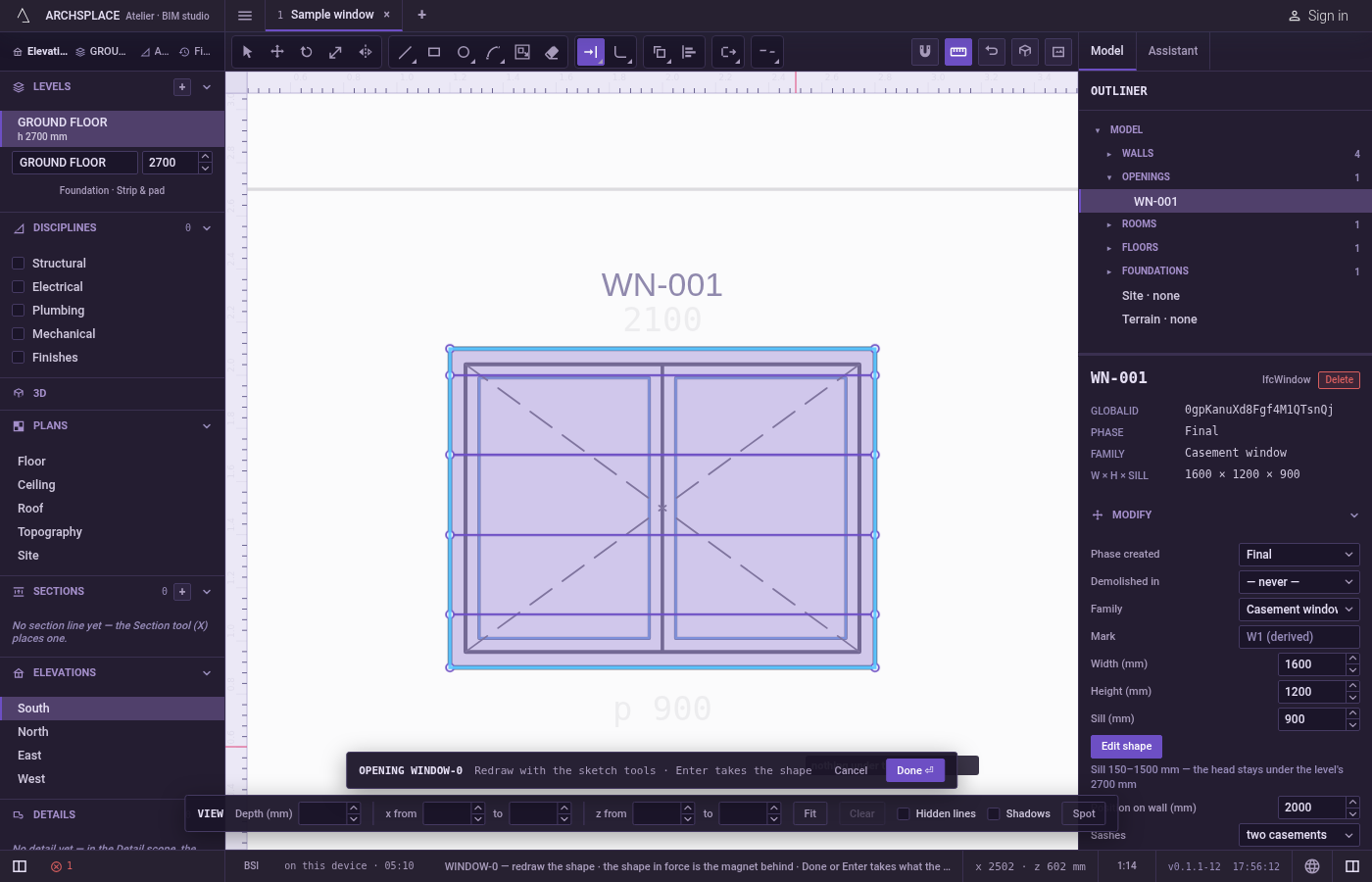
What it refuses
- A closed outline. The hint says a closed outline has no end to extend. Use Explode first to make its sides separate lines.
- Nothing ahead. When no line lies ahead of the end, the hint says no edge ahead to reach, and nothing changes.
- A click on nothing. The hint says nothing under the pointer.
- A box or a fence over nothing to grow. The hint says nothing to trim under that box, or the fence crosses nothing.
- The shape in force as a boundary. The dimmed shape behind your drawing never stops a line. Draw over it to extend to it.
- Moving a middle corner. Only the last stretch of the line grows; the rest of it stays where it is.
What it writes to the contract
Nothing until you press Done. Each extension is one step inside the editor, and Ctrl+Z steps back through them. The contract changes when you press Done, or Enter with nothing in progress, as one step you can undo: what the lines enclose becomes the window's or door's profile, points [u, v] in metres across the wall and up from the floor, or the pattern area's outline in the room's floorAreas or ceilingAreas, points [x, y] in plan metres.
The grown end is a new end point on the boundary. An arc's bulge, the third number on its starting point, is recomputed for the longer sweep, so the arc keeps its circle.
Common questions
Which end of the line grows?
The end nearest the pointer along the line: point at the half of the line that holds the end you want to grow.
Can I extend a side of a rectangle?
No. A rectangle is one closed line and has no end to grow. Explode it first to make its sides separate lines.
Does an arc stay an arc when extended?
Yes. It grows along its own circle and keeps its exact radius.