SketchCin the studio
Circle in the tile editor
Circle draws a round joint inside a pattern's tile from its centre and a point on it, or from its centre and a typed radius. The circle is one joint, and it must stand whole inside the tile.
What it is
Circle draws a round joint inside the tile: a dot in a terrazzo, a ring in a medallion, the circle of a decorative tile. You give it its centre, then its size. The tile's corners, the middles of its sides, its centre and its edges are magnets, and so are the ends, the middles and the length of the joints already drawn.
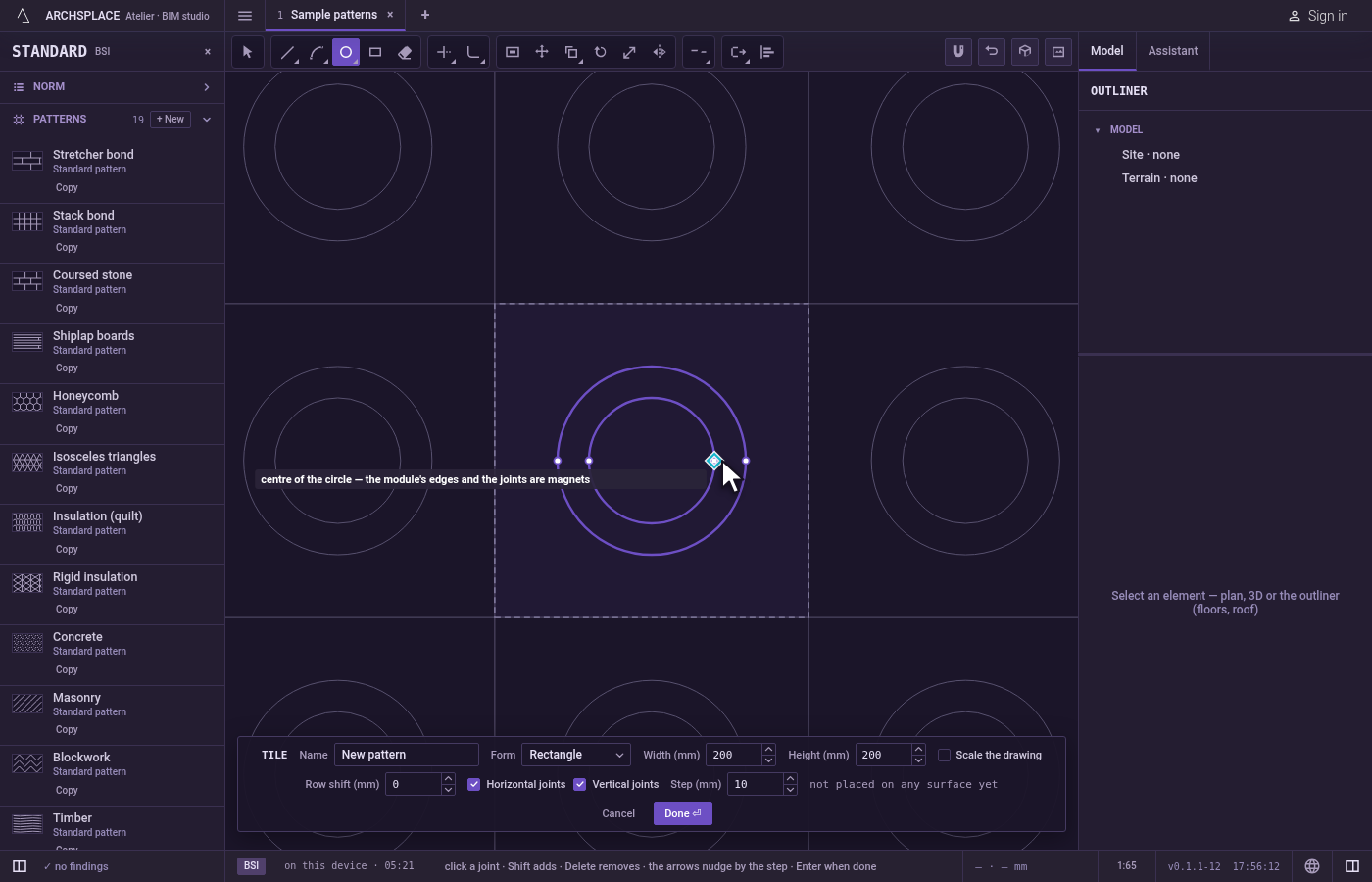
A circle is one joint. It is selected, nudged, erased and undone whole. Once drawn, its centre and the points at its left, right, top and bottom become magnets for the next joints.
When to use it
- To draw a round motif inside the tile.
- When you know a circle's centre and its radius.
- When you know two points of its diameter, or three points on it, use Circle by 2 points or Circle by 3 points instead.
The steps
Take the tool. Press
C, or click Circle on the bar. It shares its button with Circle by 2 points, Circle by 3 points and Polygon. The hint at the pointer asks for the centre of the circle.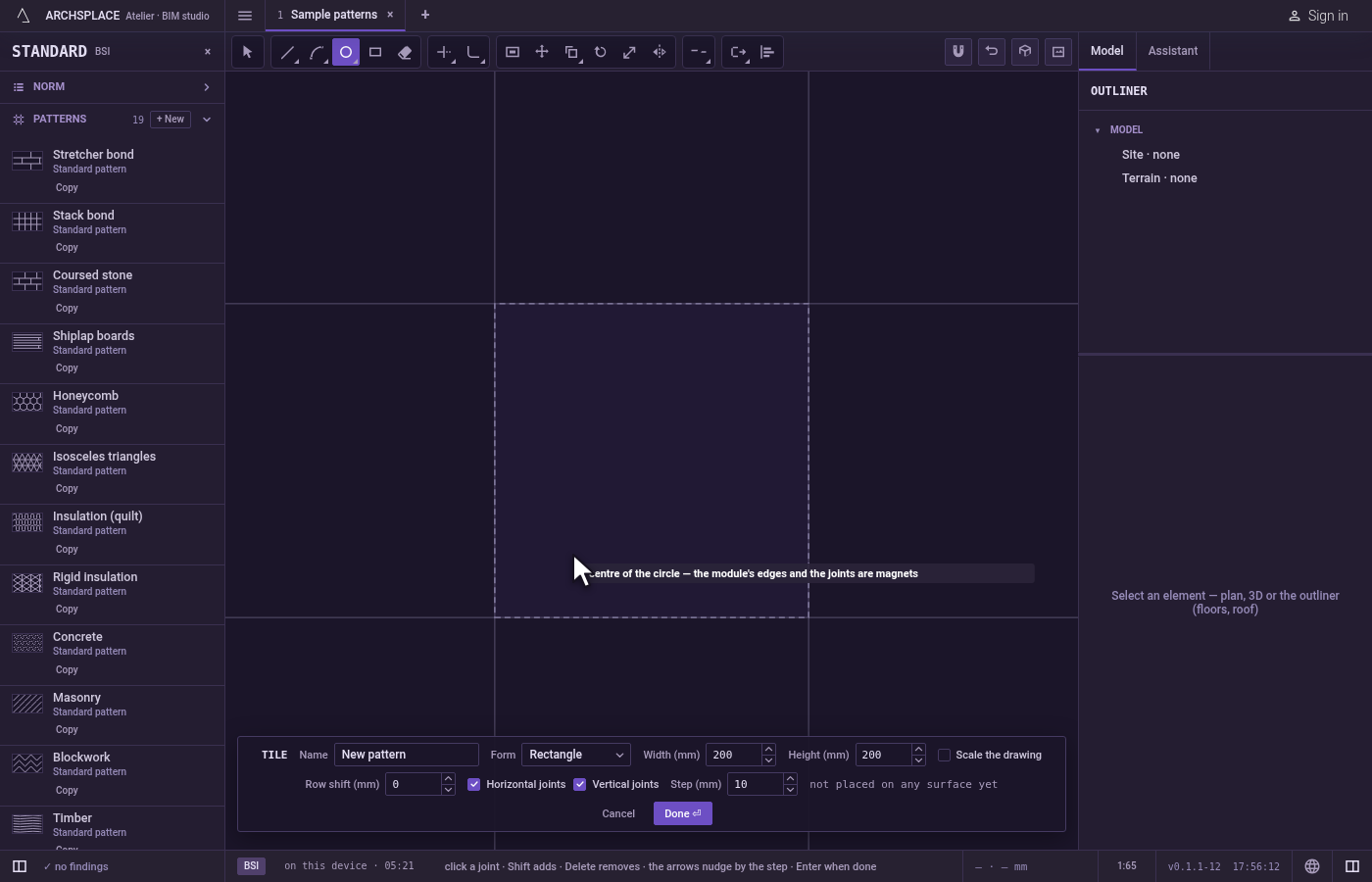
Place the centre. Click inside the tile, or type
x;yand pressEnter, measured from the tile's lower-left corner.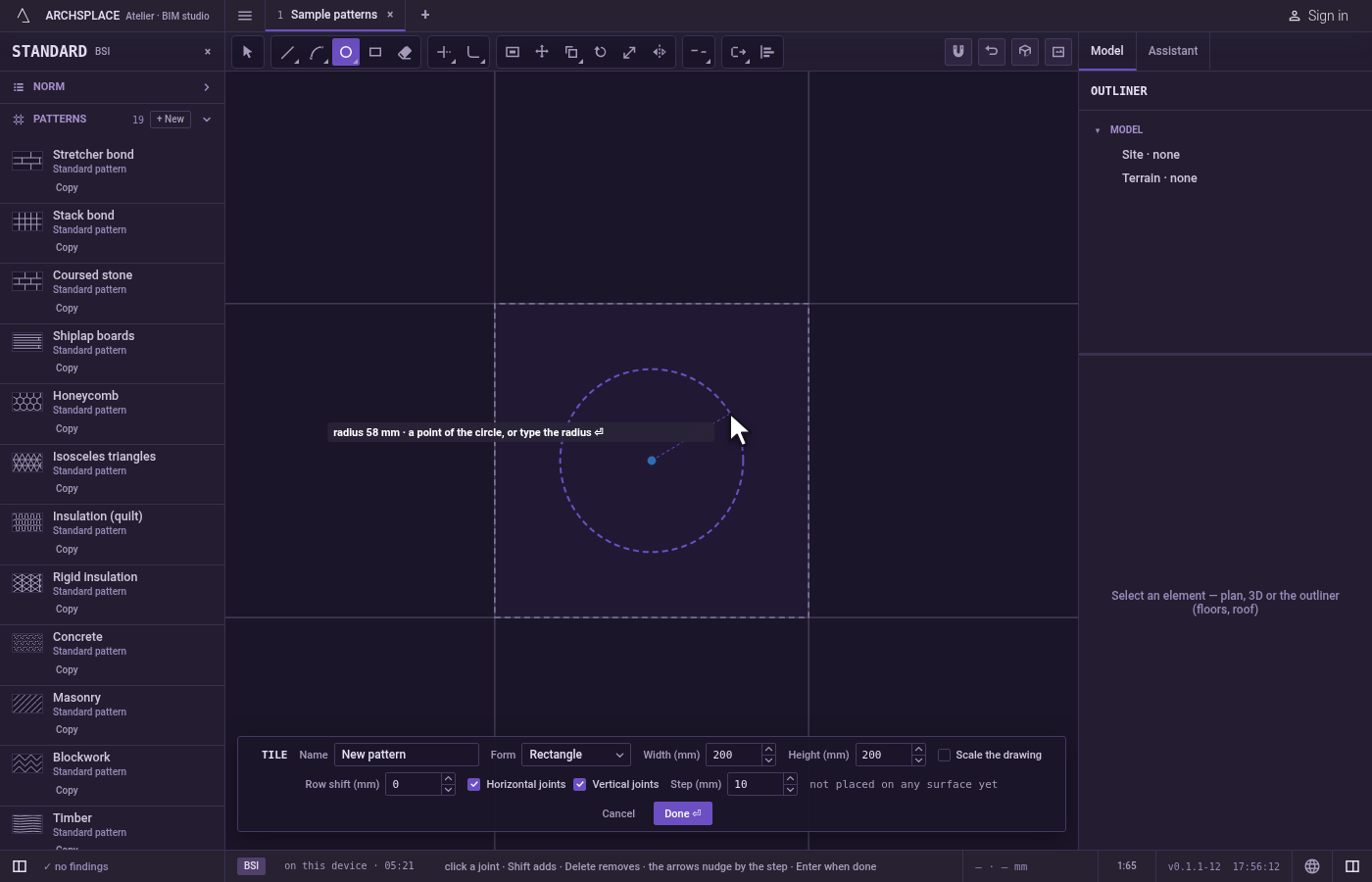
Give the size. A ghost circle follows the pointer, with its radius drawn and shown in the hint. Click a point of the circle, or type the radius and press
Enter. You can also press on the centre and drag, releasing on the circle. If the ghost turns red, the click would be refused.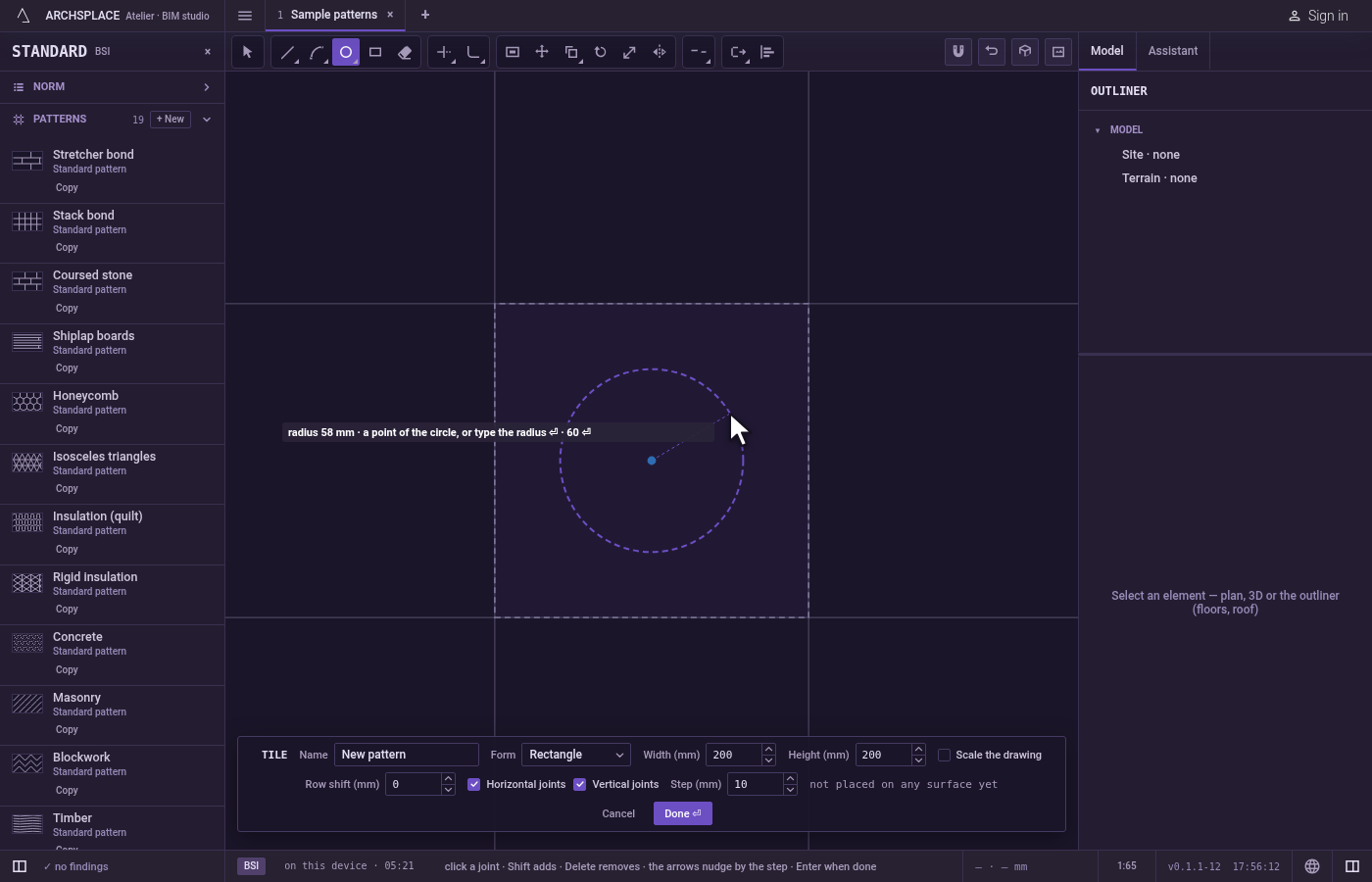
Draw the next one. The circle stands and the tool waits for a new centre.
Step back or change your mind.
Escapeclears what you typed, then drops the centre.Ctrl+Zundoes the last circle.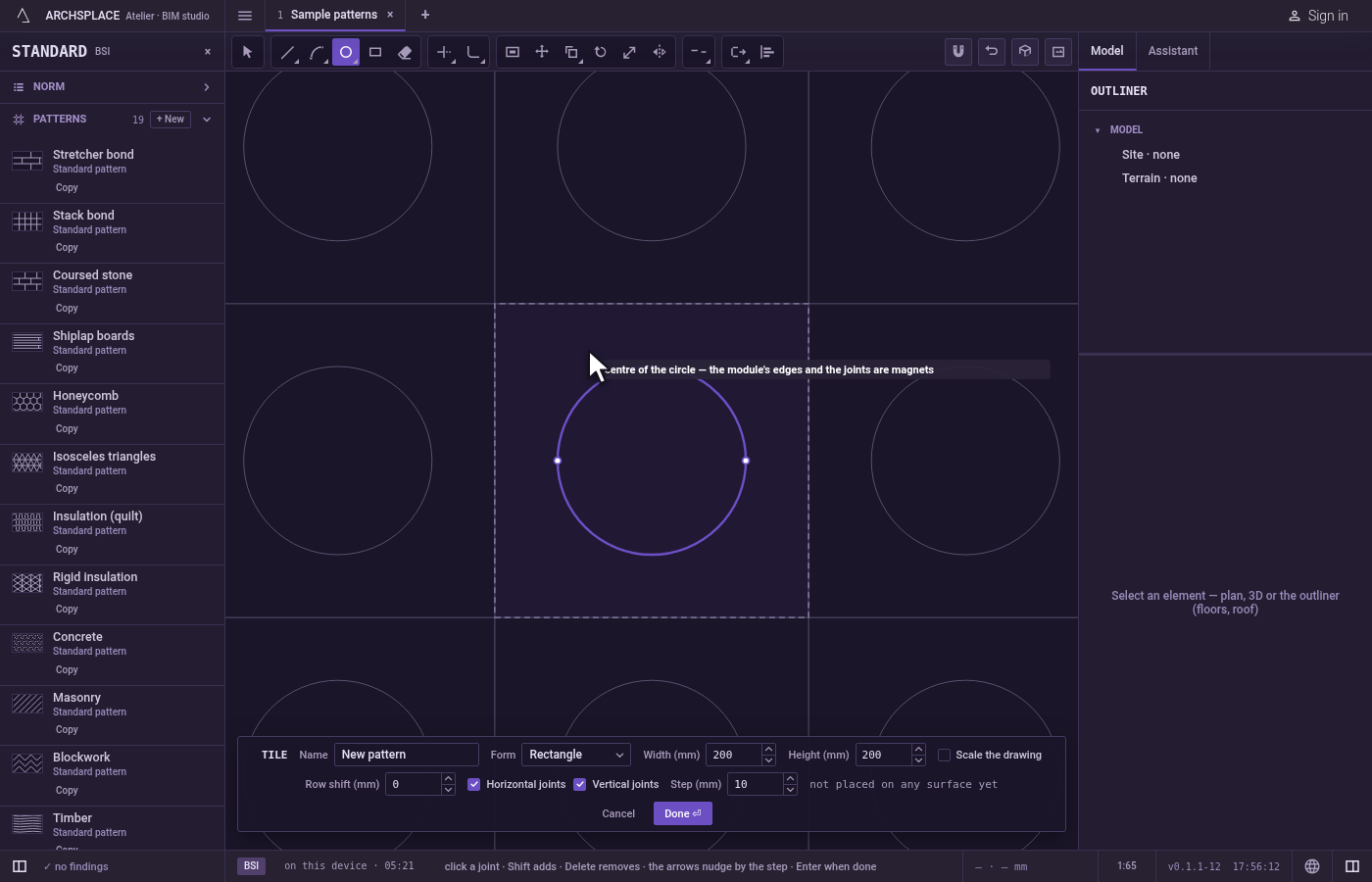
Hand the tile back. Press Done on the bar at the foot, or
Enterwith nothing in hand.Escapewith nothing in hand and nothing selected closes the editor without writing anything.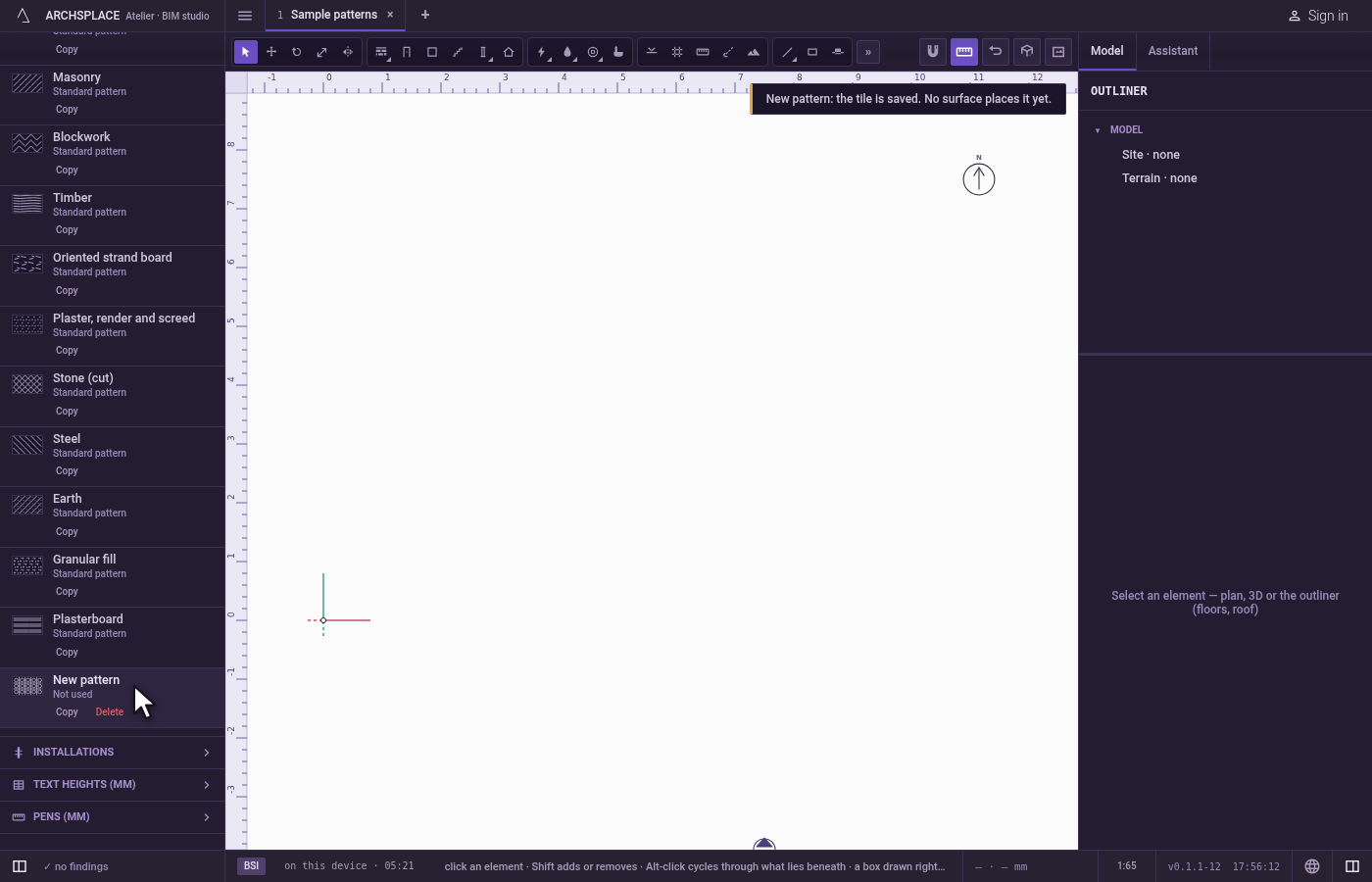
What it refuses
- A circle that leaves the tile. If any part of it would stand outside the tile, nothing is drawn and the editor says a shape must stay inside the module. Your centre stays in hand.
- A circle too small. A radius under a millimetre, or a second click on the centre, is refused with a joint under 1 mm is refused.
- Cutting the circle at the edge. A circle is never cut to fit: it is kept whole or refused whole. The same holds later: if you make the tile smaller with Scale the drawing off, a circle that no longer fits is dropped, and the editor counts it.
What it writes to the contract
Nothing while you draw: the circle stays in the tile editor, where Ctrl+Z takes it back. When you press Done, the whole tile is written to the project's patterns in one step you can undo. A circle is stored as one closed joint made of two half circles, in metres from the tile's lower-left corner. A standard pattern is never changed: Done saves the project's own version of it under the same name, and every surface that lays it follows. Save as new writes a new pattern instead. Cancel writes nothing.
Related
Common questions
How do I draw a circle of an exact size?
Click the centre, type the radius and press Enter. The radius is in the project's units.
Why was my circle refused?
The whole circle must stand inside the tile. If any part of it would cross the tile's edge, nothing is drawn, and your centre stays in hand so you can try a smaller radius.
Can I select half of a circle?
No. A circle is one joint: it is selected, moved and erased whole. To keep part of it, cut it with Trim or Break, which leaves an arc.