Panels
Preferences
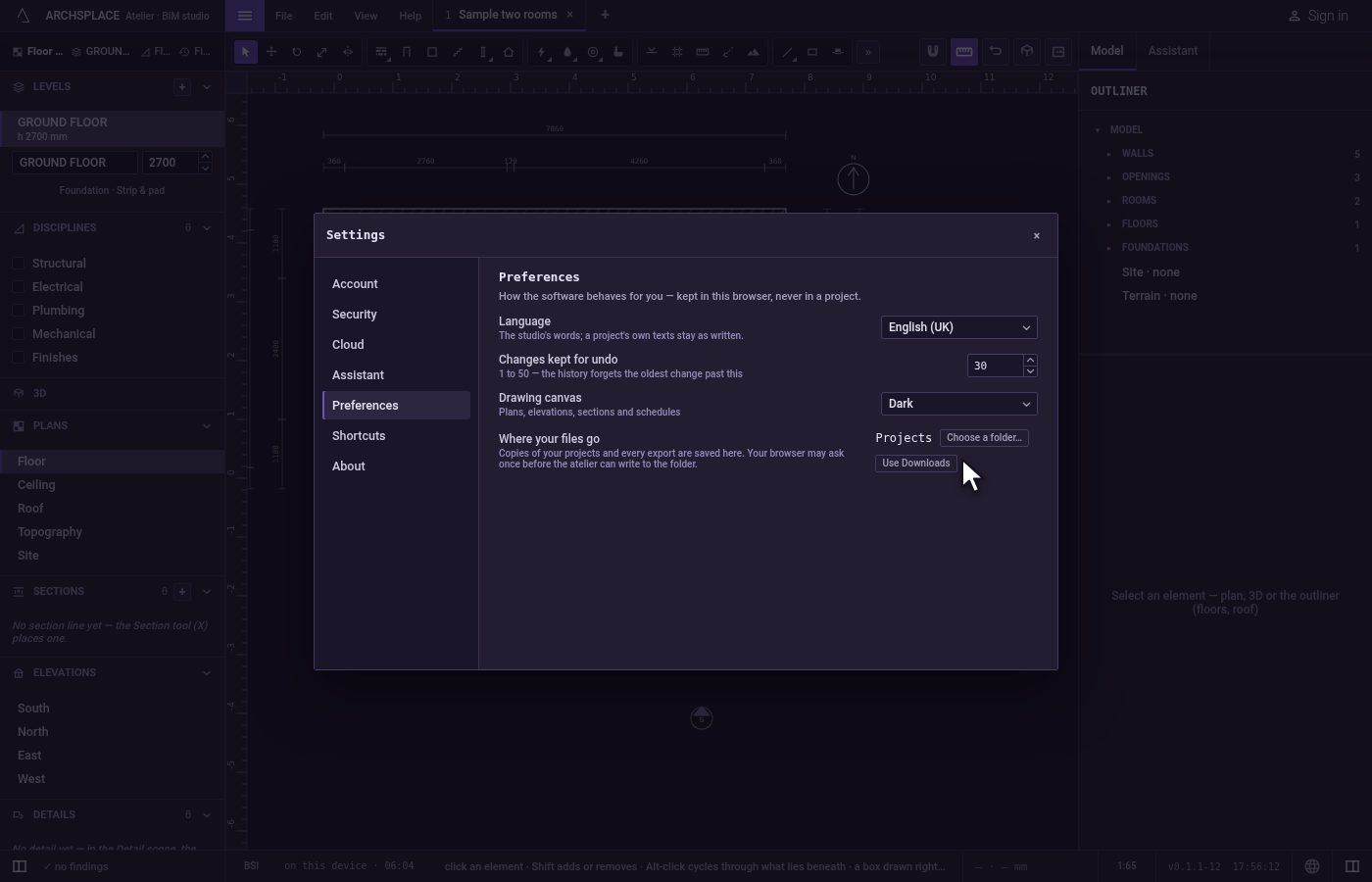
Preferences is the section of the Settings dialog that says how the atelier behaves for you: the language of its words, how many changes undo keeps, the colour of the drawing canvas and, in a browser, the folder your files go to. These choices are kept in this browser or on this computer, never in a project, so every project you open follows them.
What it is
Preferences is one section of the Settings dialog. The dialog opens from File, Settings…, or with Ctrl+, (⌘, on a Mac), and lands on Preferences. Its rail on the left lists the other sections: Account, Security, Cloud, Assistant, Shortcuts and About. A line at the top says what this section is for: how the software behaves for you, kept in this browser, never in a project.
The section holds these rows:
- Language: the language of the studio's words, among English (US), English (UK), English (India), Français, Português (Brasil), Português (Portugal), Español (España), Español (México) and Dansk. A project's own texts, such as a room's name, stay as you wrote them.
- Changes kept for undo: how many changes the undo history keeps, a whole number from 1 to 50, 10 at first. Past it, the history forgets the oldest change.
- Drawing canvas: Light, Dark or System. It colours the paper of the plans, elevations, sections and schedules; System follows your computer's own light or dark setting.
- Where your files go, in a browser that lets a page write into a folder: the folder your project copies and exports are saved to, with Choose a folder… and, once a folder is chosen, Use Downloads to go back. When the browser has not yet allowed the folder, or has stopped allowing it, a line under the row says so, and files go to Downloads until you choose it again.
The installed atelier has no Where your files go row: there your computer's own save window asks where each file goes, every time.
When to use it
- Working in another language than the one the atelier picked for you.
- Wanting to undo further back than ten changes, or keeping a short history.
- Drawing at night or in a dark room, with a dark canvas.
- Sending every export of a project to one folder instead of your Downloads.
The steps
Open the settings. Open File and click Settings…, or press
Ctrl+,. The Settings dialog opens on Preferences.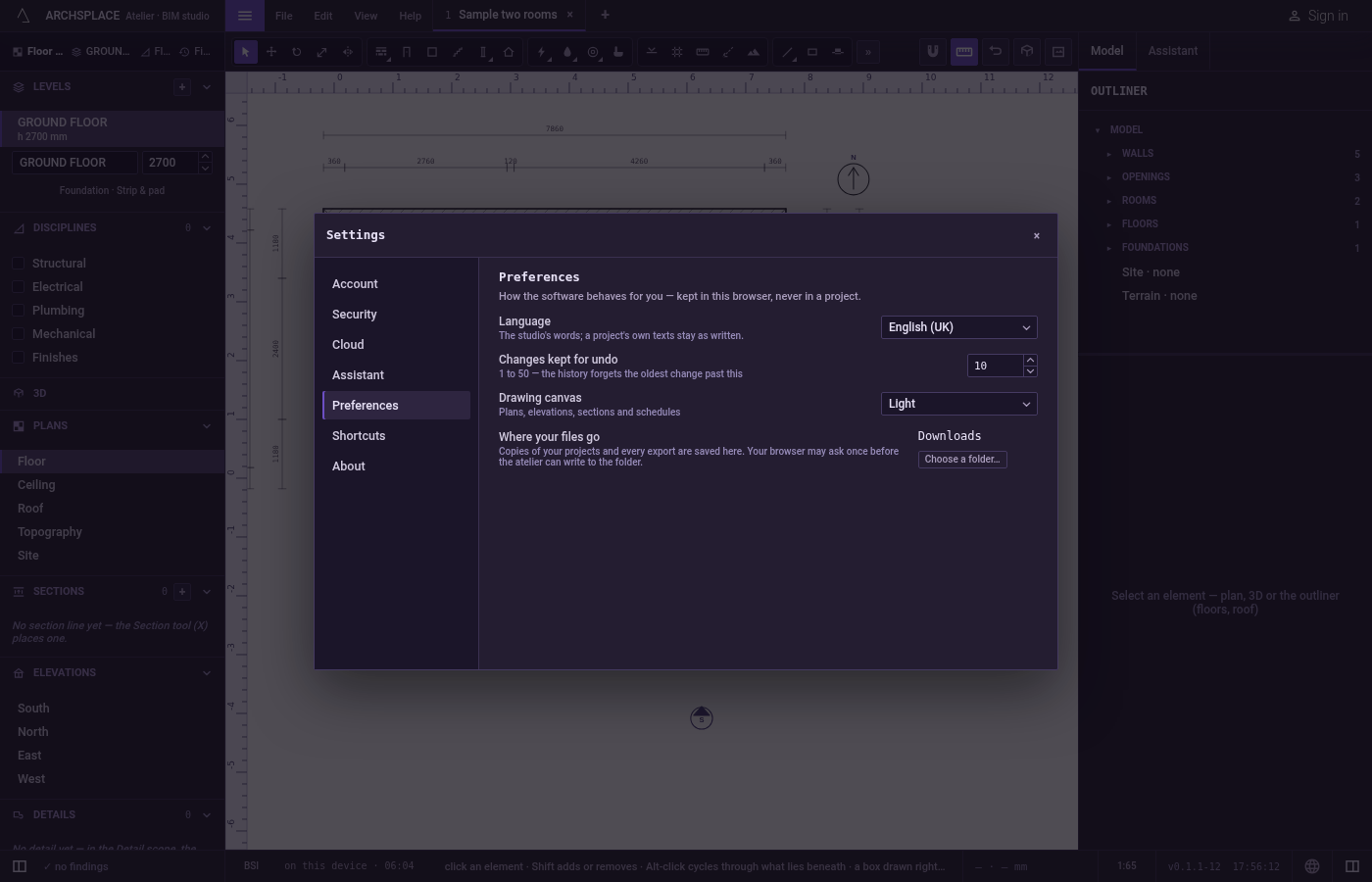
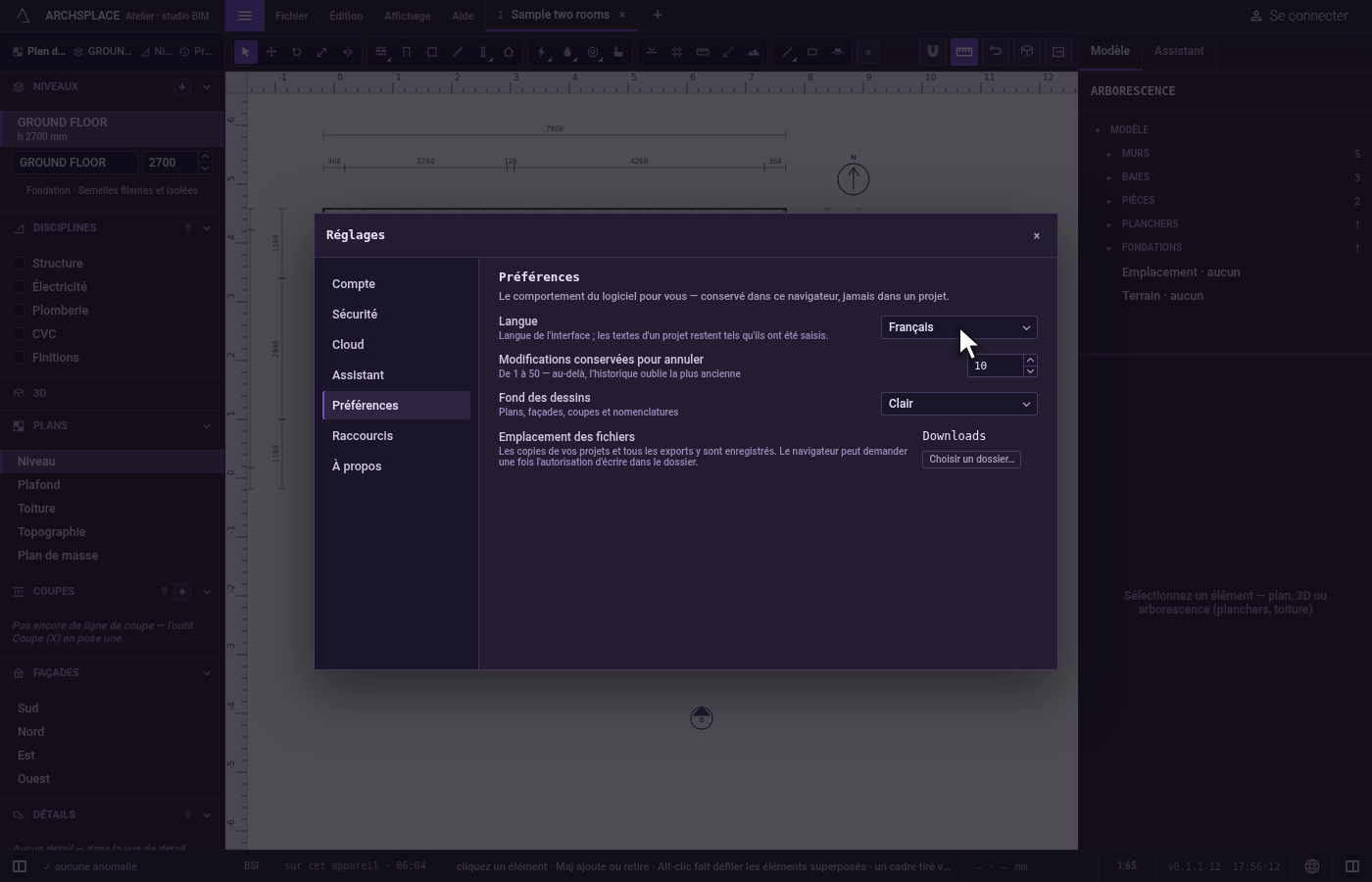
Choose the language. In Language, choose Français. Every word of the studio, the menus, the panels and the hints, turns French at once.
Keep more changes for undo. In Changes kept for undo, type 30 and press
Enter. The history now keeps the last thirty changes.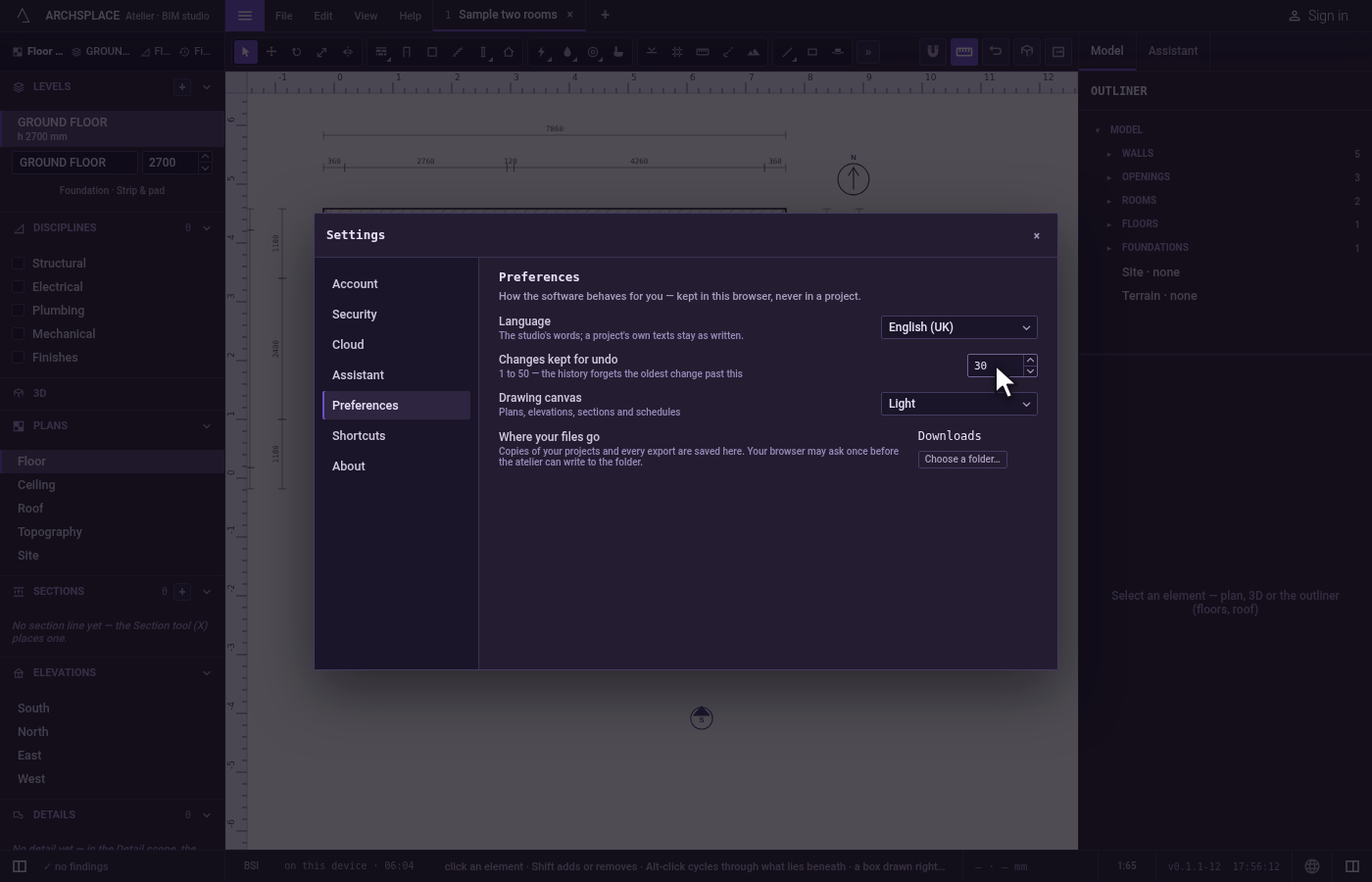
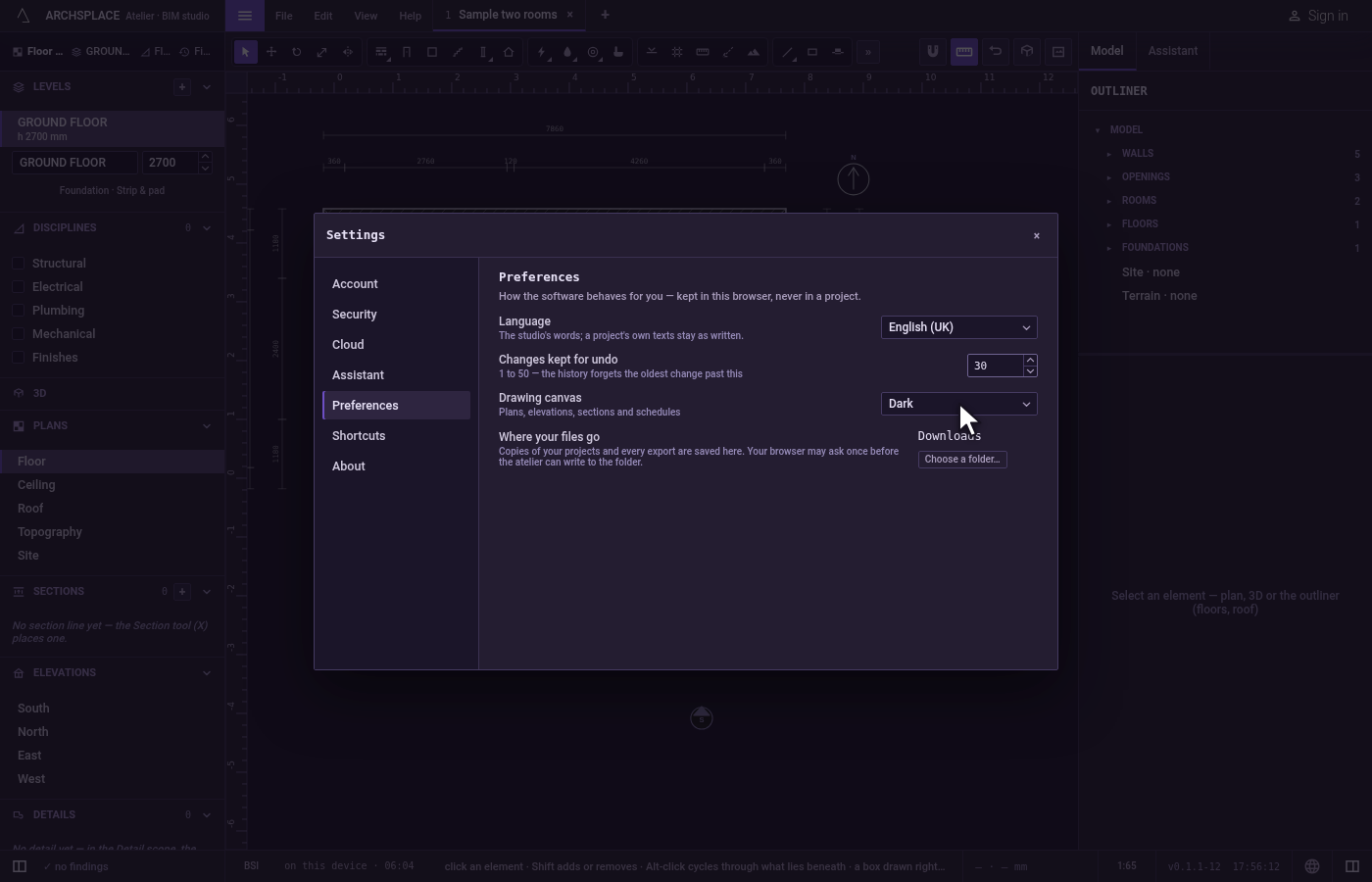
Darken the canvas. In Drawing canvas, choose Dark. The plan behind the dialog turns dark, its lines light.
Choose a folder for your files. In a browser, click Choose a folder… under Where your files go and pick a folder. Its name stands in the row, and every project copy and export goes there from now on. The browser may ask you once to allow it.
Close the dialog. Press
Escape, or click the dialog's close button. Your preferences stay as you set them, for every project.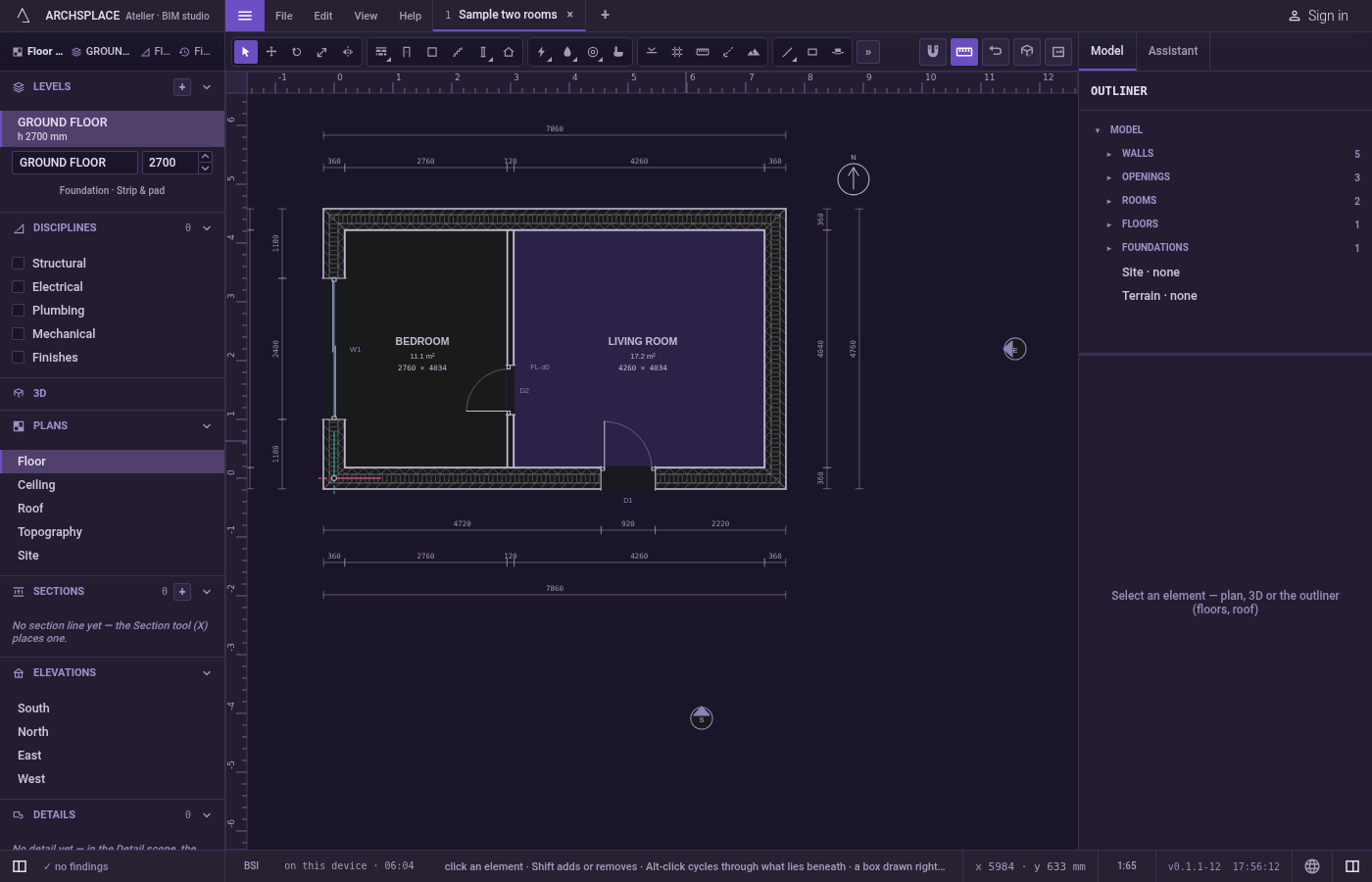
What it refuses
- A number of changes outside 1 to 50. A larger number is taken as 50 and a smaller one as 1; a value that is not a whole number is not written.
- A folder the browser has not allowed. The file goes to your Downloads instead, and the toast says it could not be written to that folder.
What it writes to the contract
Nothing. Preferences belong to you, not to a project: they are kept in this browser, or in the installed atelier on this computer, and a project file never carries them. Opening the same project on another computer shows it with that computer's preferences.
Common questions
How do I change the language of the atelier?
Open File, Settings… (Ctrl+, or ⌘, on a Mac) and choose the language under Language in Preferences. The studio's words change at once; the texts you typed in a project stay as you wrote them. The globe at the right end of the status bar offers the same choice.
Can I undo more than ten changes?
Yes. In Settings, Preferences, set Changes kept for undo to any whole number from 1 to 50. Past that number the history forgets the oldest change.
How do I get a dark drawing canvas?
In Settings, Preferences, set Drawing canvas to Dark, or to System to follow your computer. It changes the plans, elevations, sections and schedules; the rest of the studio keeps its own colours.
Where do my exports go?
In a browser they go to your Downloads unless you choose a folder under Where your files go, in Preferences. In the installed atelier your computer asks where each file goes, every time, so that row does not appear there.