Workflows
Import 3D model
Import 3D model brings an OBJ or STL file into the project in hand as a component: one body per object of the file, placed once at the project's origin on the level in hand. The whole import is one change, which one undo takes back.
What it is
Import 3D model is File, Import 3D model… (.obj, .stl). It also runs when an .obj or .stl file is dropped in the middle of the window while a project is open.
The atelier reads the file:
- an OBJ becomes one body per object or group that carries faces, the faces kept exactly as the file draws them, and the faces outside any group as one body more;
- an STL becomes one body, its triangles joined where they share their corners.
The model is then placed as one rigid whole: its middle in plan on the project's origin and its lowest point on the floor of the level in hand. When it spans more than 40 m, which no piece of furniture and hardly a building does, the atelier reads it as centimetres or millimetres, whichever lands it nearest to a metre, scales it down, and says so in a toast: its largest span, the unit it read and the scale it applied.
The bodies become a new component, named after the file, and one copy of it is placed. A toast says how many bodies were imported and under which component name. The bodies are free geometry, phase-neutral, until you give them a building role.
When to use it
- Placing a piece of furniture, a fitting or an object modelled in another program.
- Bringing in a 3D print model or a scan as a reference.
- Starting from a massing model made elsewhere.
The steps
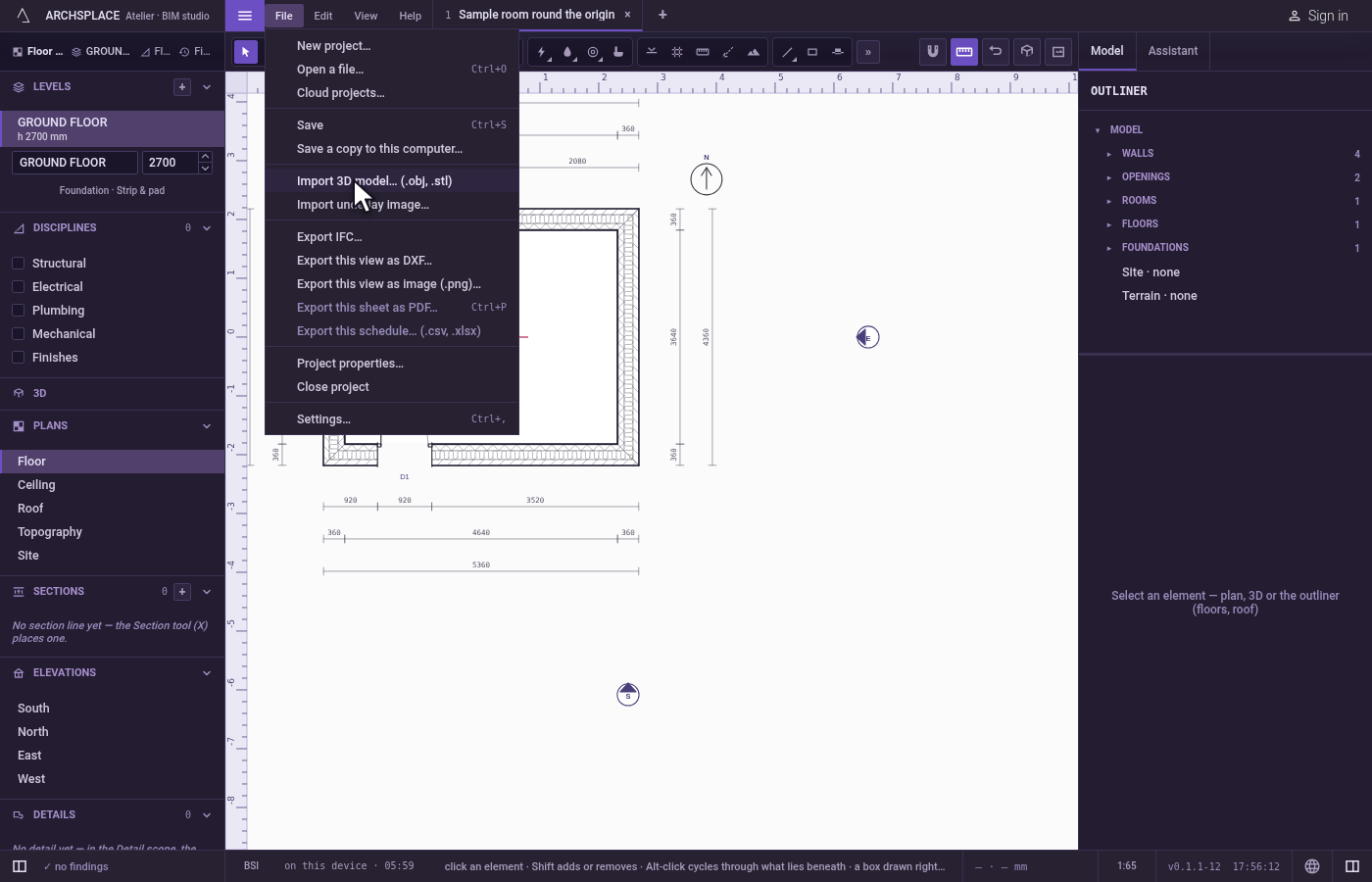
Open the import. Open File and click Import 3D model… (.obj, .stl). Your computer's file window opens on OBJ and STL files.
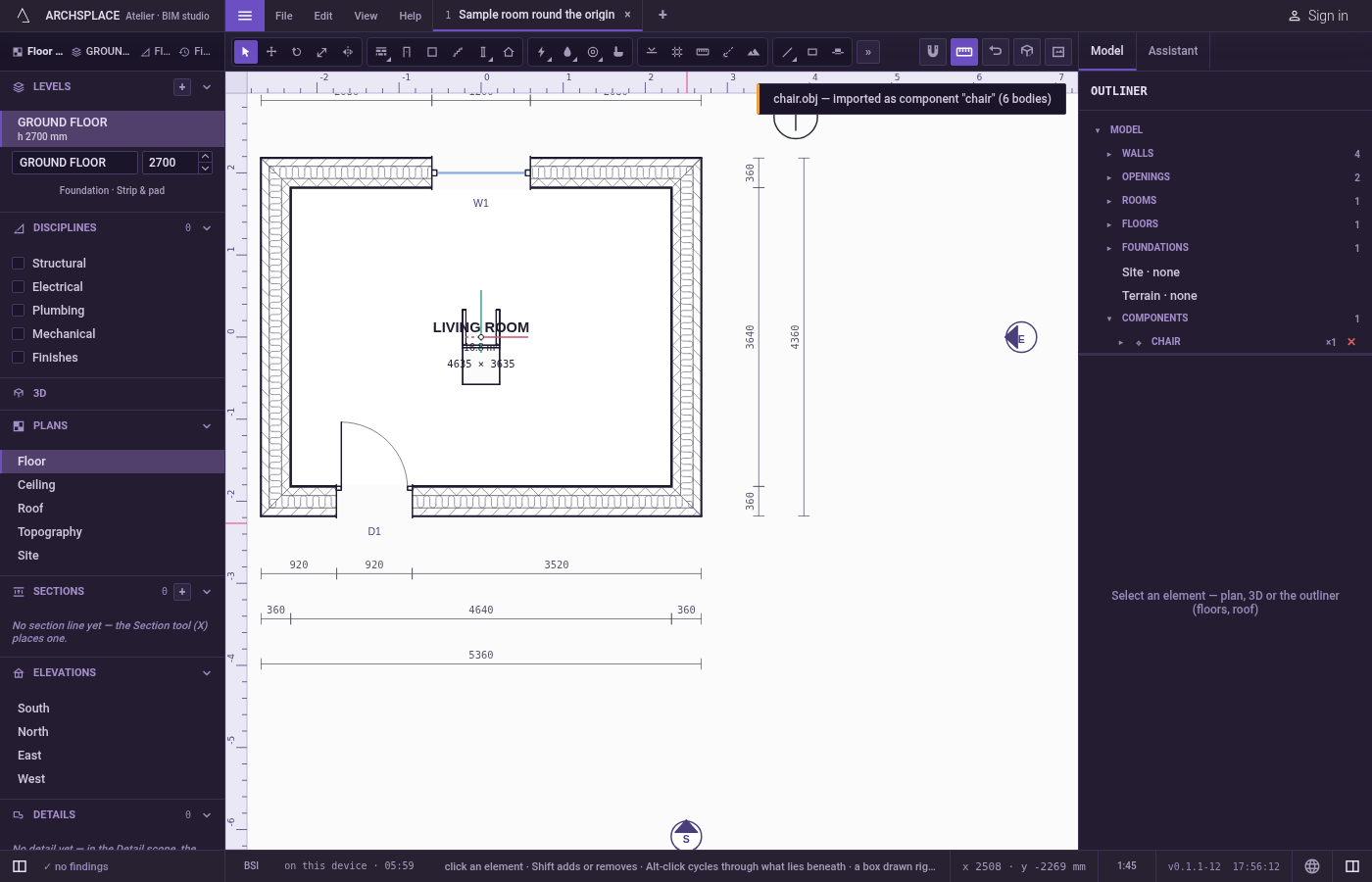
Choose the file. Choose chair.obj and confirm. The toast says chair.obj, imported as component "chair", with its number of bodies. The chair stands at the origin of the level in hand.
Undo if needed. If the scale or the place is not what you wanted, press
Ctrl+Z: the whole import goes in one step.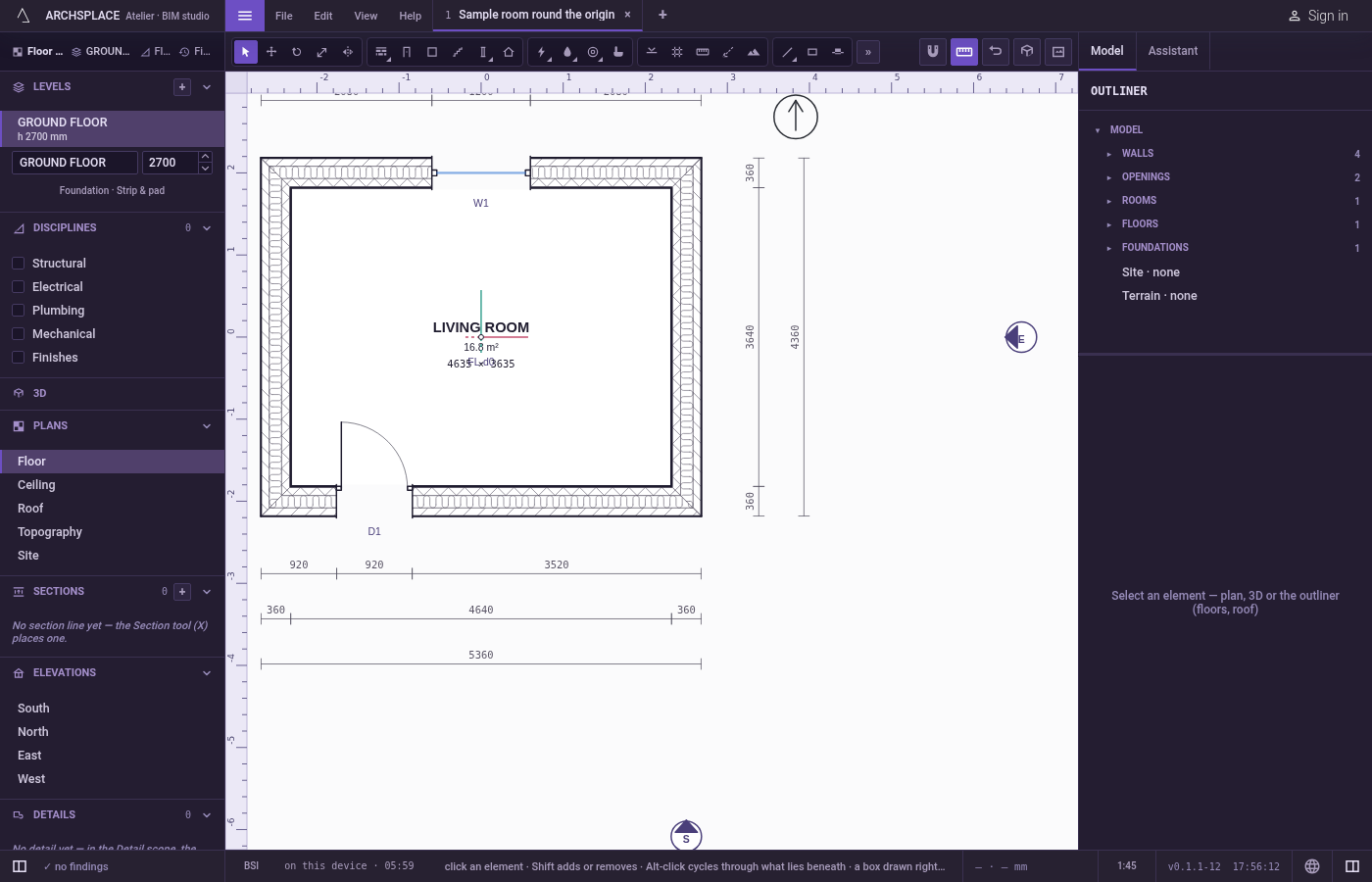
What it refuses
- A file that is not OBJ or STL. The toast says it is not an importable model, and that import reads .obj and .stl.
- A model with no project open, when it is dropped on the window: open a project first.
- An OBJ past 30 000 vertices or an STL past 20 000 triangles. Nothing is imported, and the toast asks you to decimate the model first.
- An empty or unreadable file. An empty OBJ, or an STL with no triangle the atelier can read, imports nothing, and the toast says why.
- Broken parts of a file. A vertex with coordinates that are not numbers, or a face pointing at a vertex that does not exist, is skipped, and each one is said in a toast.
What it writes to the contract
One change, after the three steps' second:
componentDefs gains the component, named after the file, holding the bodies with their corners in metres. The instance names it by its place in that list, stands at the origin with no rotation, on the level that was in hand.
Common questions
Which 3D files can I import?
OBJ and STL files. Each object or group of an OBJ becomes one body; an STL becomes one body. Another format is refused with a toast.
My model came in a hundred times too big. Why?
It did not: when a model spans more than 40 m, the atelier reads it as centimetres or millimetres, whichever lands it nearest to a metre, scales it down and says so in a toast. If that guess is wrong, one undo takes the whole import back.
Where does the imported model land?
On the level in hand, its middle in plan on the project's origin and its lowest point on the level's floor, as one component instance you can move, rotate or copy like any other.