PlanAUin the studio
Ventilation unit
Ventilation unit places the unit the ducts run to, with one click in a room; once the phase has one, a click moves it there and its ducts follow. Ctrl and a click adds another unit instead.
What it is
The ventilation unit is where the ducts go. Its tool places it once and then moves it: the first click in a room places the unit, and every click after that moves the unit of the phase you are drawing in to the room you click, giving it the kind chosen in the list. The ducts follow at once. Held with Ctrl, a click adds another unit.
The list offers your template's units; in a project under the UK template, a mechanical extract ventilation unit (MEV), a heat recovery ventilation unit (MVHR) and a ducted air conditioning unit. A ducted air conditioning unit is a unit of its own kind: placing or moving one never moves the ventilation unit, and the other way round.
When to use it
- Placing the unit of a new ventilation system.
- Moving the unit to another room, such as the loft or a utility room, and seeing the ducts laid again.
- Switching between an extract-only unit and MVHR.
The steps
Take the tool. Type
AthenUquickly, or pick it on the toolbar, where it shares a button with the air terminal and the outdoor unit. The status bar says that a click in a room moves the phase's unit there and that Ctrl and a click adds another.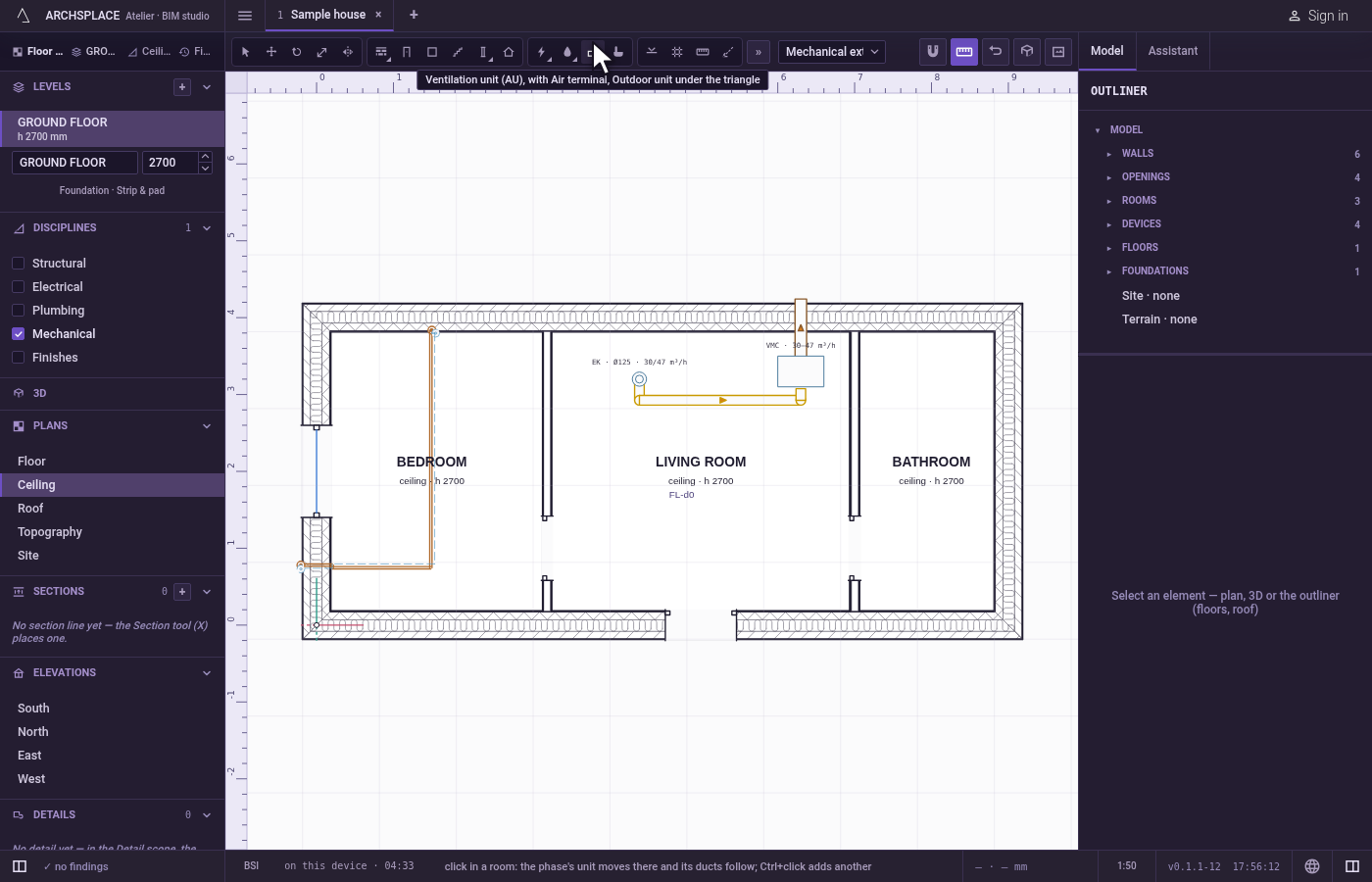
Choose the kind. Pick the unit in the list beside the tools.
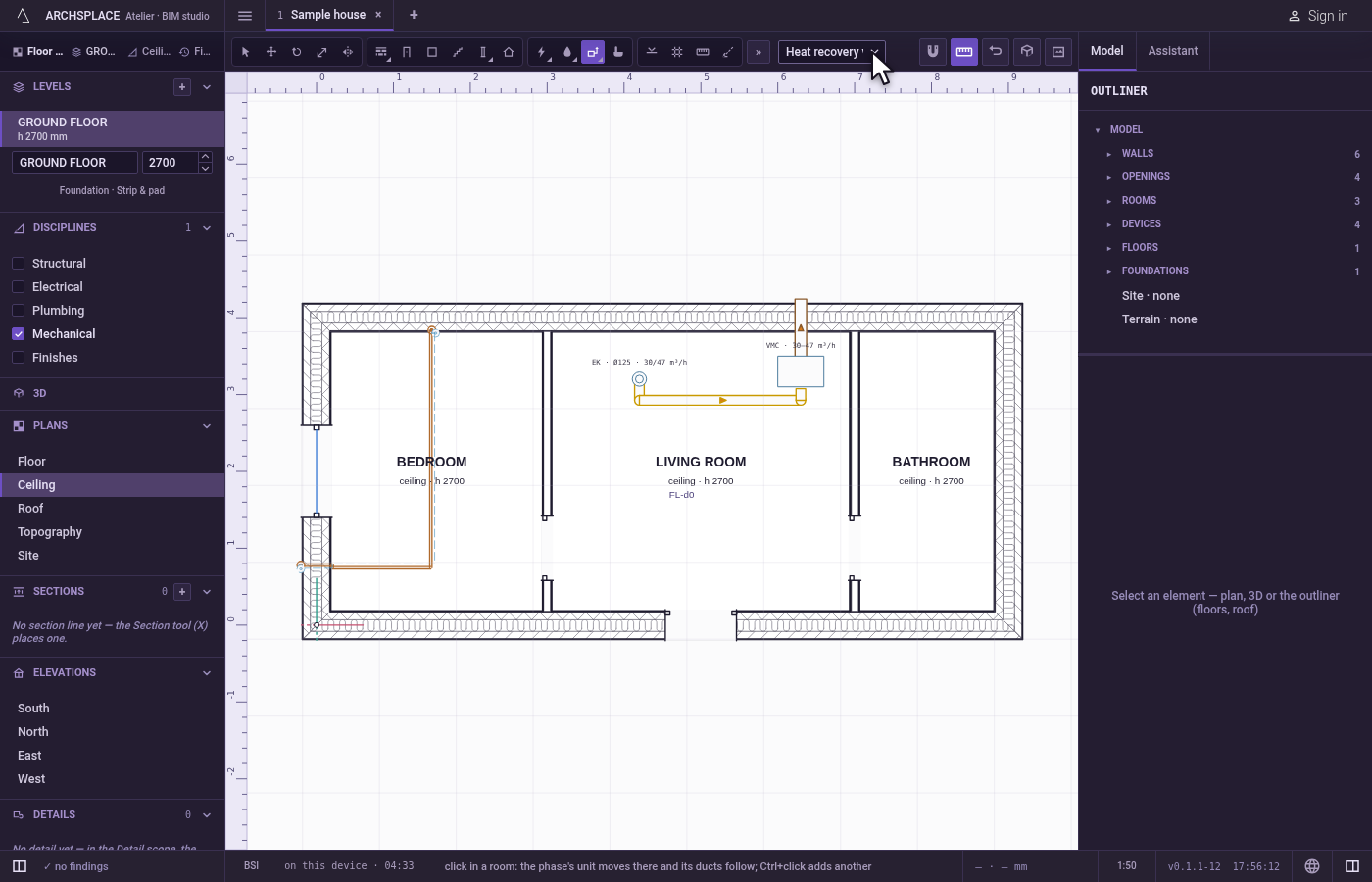
Click inside a room. With no unit of that kind yet in this phase, it is placed at the click. With one or more, the first one placed moves there and takes the kind you chose, and the ducts follow.
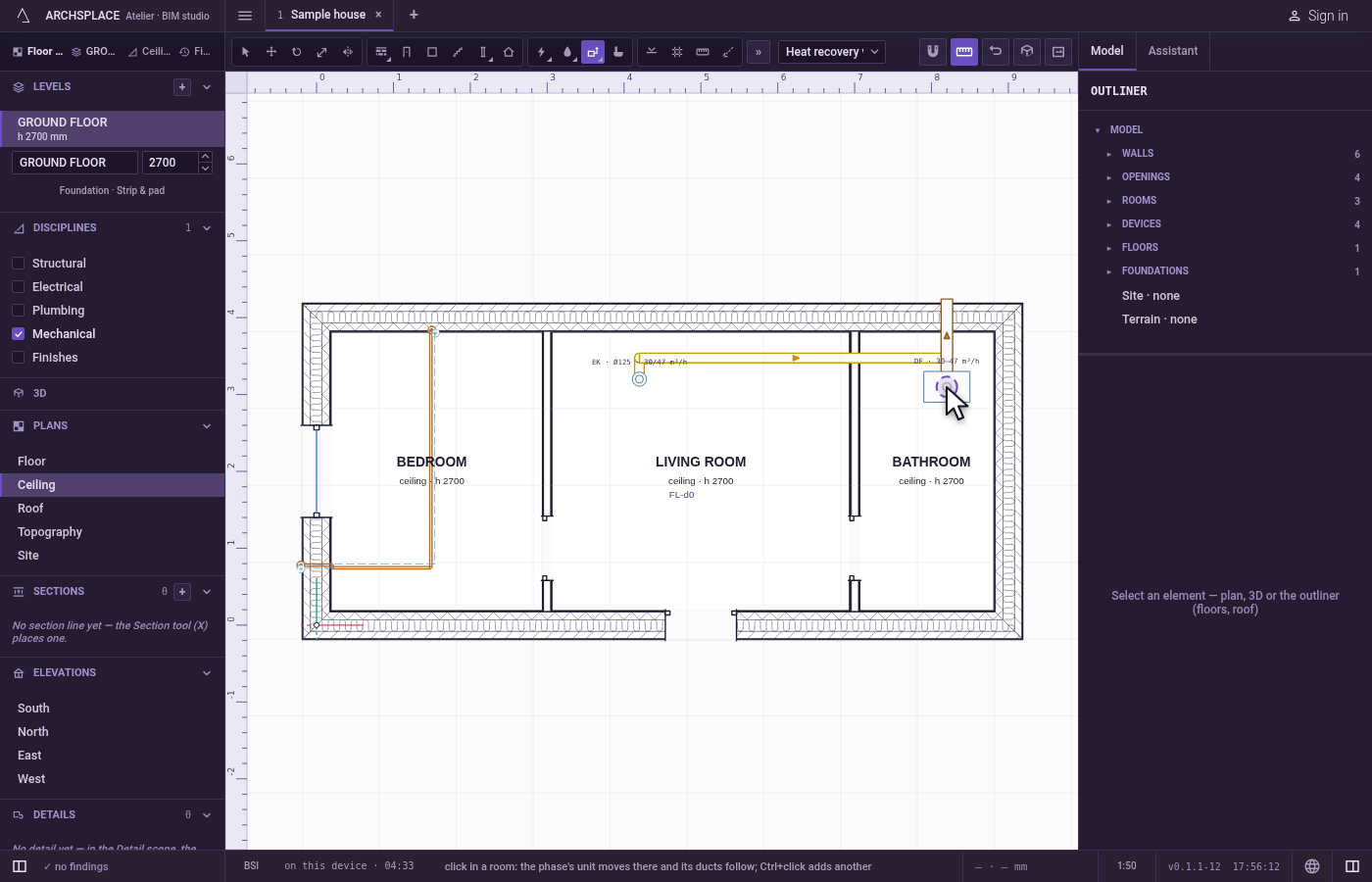
Add another, with Ctrl. Hold
Ctrl(⌘on a Mac) as you click: a new unit is placed.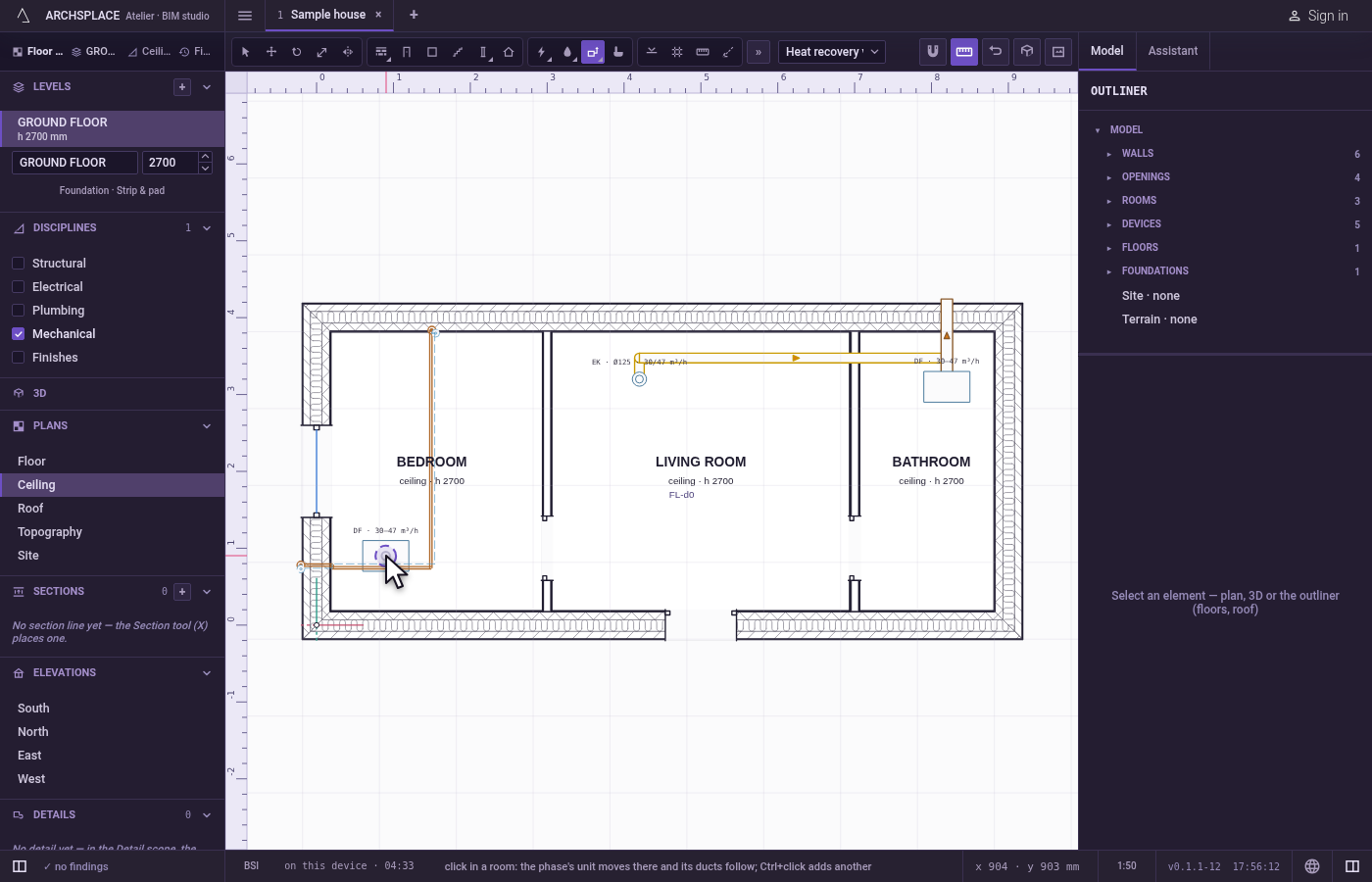
What it refuses
- A click outside a room. Outside every room the walls enclose, a message says to click inside a room, and nothing is placed or moved.
- A unit no duct can reach. A unit standing where no duct can reach it, such as under a hole in the slab, is flagged by the project, and no duct is laid to it.
What it writes to the contract
One step, which one undo takes back. The first unit, and every unit added with Ctrl, adds one device entry: its kind, its room, its point in metres and its phase. A move changes the moved unit's kind, room and point. The ducts are never written: they are worked out each time the project is built.
Concepts
Common questions
How do I move the ventilation unit into the loft?
Open the plan of the level where it should go, take the Ventilation unit tool and click inside the room. The unit moves there and every duct is laid again to it.
How do I swap an extract-only unit for MVHR?
Choose the other kind in the list beside the tools and click where it should go: the phase's unit moves there and takes the kind you chose.