PlanHMin the studio
Water meter
Water meter places the point the water supply starts from: a click on a wall puts it there, and once the phase has one, a click moves it and the supply follows. Ctrl and a click adds another meter instead.
What it is
The water meter is where the water supply starts. Like the consumer unit, its tool places it once and then moves it: the first click on a wall places the meter, and every click after that moves the meter of the phase you are drawing in to the wall you click. The supply follows at once, laid again from its new position. Held with Ctrl, a click adds another meter.
Every cold and hot point is supplied from the nearest manifold, or from the meter where there is no manifold, each by its own run. The meter is not in the Plumbing point list: it has this tool of its own.
When to use it
- Placing the water service entry of a house.
- Moving it to another wall and seeing the supply laid again.
- Adding a second meter for a second dwelling.
The steps
Take the tool. Type
HthenMquickly, or pick it on the toolbar, where it shares a button with the other plumbing tools. The status bar says that a click on a wall moves the phase's meter there and that Ctrl and a click adds another.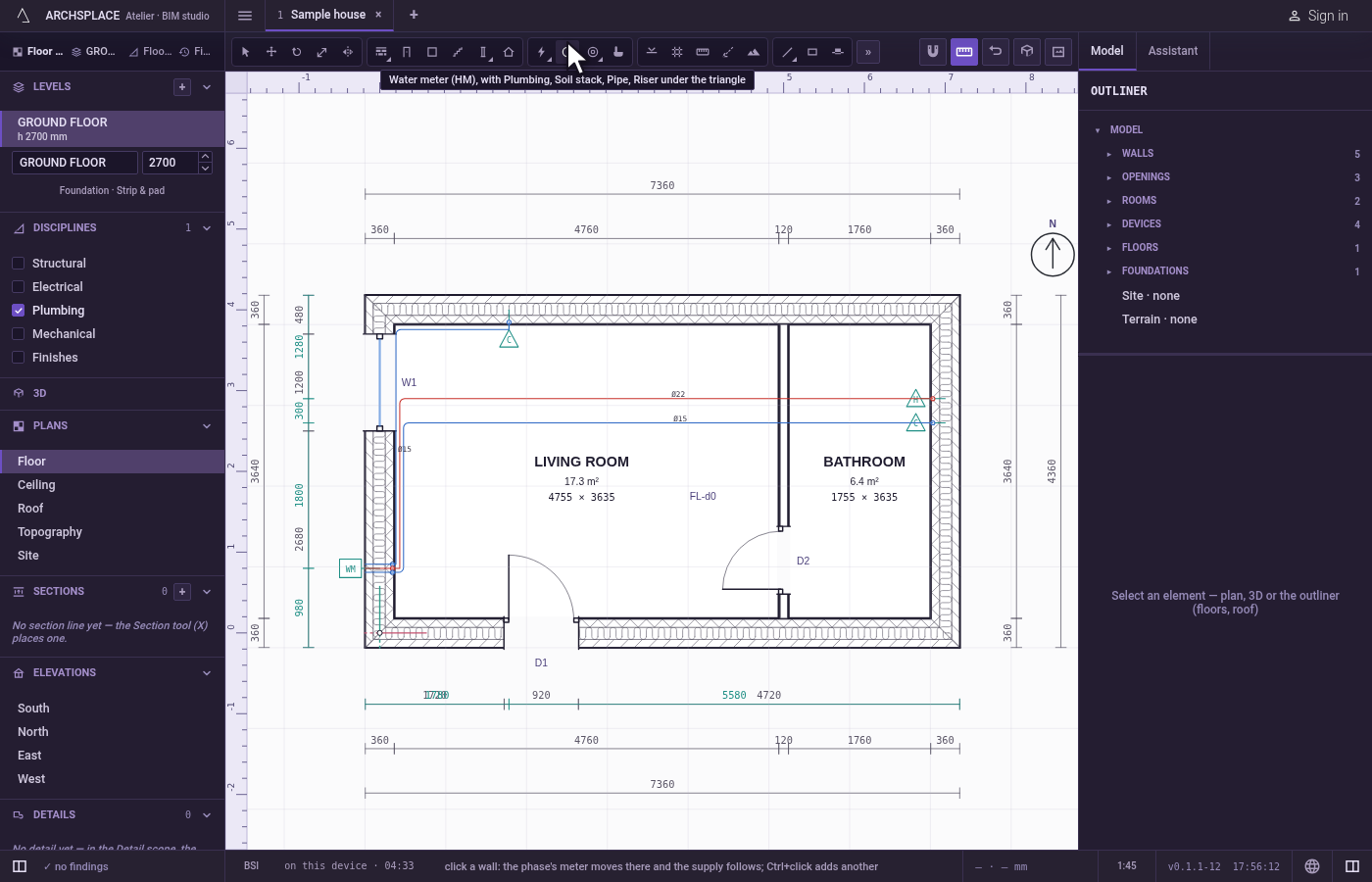
Click a wall. Click on the wall or within about 60 cm of it, on the face it should stand on. With no meter yet in this phase, it is placed there. With one or more, the nearest one on this level moves there (the first one, if none stands on this level), and the supply follows.
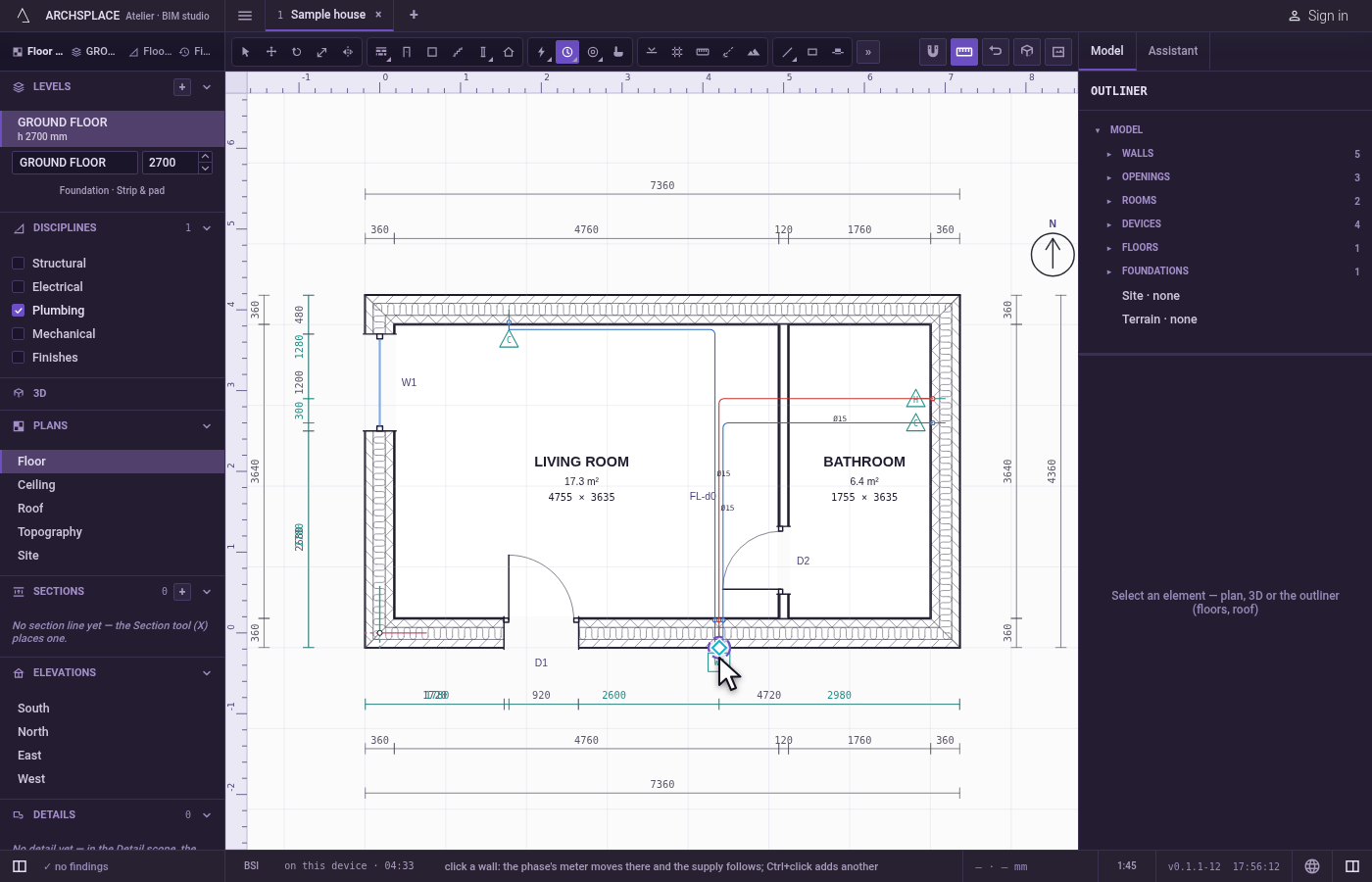
Add another, with Ctrl. Hold
Ctrl(⌘on a Mac) as you click: a new meter is placed.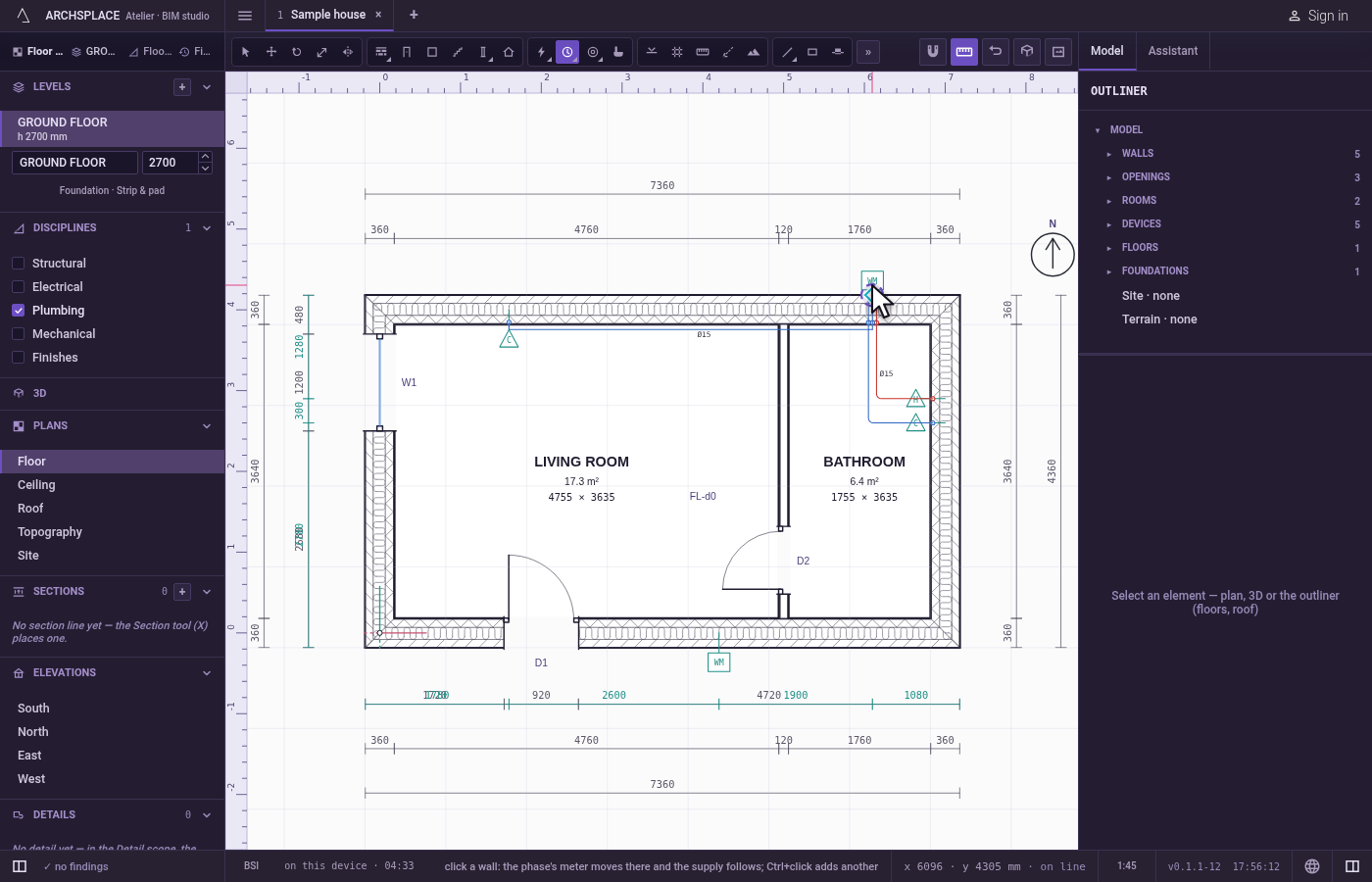
What it refuses
- A click far from every wall. Farther than about 60 cm from any wall, nothing is placed or moved.
What it writes to the contract
One step, which one undo takes back. The first meter, and every meter added with Ctrl, adds one device entry: the water meter kind, its wall, its distance along it and its face, and its phase. A move changes only the moved meter's wall, distance and face. The supply runs are never written: they are worked out each time the project is built.
Concepts
Common questions
Do I need a meter if I place a manifold?
The supply runs from the nearest manifold, or from the meter where there is none. A meter is where the water enters the house, so it is worth placing either way.
How do I move the meter?
Take the Water meter tool and click the wall where it should go. The meter moves there and the supply is laid again from it.