SketchCTHin the studio
Circle by 3 points in the tile editor
Circle by 3 points draws the one round joint that passes through three points you pick inside a pattern's tile. The circle is one joint, and it must stand whole inside the tile.
What it is
Circle by 3 points draws the circle that passes through three points you pick. You do not need to know its centre or its radius: they follow from the points. The points snap to the tile's corners, the middles of its sides, its centre, its edges and the joints already drawn. The circle is one joint, selected, moved and erased whole.
It is the same Circle by 3 points as in the other editors of the studio, acting here on the joints of the tile.
When to use it
- To draw a circle through three corners or ends you already have.
- To draw the circle that touches three points of a motif.
- When you know the centre and the radius, Circle is quicker.
The steps
Take the tool. Type
C,T,Hone after the other, or click Circle by 3 points on the bar. It shares its button with Circle, Circle by 2 points and Polygon. TheCopens Circle for a moment, and the letters that follow complete this one.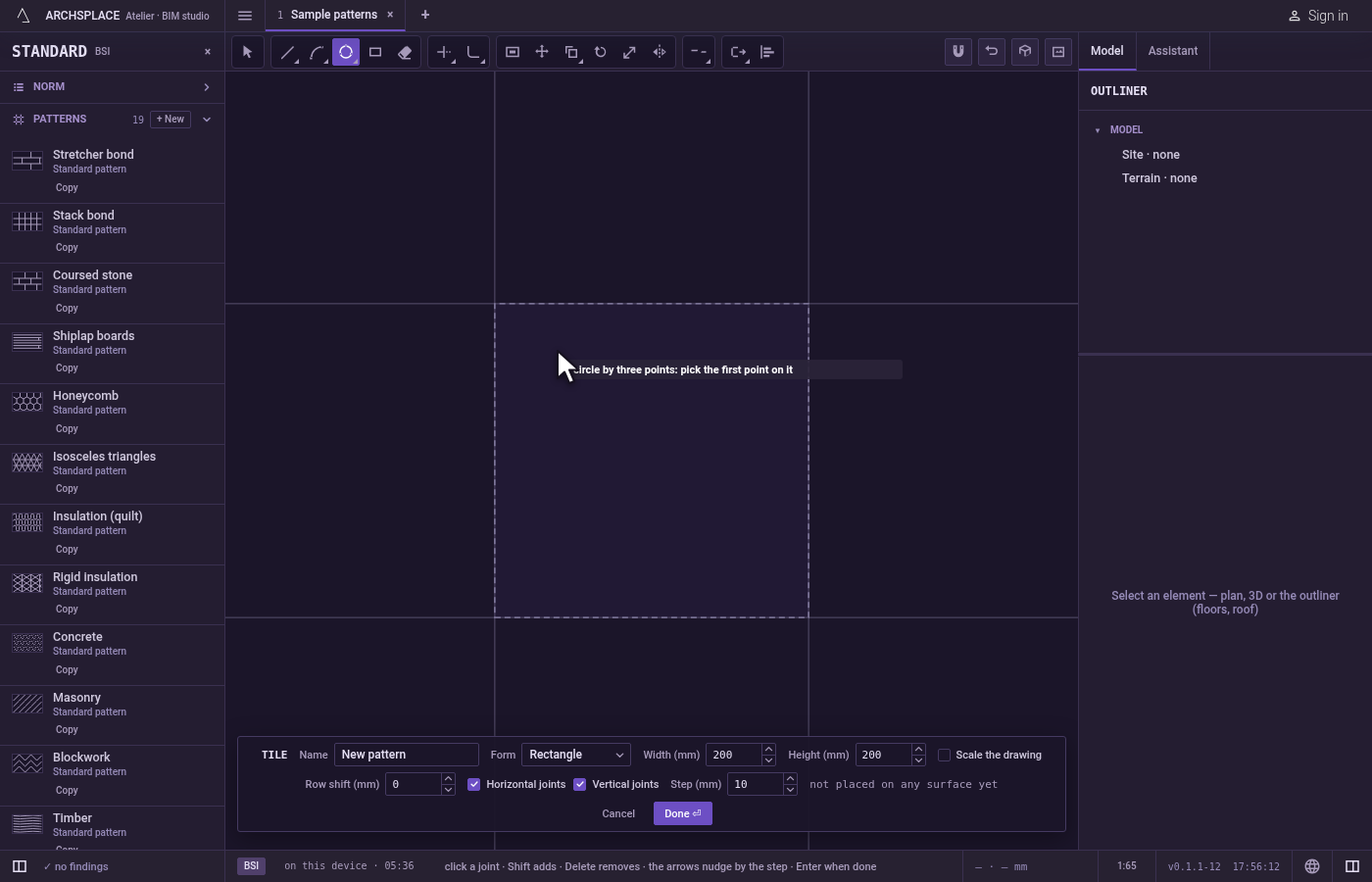
Pick the first point. Click it, or type
x;yand pressEnter, measured from the tile's lower-left corner.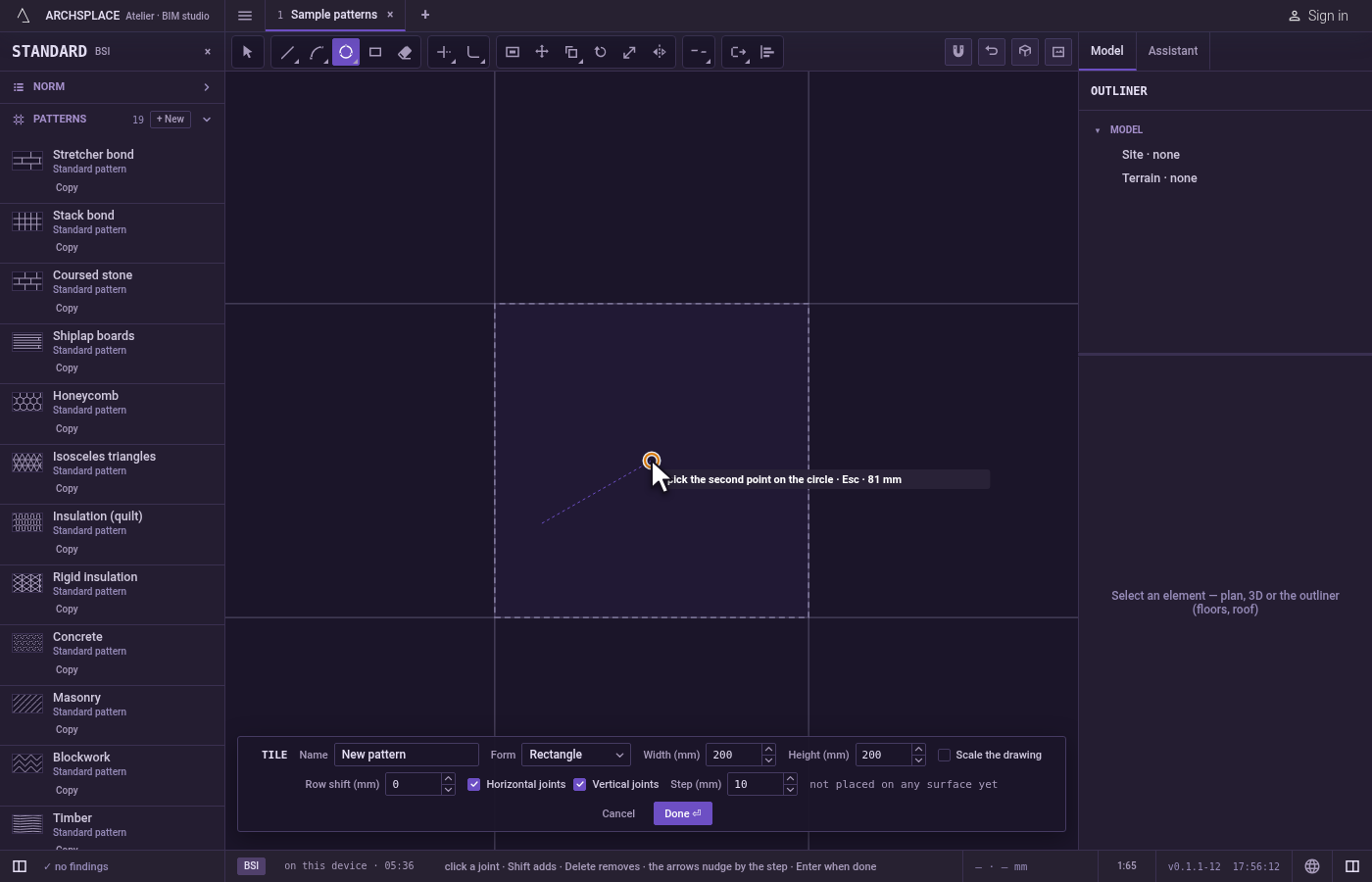
Pick the second point. Click it, or type it as a point.
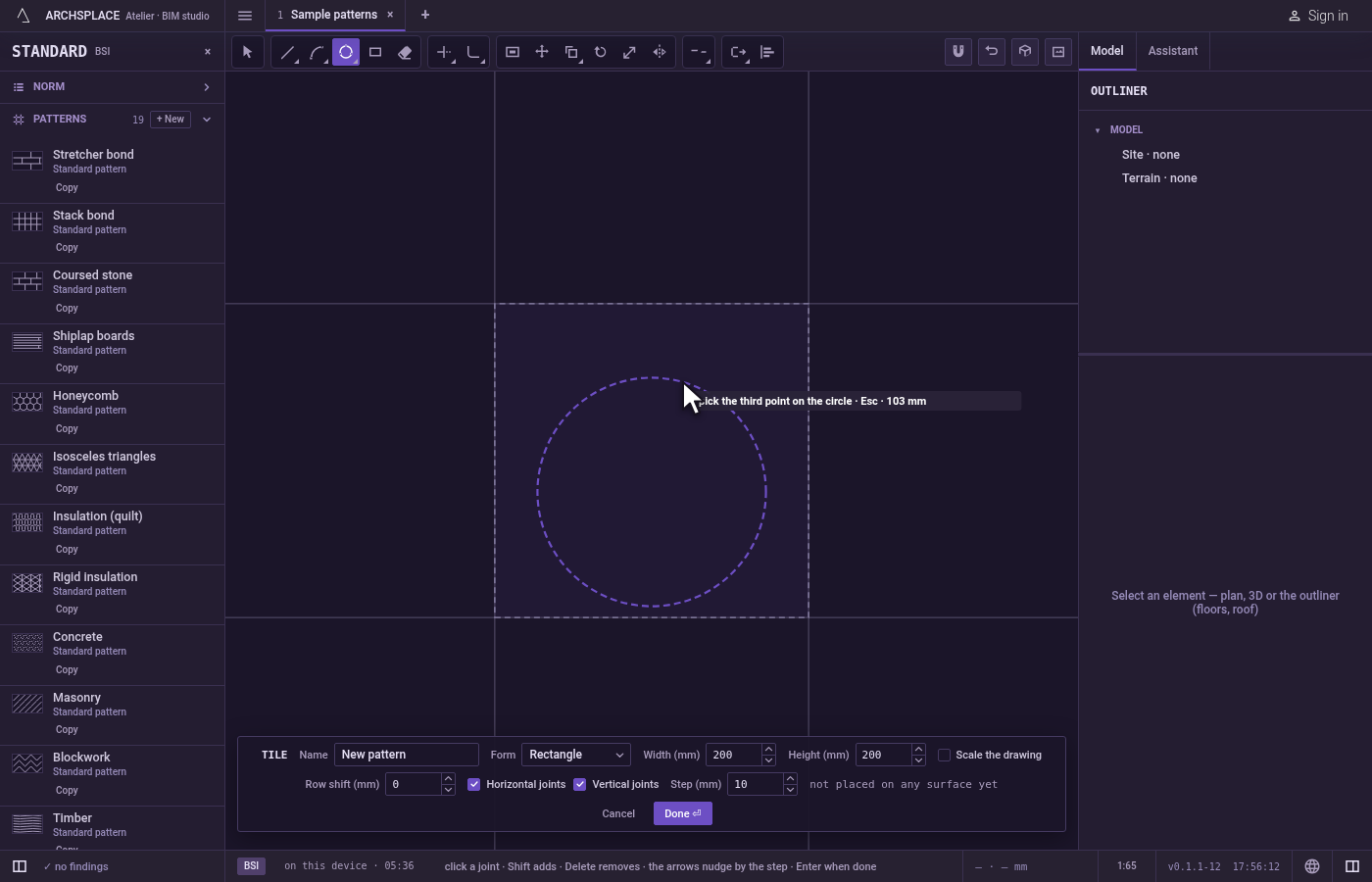
Pick the third point. A ghost circle through the three points follows the pointer. Click to draw it. If the ghost is drawn in the refusal colour, the click would be refused.
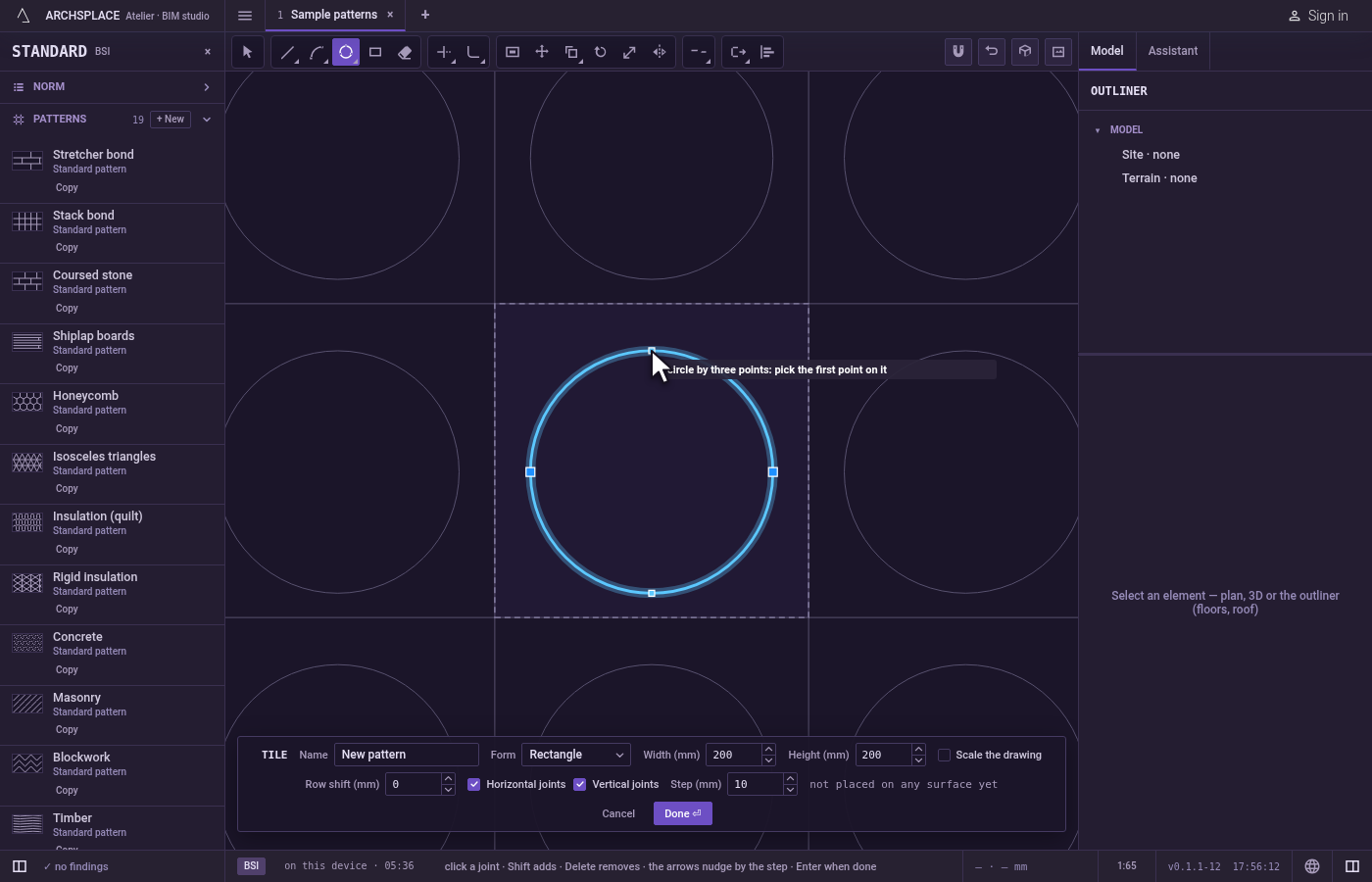
Draw the next one or finish. The circle stands, selected, and the tool waits for a new first point.
Escapedrops the points you placed, then leaves the tool for Select.Ctrl+Zundoes the last circle. Press Done on the bar at the foot to hand the tile back.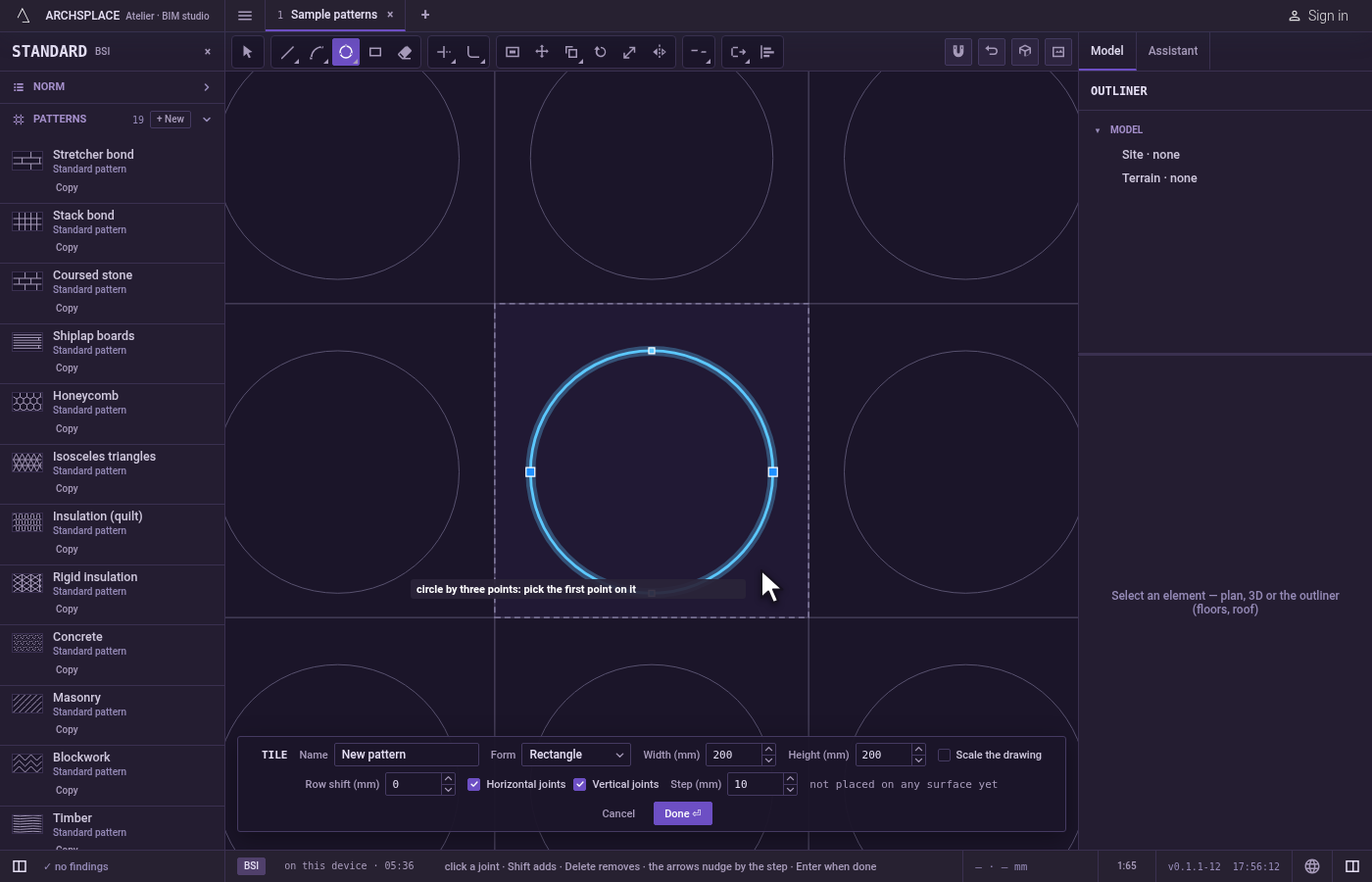
What it refuses
- Three points on one line. No circle passes through them, and the hint says that point makes no shape. Your first two points stay, so you can pick another third.
- A circle that leaves the tile. If any part of it would stand outside the tile, nothing is drawn, and the editor says a shape must stay inside the module.
- A circle too small. A circle whose radius is under a millimetre is refused with a joint under 1 mm is refused.
What it writes to the contract
Nothing while you work: the change stays in the tile editor, where Ctrl+Z steps back through it. When you press Done, the whole tile is written to the project's patterns in one step you can undo, every joint as its points in metres from the tile's lower-left corner. A circle is stored as one closed joint made of two half circles. A standard pattern is never changed: Done saves the project's own version of it under the same name, and every surface that lays it follows. Save as new writes a new pattern instead. Cancel writes nothing.
Related
Common questions
Why did my circle by three points not appear?
Three points on one straight line have no circle through them. The editor says that point makes no shape, and you can pick another third point.
When should I use a circle by three points?
When the circle must pass through points you already have, such as three corners of a shape, and you do not know its centre.