PlanHin the studio
Plumbing point
Plumbing point places a supply or a waste point with one click, on a wall or in a room's floor. The pipes are not drawn by hand: the supply runs from the manifold or the meter, and the waste pipes to the nearest stack are laid by themselves.
What it is
Plumbing point places the points of the plumbing: where water comes in and where it leaves. The list beside the tools offers your template's points; in a project under the UK template, for example, cold and hot water points, a stopcock, a manifold, the waste connections of a WC, a basin, a bidet, a sink, a shower, a bath, a washing machine and a dishwasher, waste drains of 40 and 50 mm, a 110 mm soil drain, a floor gully, a soil and vent stack and a rainwater pipe. The water meter has a tool of its own.
The pipes follow by themselves. The supply is laid as a star: every cold and hot point gets its own run from the nearest manifold, or from the meter when there is none, through the floor and up its wall. Each level's waste points drain to the nearest soil stack, in one network laid with its falls and fittings. None of it is stored: move a point and the pipes are laid again. They show with the Plumbing overlay.
When to use it
- Placing the supply and waste points of a bathroom, a kitchen or a utility room.
- Adding a floor gully to a shower or a garage.
- Checking the network the studio lays as you add points.
The steps
Take the tool. Press
H, or click the Plumbing button. The status bar says to click a wall or inside a room.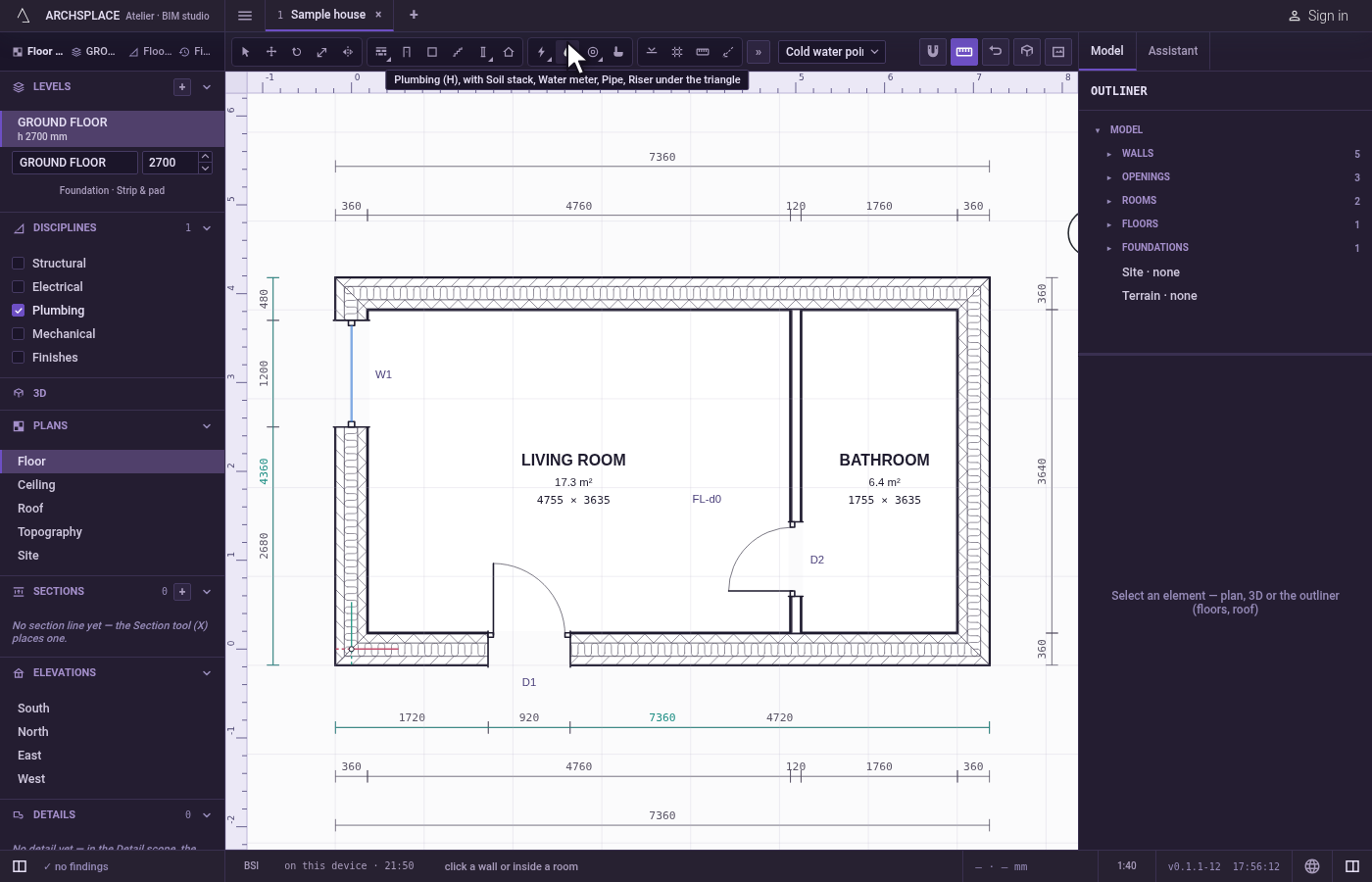
Choose the point. Pick it in the list beside the tools.
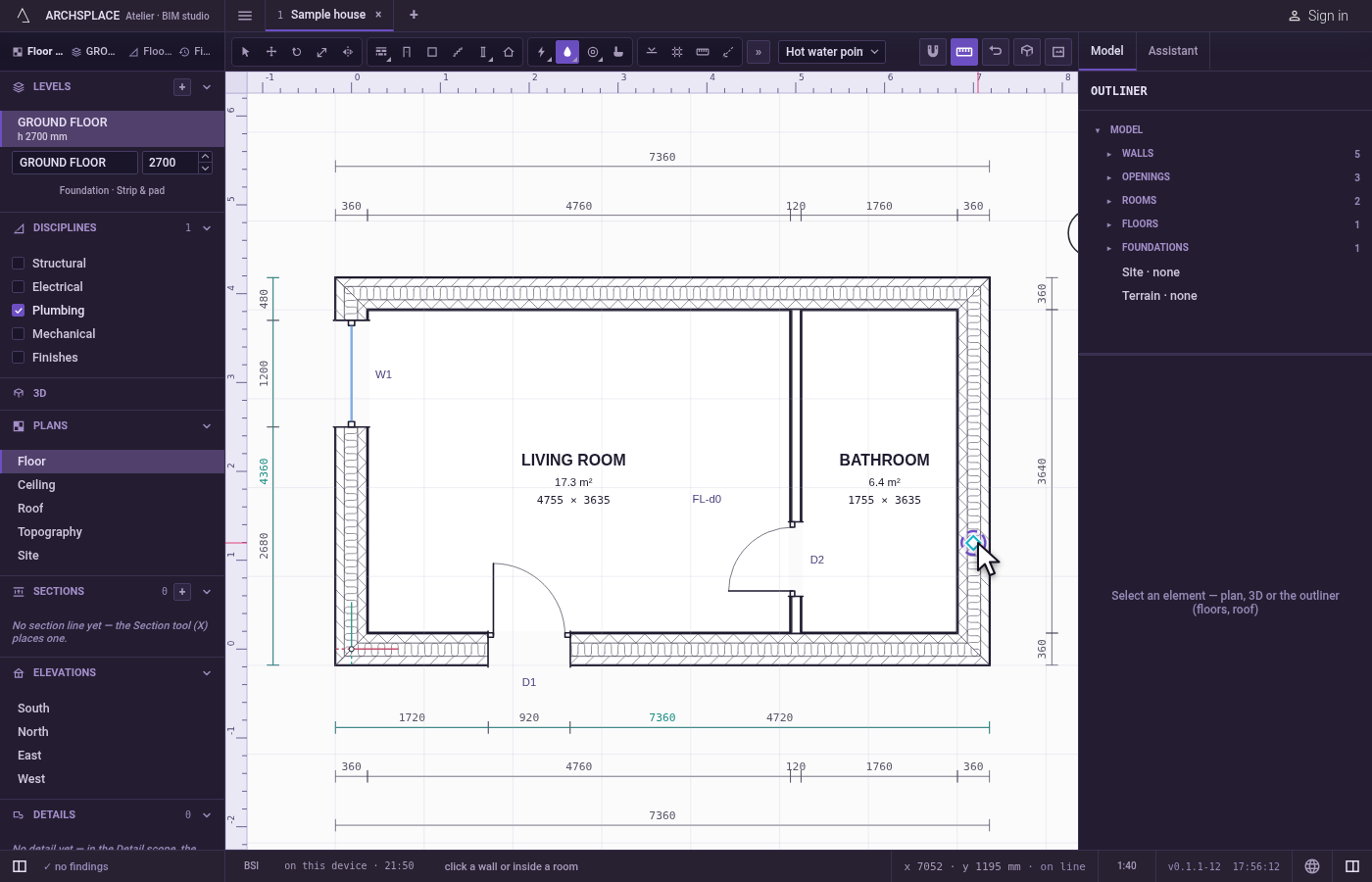
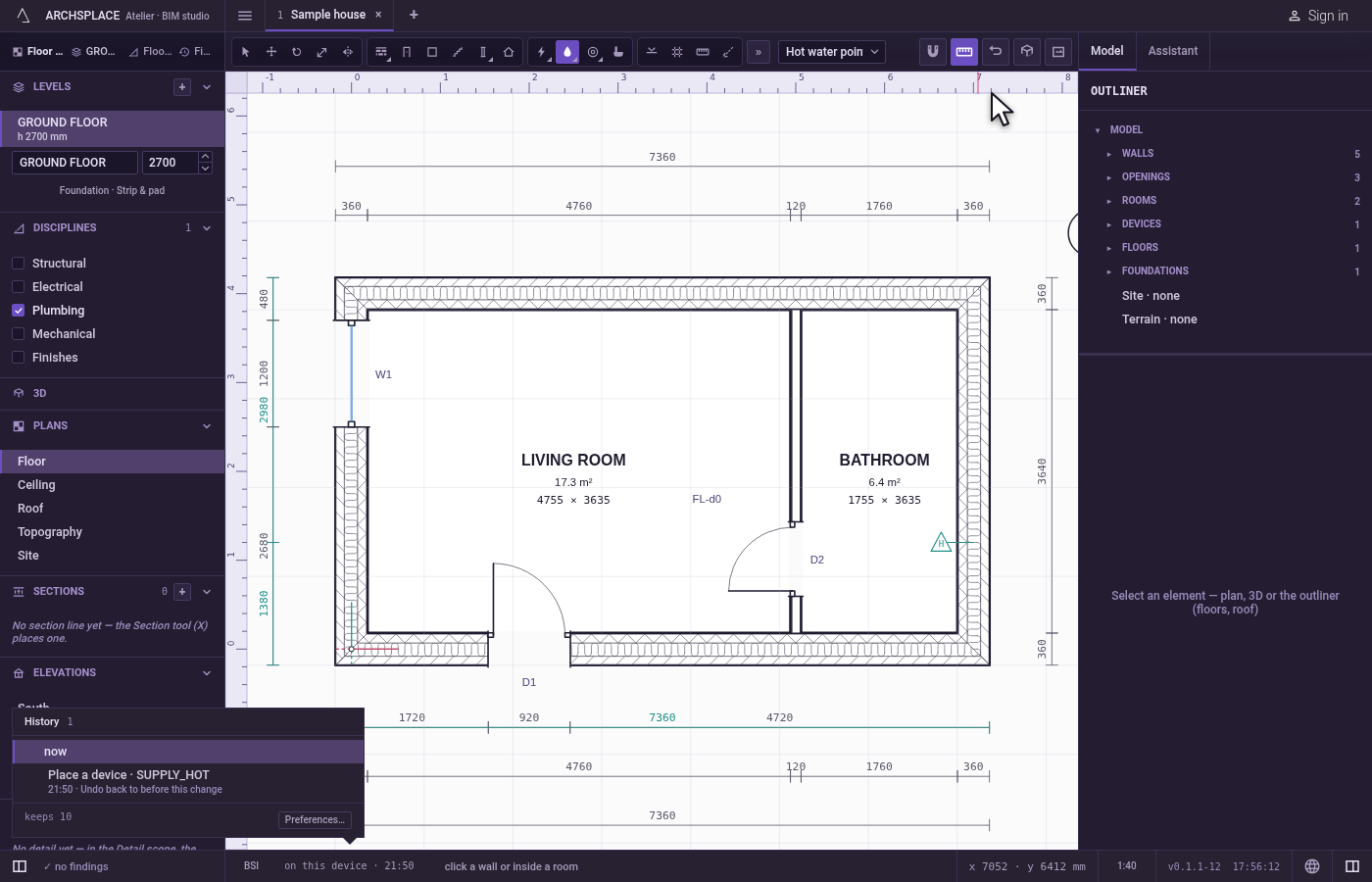
Click where it goes. A supply point, a stopcock or a manifold stands on a wall: click on the wall or within about 60 cm of it, on the side it faces. A floor gully stands in a room: click inside the room. A waste point goes where you click: within about 45 cm of a wall it stands on that wall, any farther away it stands in the floor of the room you clicked in.
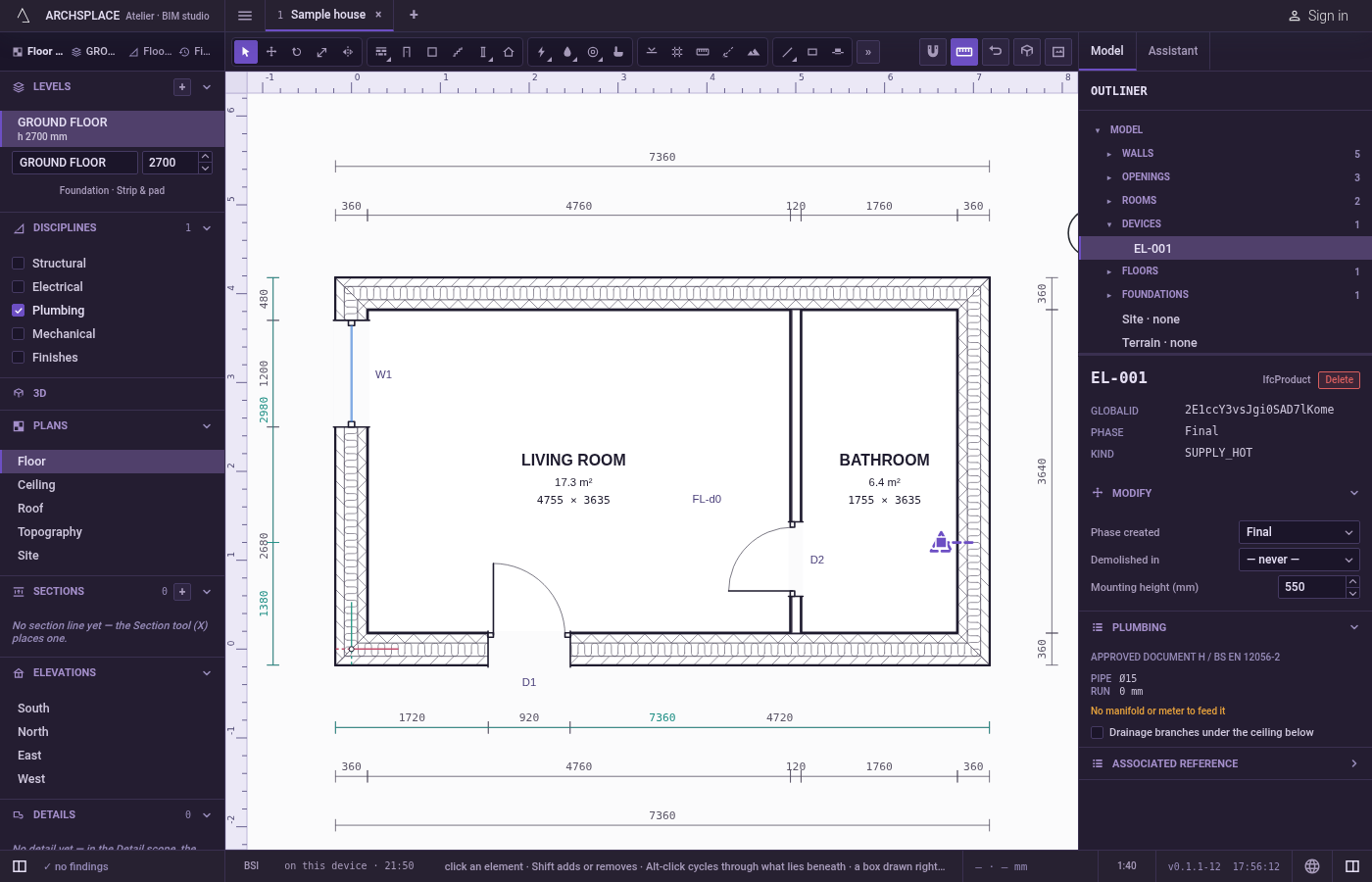
Adjust it in its panel. Select the point with Select to set its mounting height, and to read what its pipes could not do, if anything.
What it refuses
- A wall point far from every wall. Farther than about 60 cm from any wall, nothing is placed.
- A floor point outside a room. Outside every room the walls enclose, a message says to click inside a room, and nothing is placed.
- The same point twice. A point of the same kind on the same face of the same wall, within 5 cm of one already there, is refused with a message: place it beside the first.
- A point no pipe can reach. The project flags a point set in an opening or over a hole in the floor, and says on its panel when its pipe had to cross a hole, a column, a beam or an opening.
What it writes to the contract
One new device entry at the end of the project's list of devices, as one step that one undo takes back: its kind, and either its wall, its distance along it and its face, or its room and its point in the floor, with the phase the view draws in. The pipes, their diameters, falls and fittings are never written: they are worked out from the points each time the project is built.
Concepts
Common questions
Is placing a WC enough to get its waste pipe?
No. A sanitary appliance is architecture and connects to nothing. The plumbing starts at its points: place the WC's soil connection, and its cold water point, with this tool.
Where does the waste go?
Each level's waste points drain to their nearest soil stack, laid in one network with its falls and fittings. Place at least one stack with the Soil stack tool.
Does a waste point go in the wall or in the floor?
It goes where you click: within about 45 cm of a wall it stands on that wall, any farther away it stands in the floor of the room.