SketchCOCPin the studio
Copy
Copy places copies of the selected lines in the sketch editor from a base point, one per click or typed distance, again and again until you leave the tool. The originals stay where they are.
What it is
Copy repeats what you selected in the sketch editor at new places, each copy moved by the step from a base point to where you click. The base point stays set, so you can drop as many copies as you like, each measured from that same base point. The originals do not move.
Copy works on the lines as you drew them: selecting one side of a rectangle copies the whole rectangle, and a chain from Line is copied whole.
When to use it
- Repeating a shape at chosen places, such as a series of identical inlays in a floor area.
- Drawing a second outline at an exact distance from the first.
The steps
Choose what to copy. In the sketch editor (see Select for the ways in), select the lines with Select first, or arm Copy and pick them after.
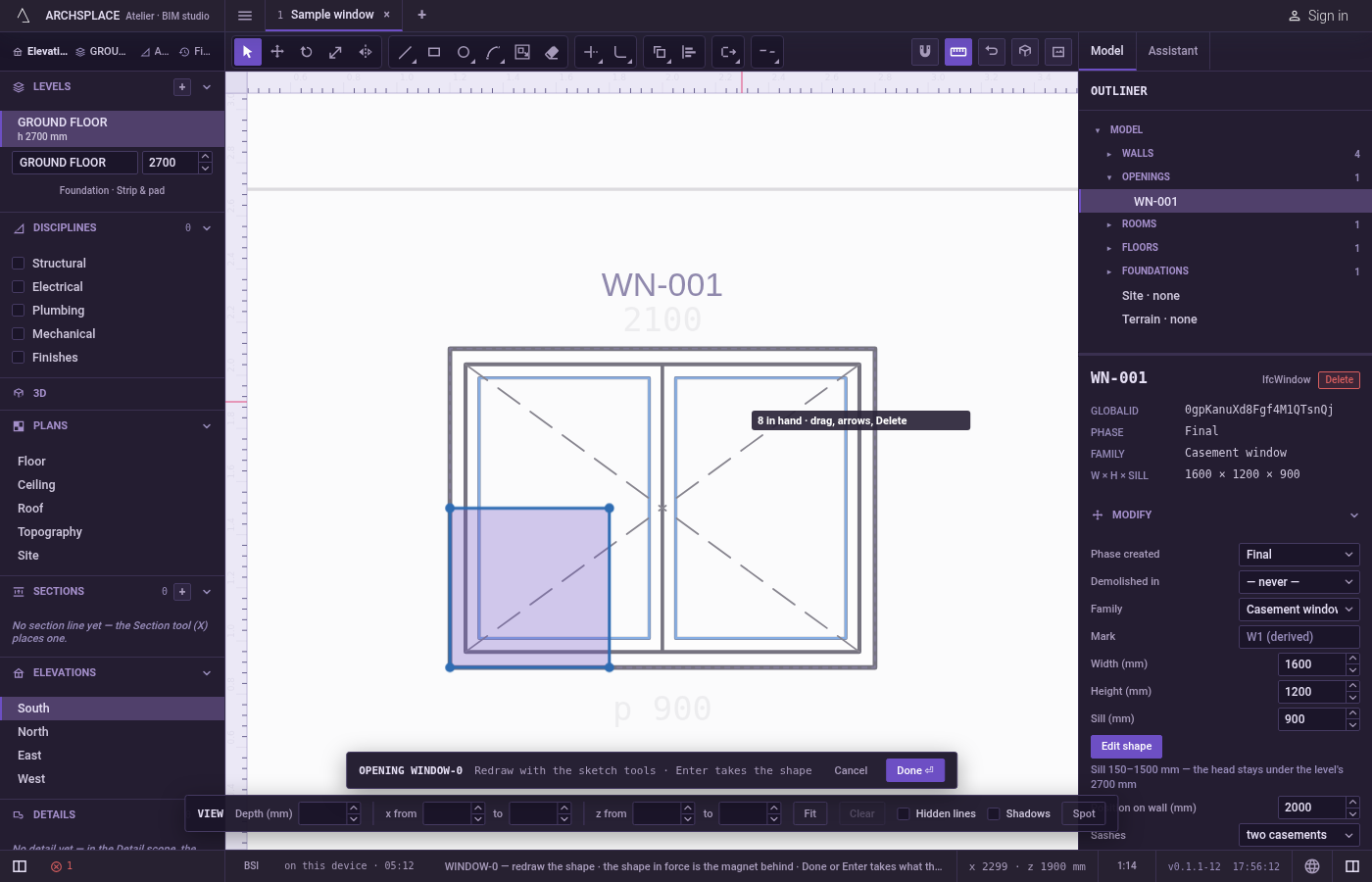
Arm Copy. Type
CthenOquickly, orCthenP, or click Copy on the editor's toolbar.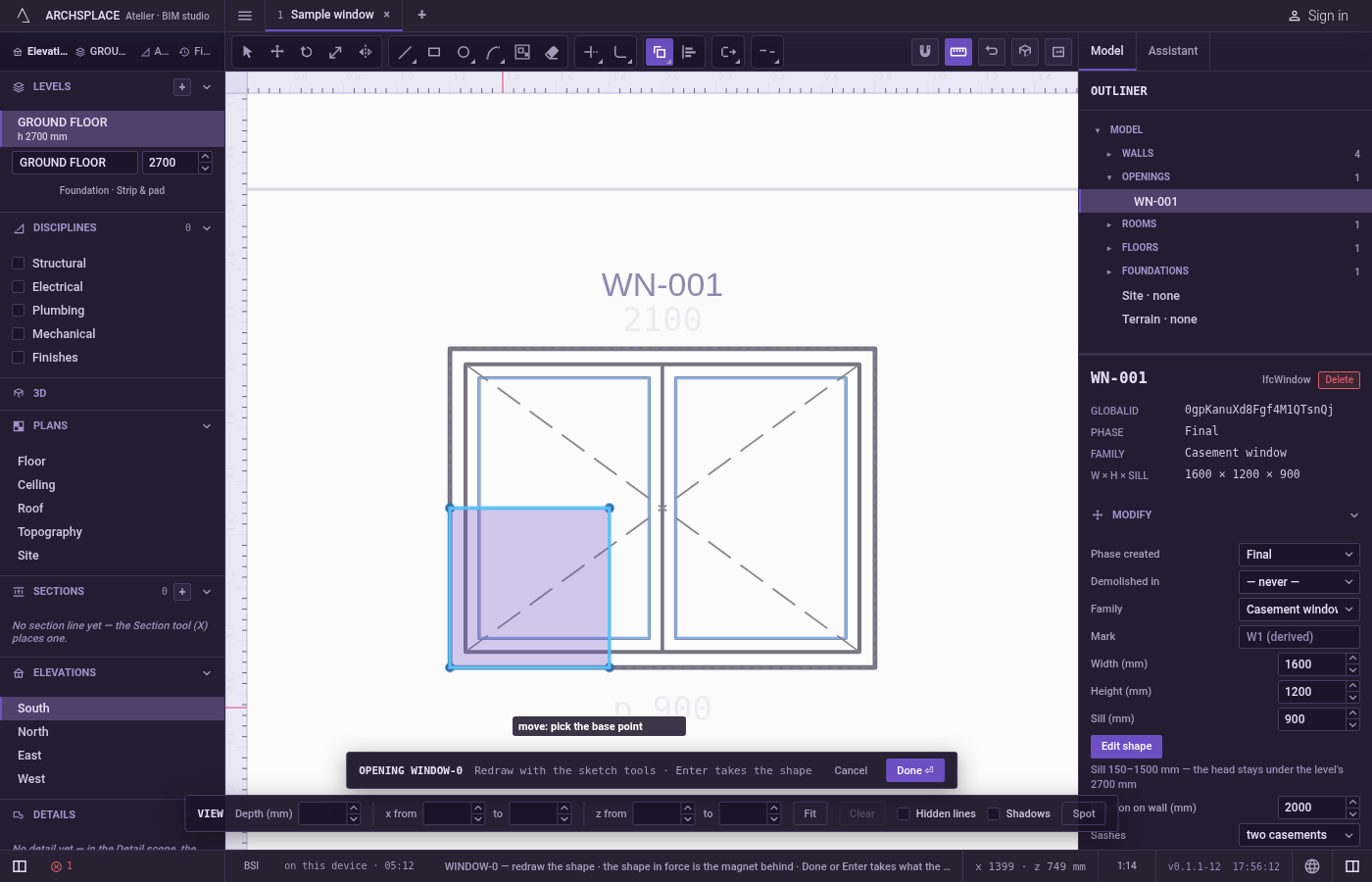
Pick the lines, if none are selected. The hint asks you to select objects. Click a line to add it,
Shiftand a click to take it back out. Drag a box to the right to take the lines wholly inside it, or to the left to take every line it touches. PressFto draw a fence and take the lines it crosses, orCtrl+Ato take every line. PressEnterwhen done.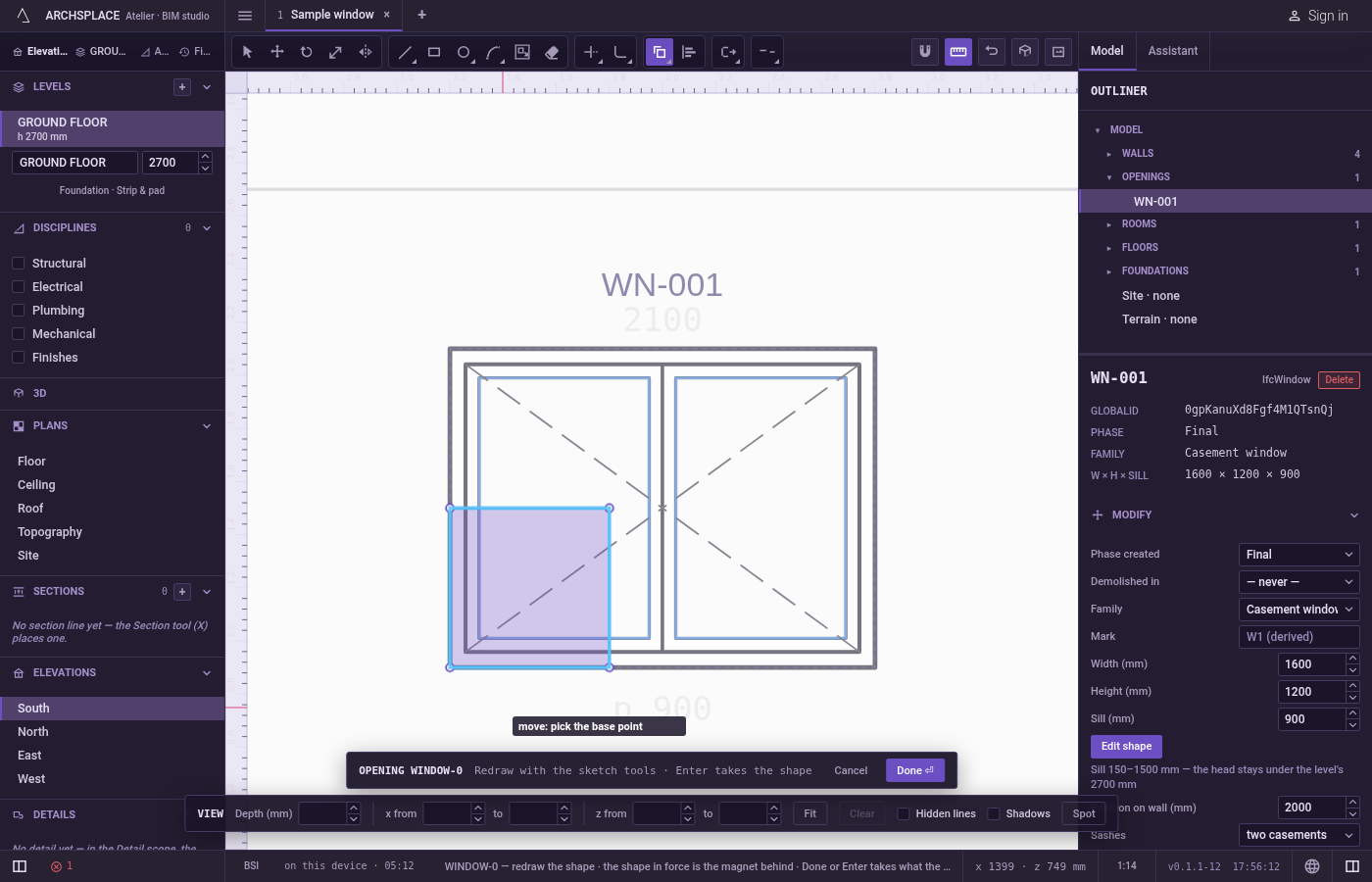
Pick the base point. It snaps to corners, middles, crossings, the dimmed shape in force and the lines of the view.
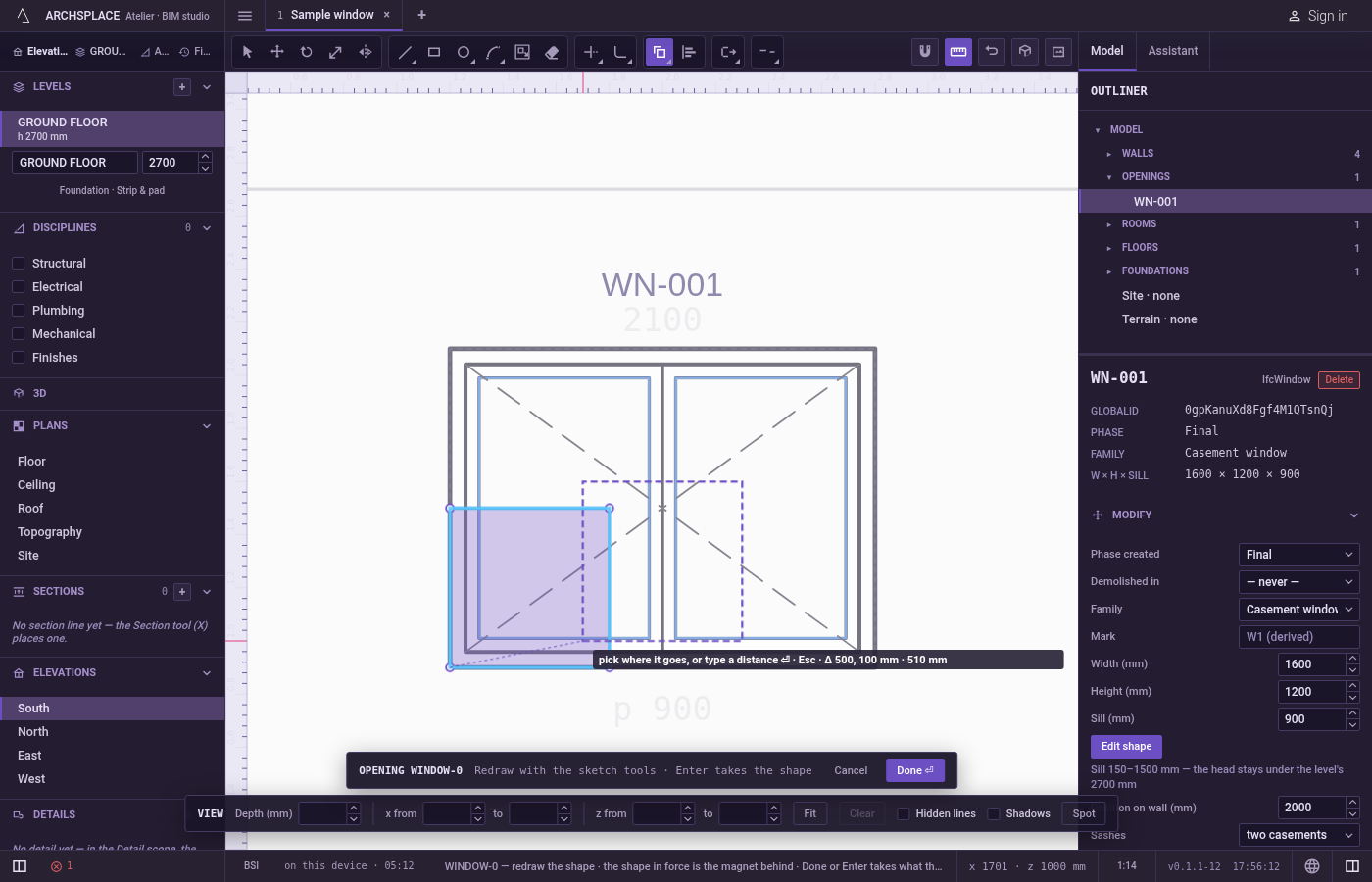
Drop the copies. A copy follows the pointer and the hint shows the step across, the step up and the distance. Each click drops one, and the next copy is ready. For an exact place, point in the direction you want, type a distance and press
Enter; or type a point in the project's units:x;yfrom the editor's origin (the opening's centre at its floor, or the plan's origin),@dx;dyfrom the base point,d<aa distance at an angle in degrees from the origin,@d<athe same from the base point.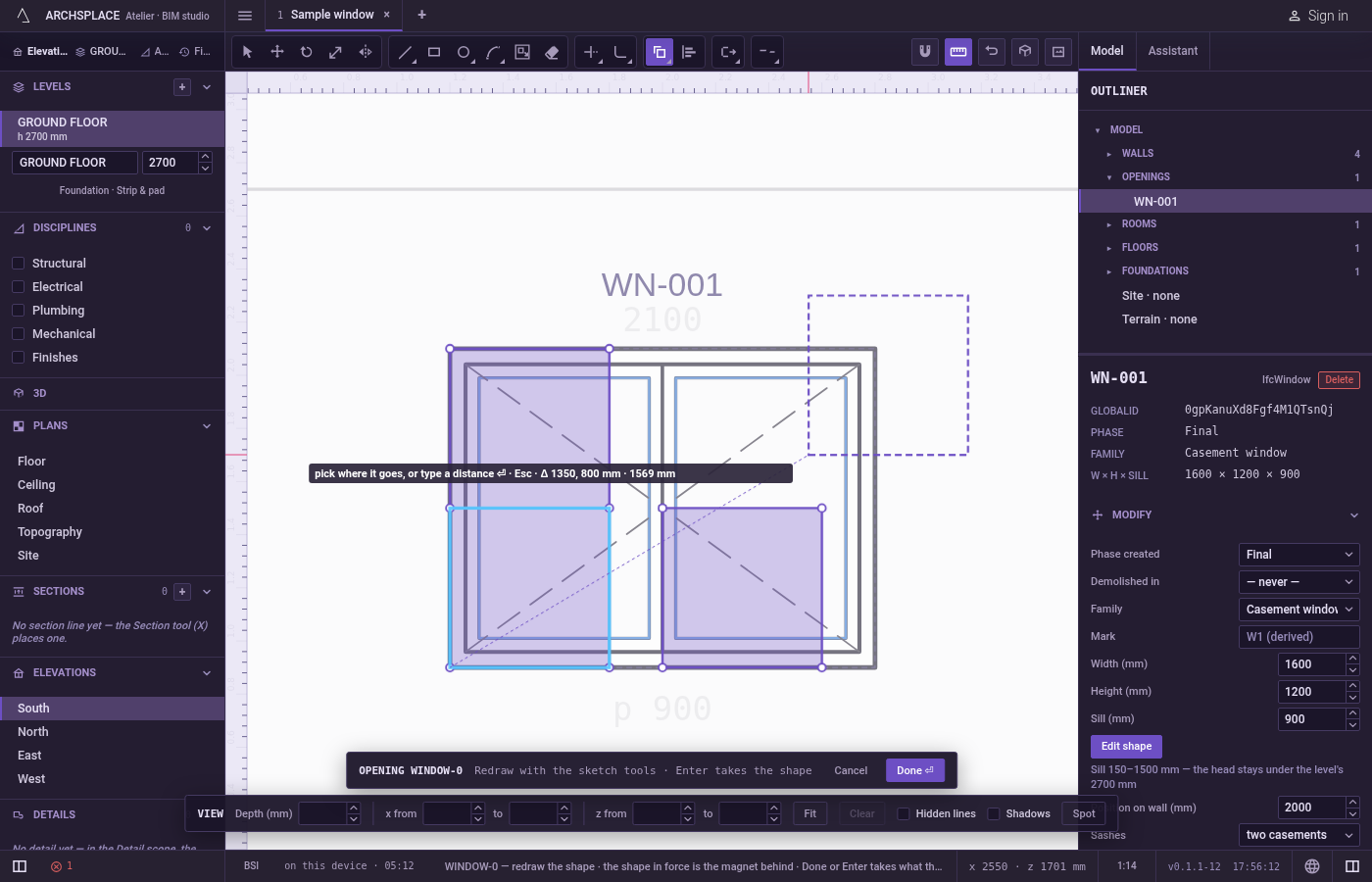
Stop.
Escapedrops the base point; pressed again, orSpace, it goes back to Select. After the base point,Cswitches between copying and moving: while moving, the originals themselves go to the place you click.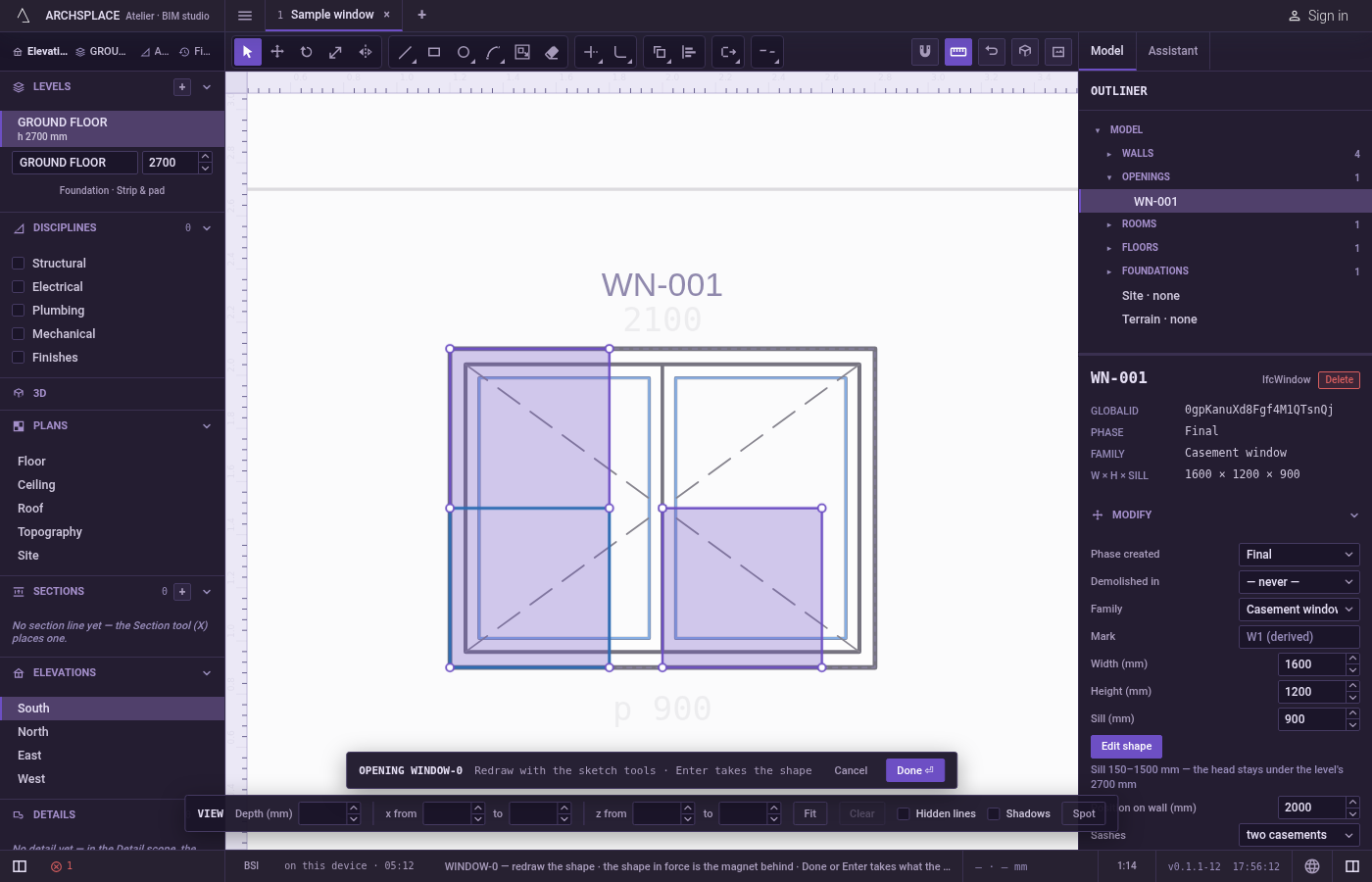
What it refuses
- Copying with nothing selected. Until at least one line is picked,
Enterasks again to select objects, and a typed distance is not taken. - A click on nothing while selecting. No line is added; the tool keeps asking.
- Part of a line. A copy is always a whole line as drawn. To copy a single side of an outline, explode the outline first.
- The shape in force. The dimmed shape behind your drawing cannot be picked or copied. Use Offset to take a parallel copy of it.
What it writes to the contract
Nothing until you press Done. Each copy is one step inside the editor, and Ctrl+Z steps back through them. The contract changes when you press Done, or Enter with nothing in progress, as one step you can undo: what the lines enclose becomes the window's or door's profile, points [u, v] in metres across the wall and up from the floor, or the pattern area's outline in the room's floorAreas or ceilingAreas, points [x, y] in plan metres.
Done takes exactly one outline. Copies that stand apart from the original enclose separate outlines and are refused as several; copies only make a valid result once their lines cross or meet so as to close one outline.
Common questions
How do I make three copies 50 centimetres apart?
Select the lines, press C then O, click a base point, point in the direction you want and type 0.5, Enter, then 1, Enter, then 1.5, Enter. Each distance is measured from the base point.
Does Copy copy only the line I clicked or the whole shape?
The whole line as you drew it: a rectangle is copied whole even if you selected one of its sides.
How do I stop copying?
Press Escape to drop the base point, then Escape again, or Space, to go back to Select.