PlanFin the studio
Sanitary appliance
Sanitary appliance places a basin, a WC, a shower, a sink, a bath or another appliance of your template with one click inside a room. An appliance is architecture: the plumbing starts at its own points, placed with the Plumbing point tool.
What it is
Sanitary appliance places the appliances of bathrooms, kitchens and utility rooms. The list beside the tools offers your template's kinds; in a project under the UK template, a close-coupled WC, a washbasin, a shower tray, a bath, a kitchen sink, a washing machine, a dishwasher and a hot water cylinder. Components you have made yourself as appliances, furniture or shapes join the same list.
An appliance is architecture. It stands in a room and is drawn in every view, but it is never connected to anything: the plumbing starts at its points, the waste and the supply, which you place with the Plumbing point tool.
When to use it
- Fitting out a bathroom, a kitchen or a utility room on the plan.
- Laying out the appliances before placing their plumbing points.
The steps
Take the tool. Press
F, or click the Sanitary appliance button. The status bar says to click inside a room.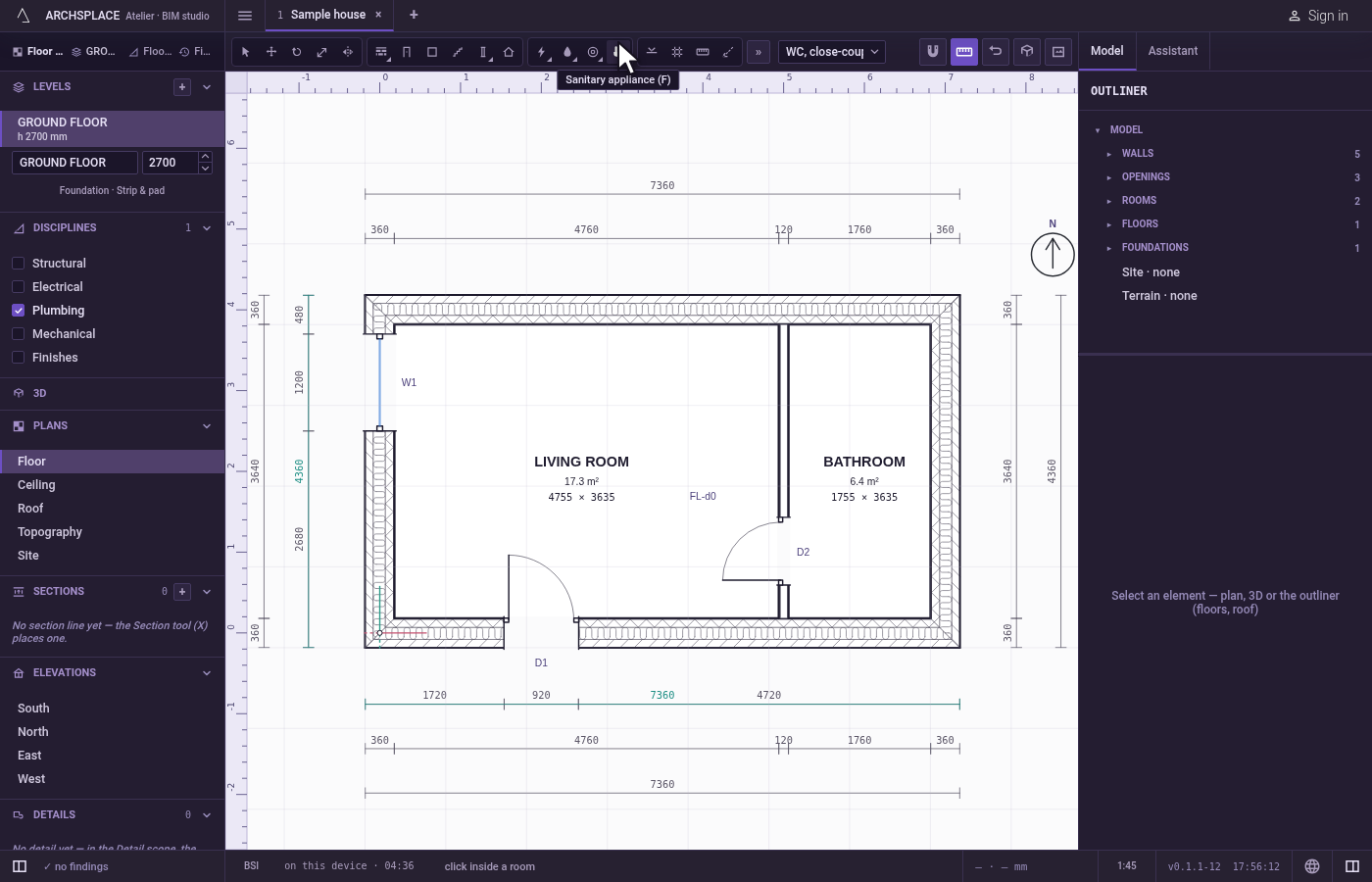
Choose the kind. Pick it in the list beside the tools. The ghost under the cursor shows it.
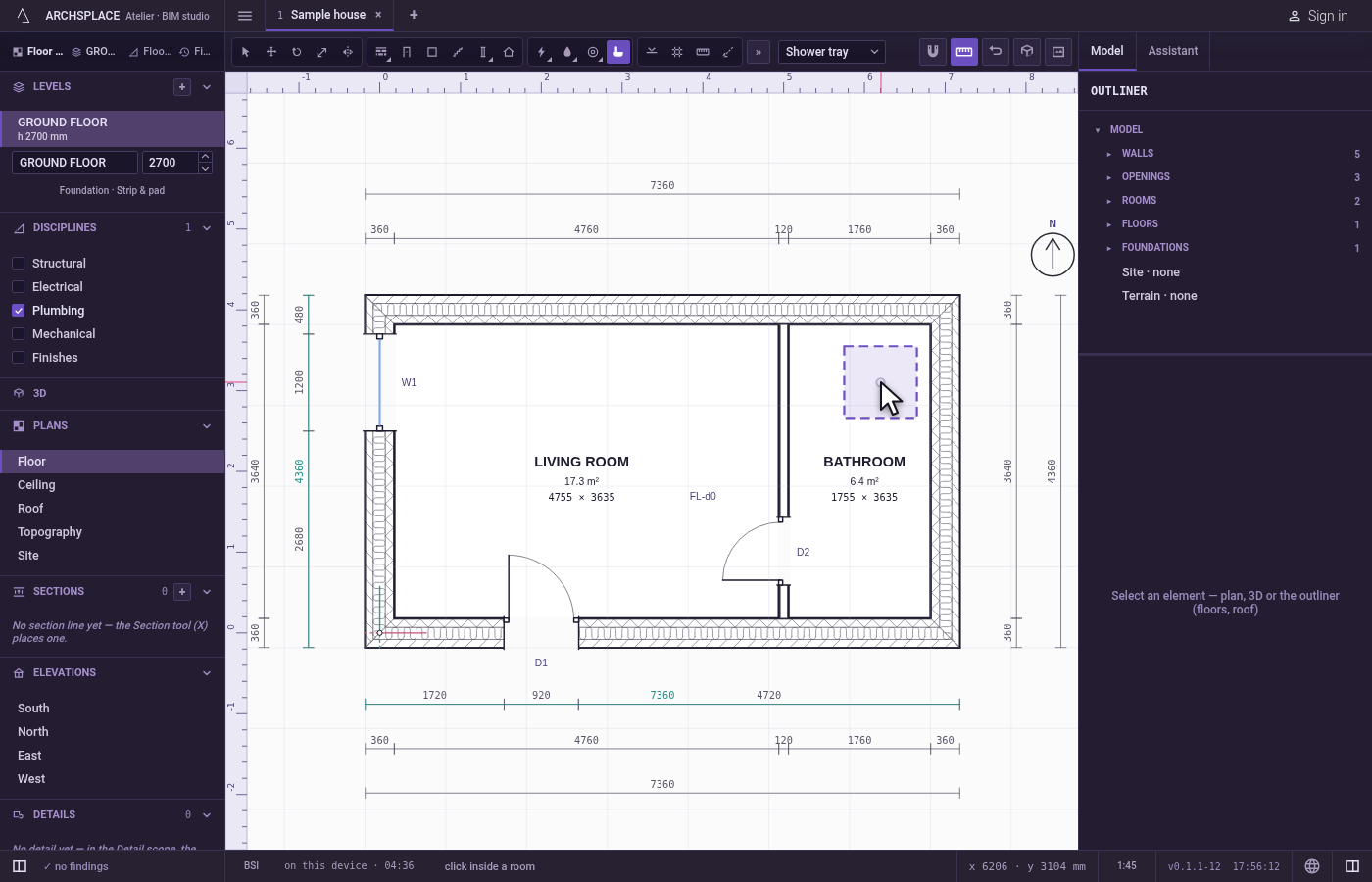
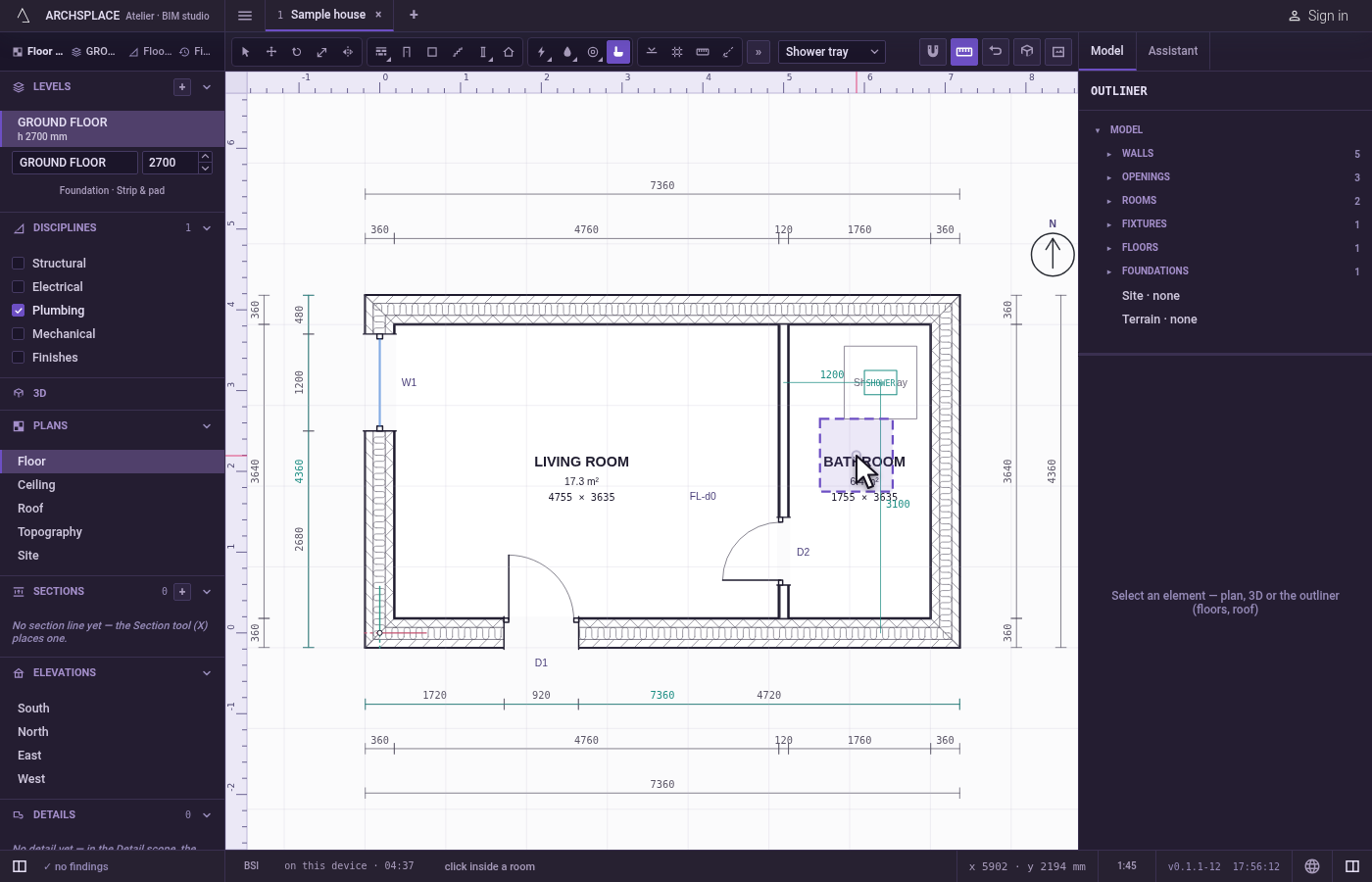
Click inside a room. The appliance is centred where you click, on the magnet. It belongs to the room you clicked in. Each click places another.
What it refuses
- A click outside a room. Outside every room the walls enclose, a message says that an appliance stands in the room you place it in, and nothing is placed.
What it writes to the contract
One new entry at the end of the project's list of appliances, as one step that one undo takes back: its kind, the room it stands in, its point in metres, and the phase the view draws in. The rotation is written once you turn it.
Concepts
Related
Common questions
Does a sanitary appliance connect to the plumbing?
No. An appliance is architecture and never connects to anything. Place its waste and supply points with the Plumbing point tool, and the studio lays their pipes.
How do I turn an appliance to face a wall?
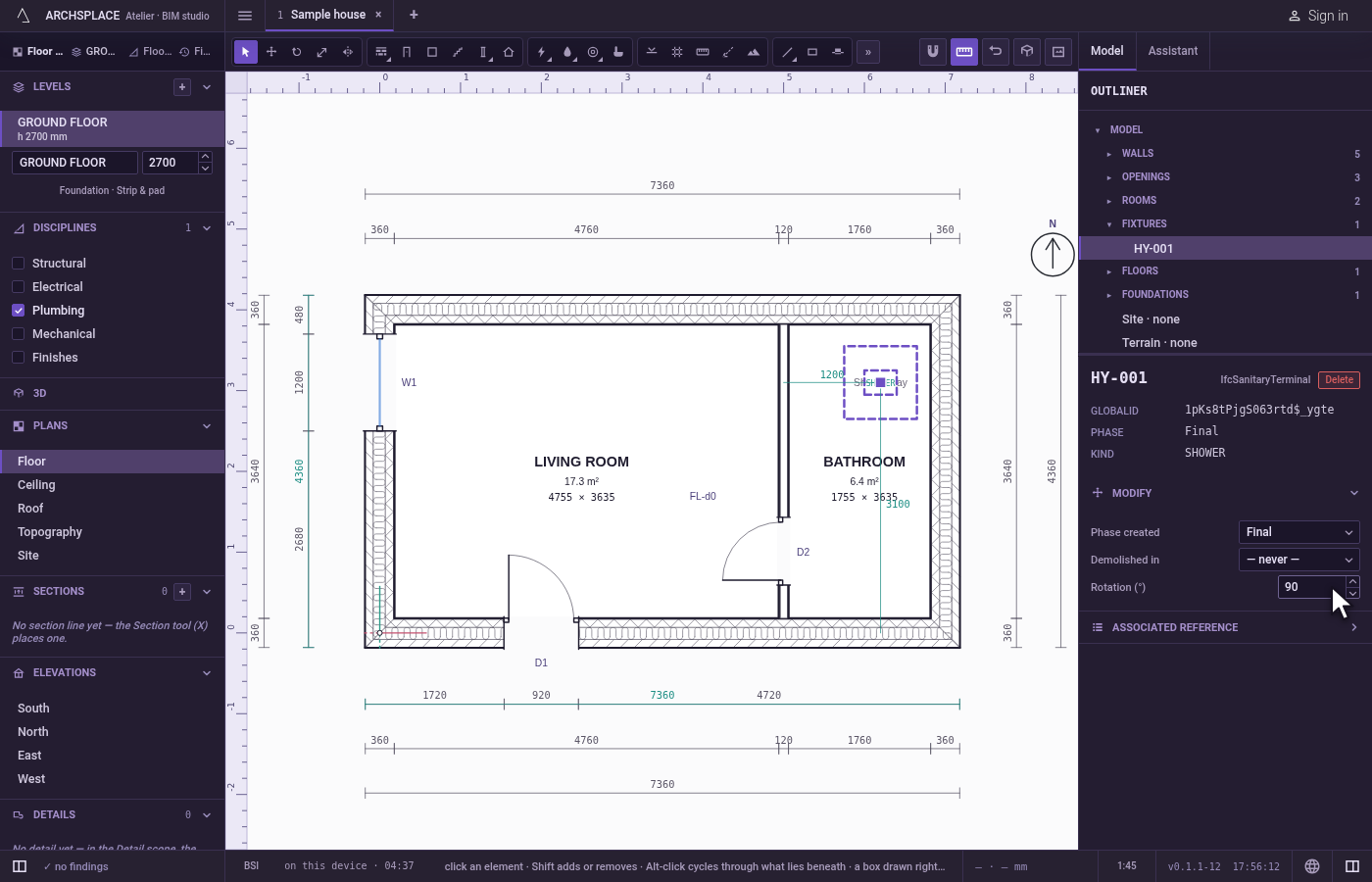
Select it and type its rotation in its panel; the field steps by 15 degrees. Or turn it with the Rotate tool.