Workflows
Save a copy to this computer
Save a copy to this computer writes the project as a .json file on your own disk, named after the project. In a browser it goes to the folder you chose in Preferences, or to your Downloads; in the installed atelier your computer asks where each file goes.
What it is
Save a copy to this computer is File, Save a copy to this computer…. In the installed atelier it is also Ctrl+Shift+S (⇧⌘S on a Mac). A project tab offers it too: right-click the tab, and the copy is of that tab's project, even when another one is in hand. And when nobody is signed in, the question Save asks offers it as the other way to keep the work.
It writes the whole project as one .json file, named after the project: Lime House becomes Lime-House.json, every run of spaces and signs turned into a hyphen. Where the file goes:
- In a browser, to the folder chosen in Settings, Preferences, Where your files go, when one is chosen and the browser allows it, and to your Downloads otherwise. A file already in the folder is never written over: the new one takes the next free name, Lime-House (1).json.
- In the installed atelier, your computer's save window asks where the file goes and under which name, every time.
Hovering the menu item says where the next file goes. Once it is written, a toast says where it went and under which name. A copy of the project in hand counts as a save: closing the project afterwards asks nothing more, until the next change.
When to use it
- Keeping a copy of a project on your own disk, beside your other files.
- Sending a project to someone, who opens it with Open a file.
- Saving when you have no archsplace account, or are offline.
- Keeping a dated copy before a large change.
The steps
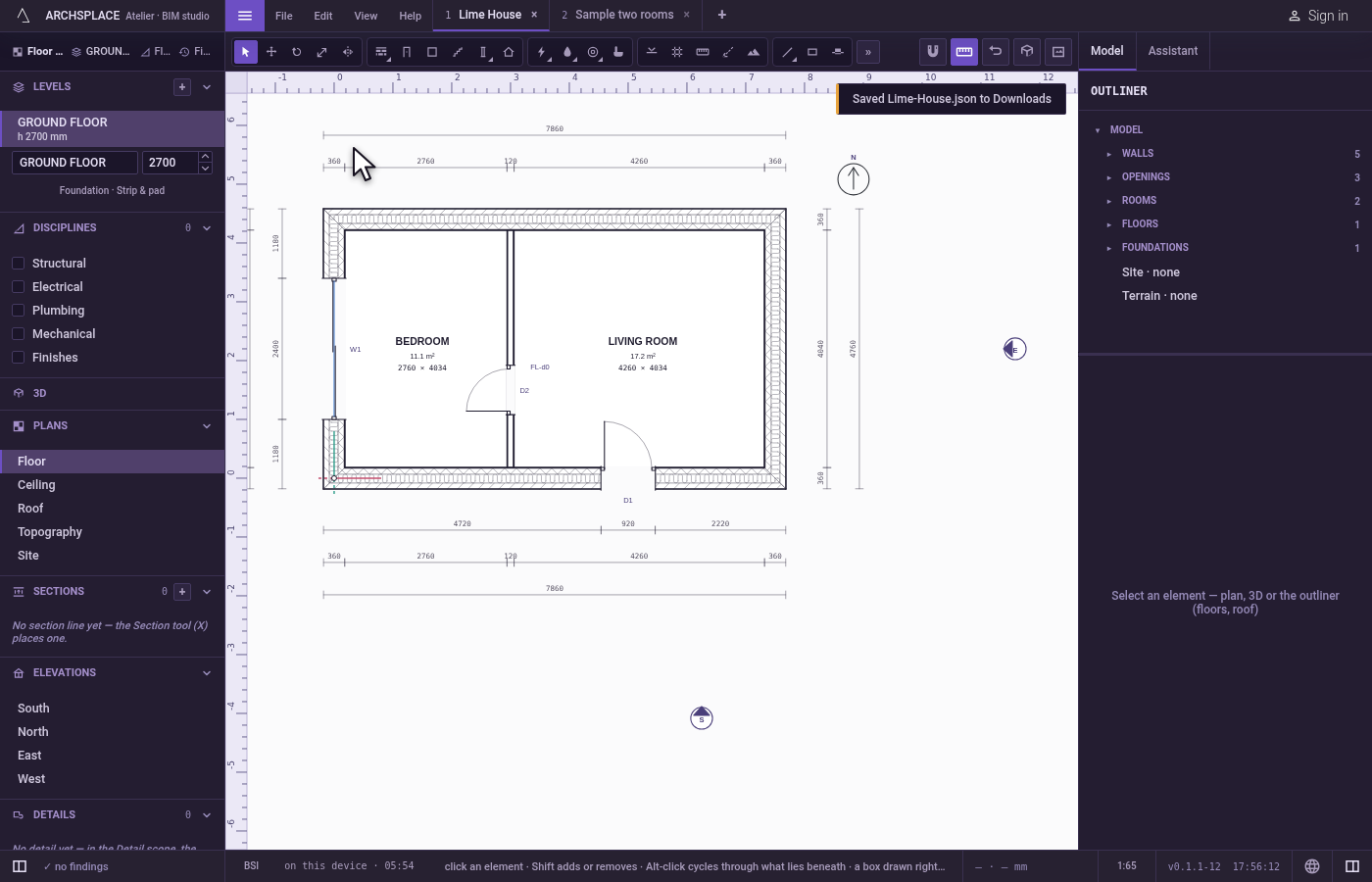
Save the copy. Open File and click Save a copy to this computer…. In a browser with no folder chosen, a toast says Saved Lime-House.json to Downloads.
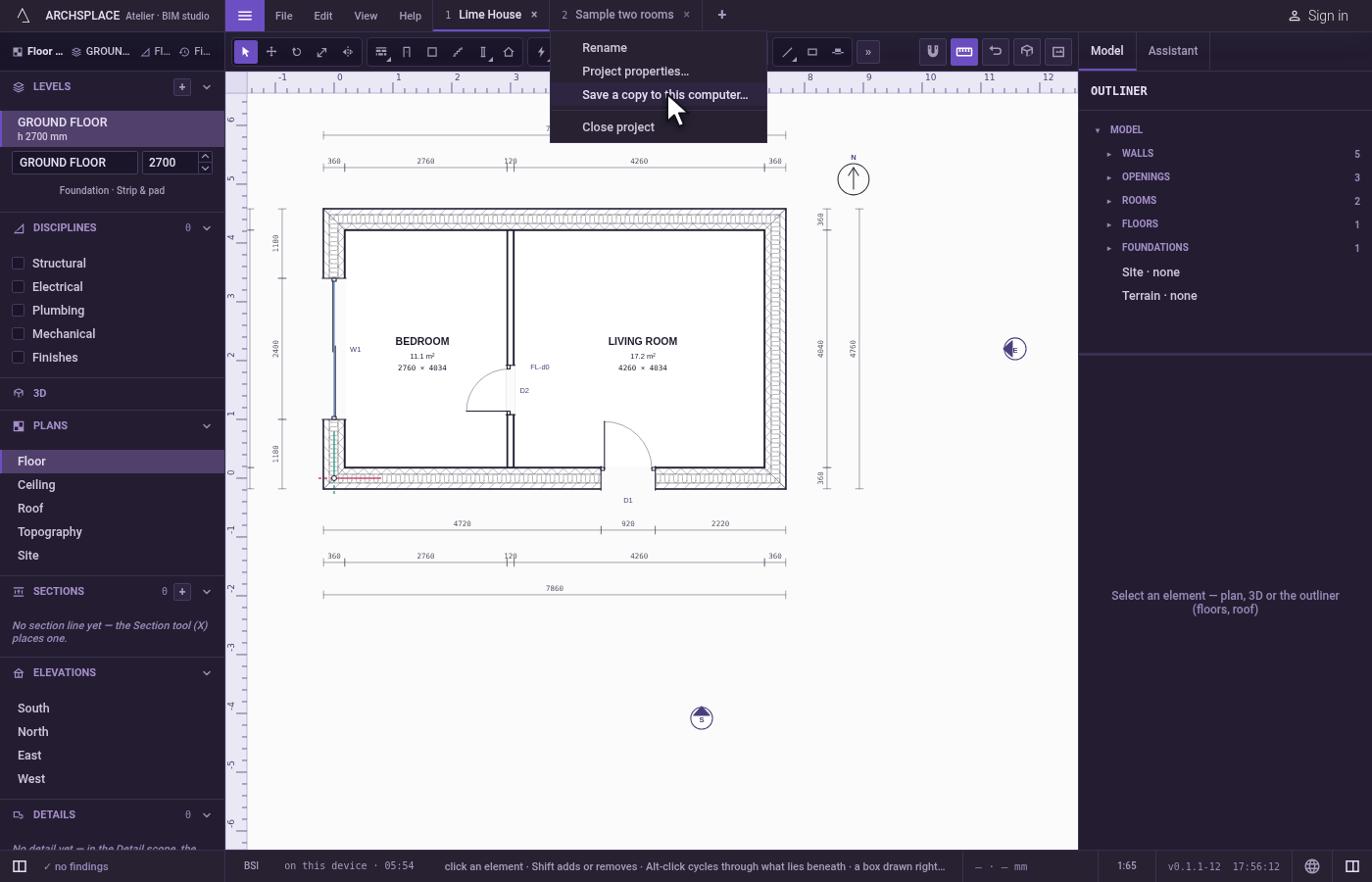
Save a copy of another tab. Right-click the tab of another open project and click Save a copy to this computer…. That project's file is written, and the project in hand stays as it is.
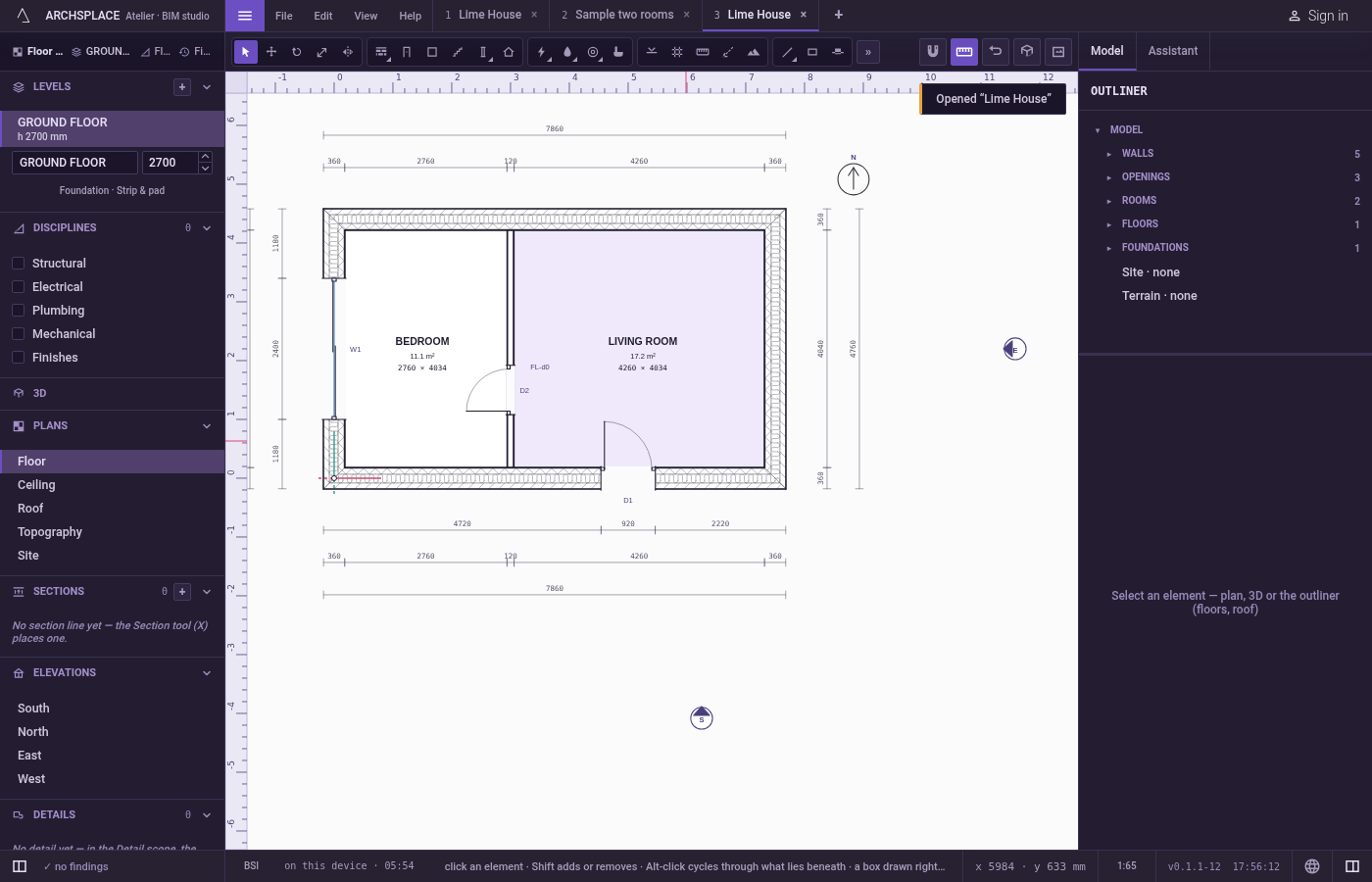
Open it again. Open File, Open a file… and choose the copy. It opens as a new project in a tab of its own.
What it refuses
- A folder the browser no longer allows. The copy goes to your Downloads instead, and the toast says the atelier could not write to that folder.
- A save window you close without choosing, in the installed atelier. Nothing is written, nothing is said, and the project still counts as unsaved.
- A file that cannot be written. The toast says it could not be saved, and why.
What it writes to the contract
Nothing changes in the contract. The file is the contract itself, written whole as indented JSON: everything the project holds, and nothing that belongs to you rather than to the project, such as your preferences or your account.
Common questions
Where does the copy go?
In a browser, to the folder chosen in Settings, Preferences, Where your files go, or to your Downloads when none is chosen. In the installed atelier, your computer's save window asks every time. Hovering the menu item says where the next file goes.
Will it write over my last copy?
Not in a chosen folder: the new copy takes the next free name, Lime-House (1).json after Lime-House.json, as downloads do. In the installed atelier your computer's save window decides, as it does for any program.
What is in the file?
The whole project, as the atelier keeps it: its levels, walls, openings, rooms, installations, sheets, standard and every other element, in one readable JSON file. Open a file opens it again in any atelier.