Workflows
New project
New project starts an empty project under the drawing standard you choose: your country's template, the international one, a standard of your own or one you upload. The template brings the catalogues, the words and the rules the project is drawn with, and the project can switch to another one at any time.
What it is
A new project is completely empty but for the standard it is designed under and one level, Level 0, 2.80 m high. It opens from several places:
- File, New project…, or
Ctrl+N(⌘Non a Mac) in the installed atelier; - the + New project tab at the end of the project tabs in the header;
- New project… on the Start screen, the screen the atelier shows when no project is open.
Each one opens the New project dialog. It asks for:
- Project name: the field shows Untitled project followed by a number; left empty, that is the name the project takes.
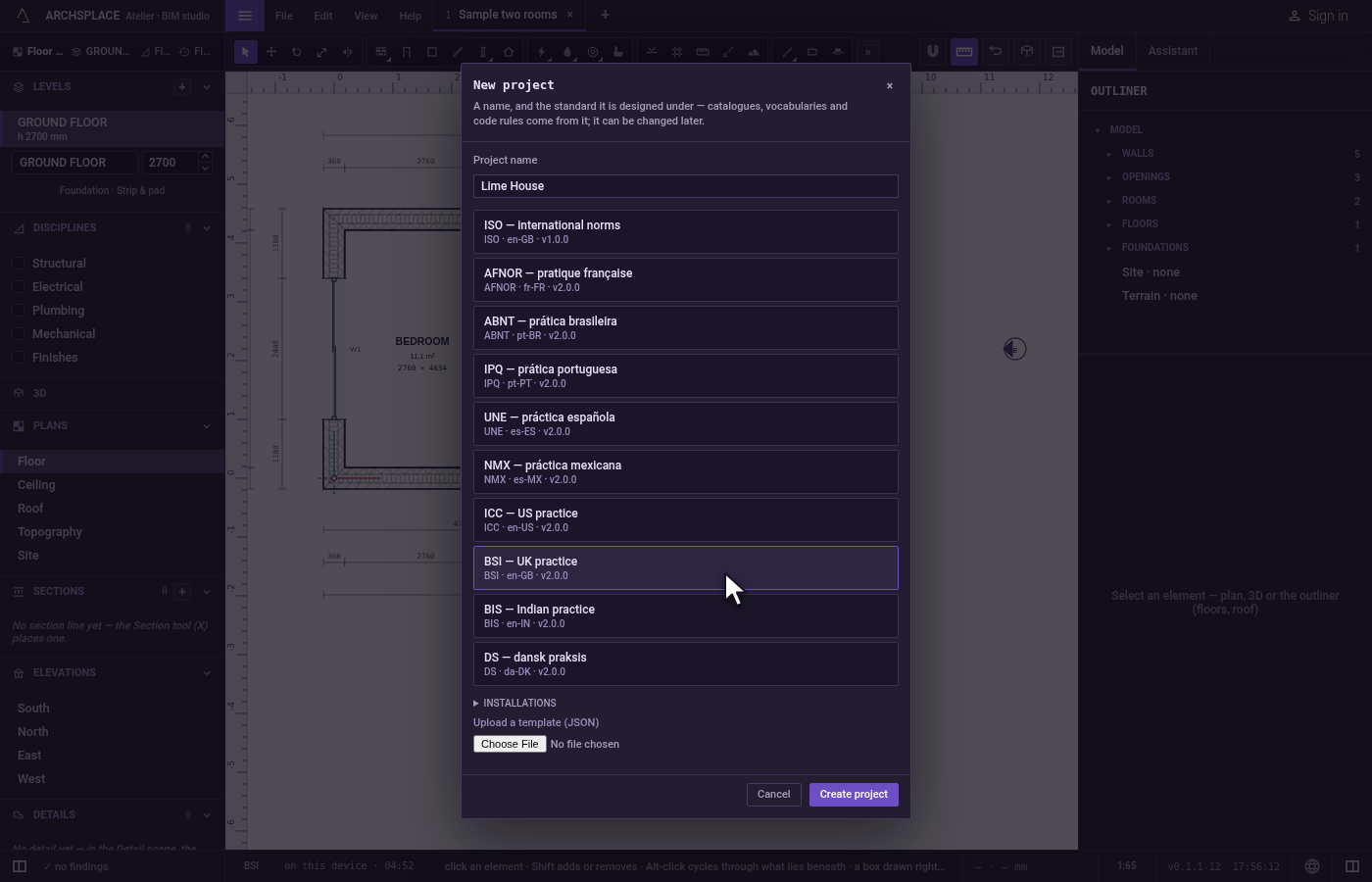
- The standard, in a list of cards, each with its name and, under it, its key, its language and its version. The list holds the atelier's templates: ISO, the international norms, then one per country, AFNOR for France, ABNT for Brazil, IPQ for Portugal, UNE for Spain, NMX for Mexico, ICC for the United States, BSI for the United Kingdom, BIS for India and DS for Denmark. Then come the standards you adopted from a project (Your standards). The card already chosen is your country's, from your account when you are signed in, else from where your browser stands, and ISO when your country has none.
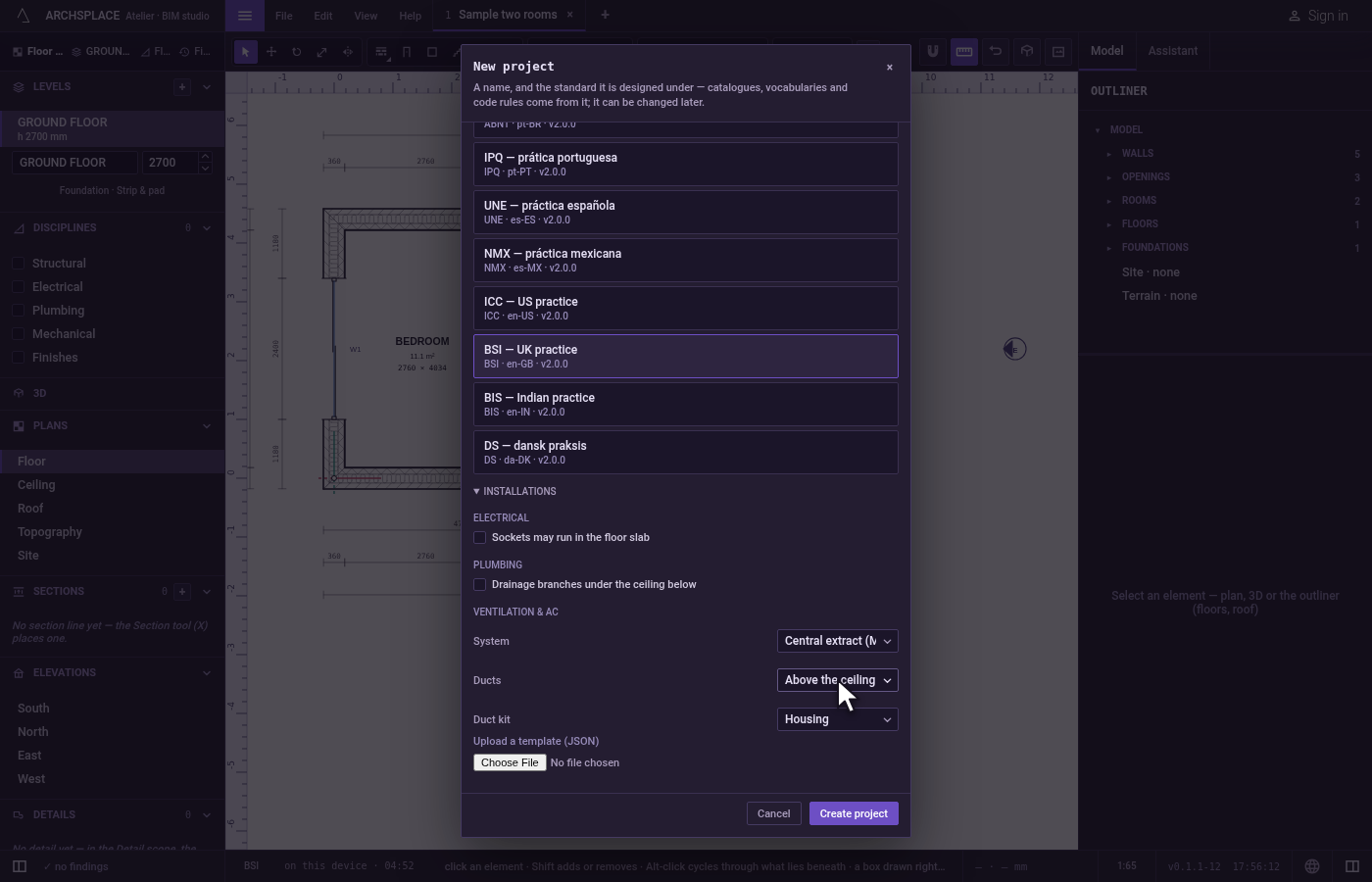
- Installations, folded at first: the project's choices for its installations from its first day. Electrical: whether sockets may run in the floor slab. Plumbing: whether drainage branches run under the ceiling below. Ventilation & AC: the System (Central extract (MEV), MVHR (heat recovery) or Extract fans only), where the Ducts run (In the attic or Above the ceiling) and the Duct kit (Housing or Commercial). The defaults are a home's: no socket in the slab, no waste pipe under the ceiling, central extract, ducts in the attic, the housing kit.
- Upload a template (JSON): a standard file of your own, such as one written by Export standard (.json) in the standard panel. Once it reads, its card joins the list, chosen.
Create project opens the new project in a tab of its own, on the floor plan, with the Wall tool in hand.
When to use it
- Starting the drawing of a new house or building.
- Starting under another country's practice, for a project abroad.
- Starting from your office's own standard, with its pens, text heights and patterns.
The steps
Open the dialog. Open File and click New project…. The New project dialog opens, the name field ready to type in, your country's template already chosen.
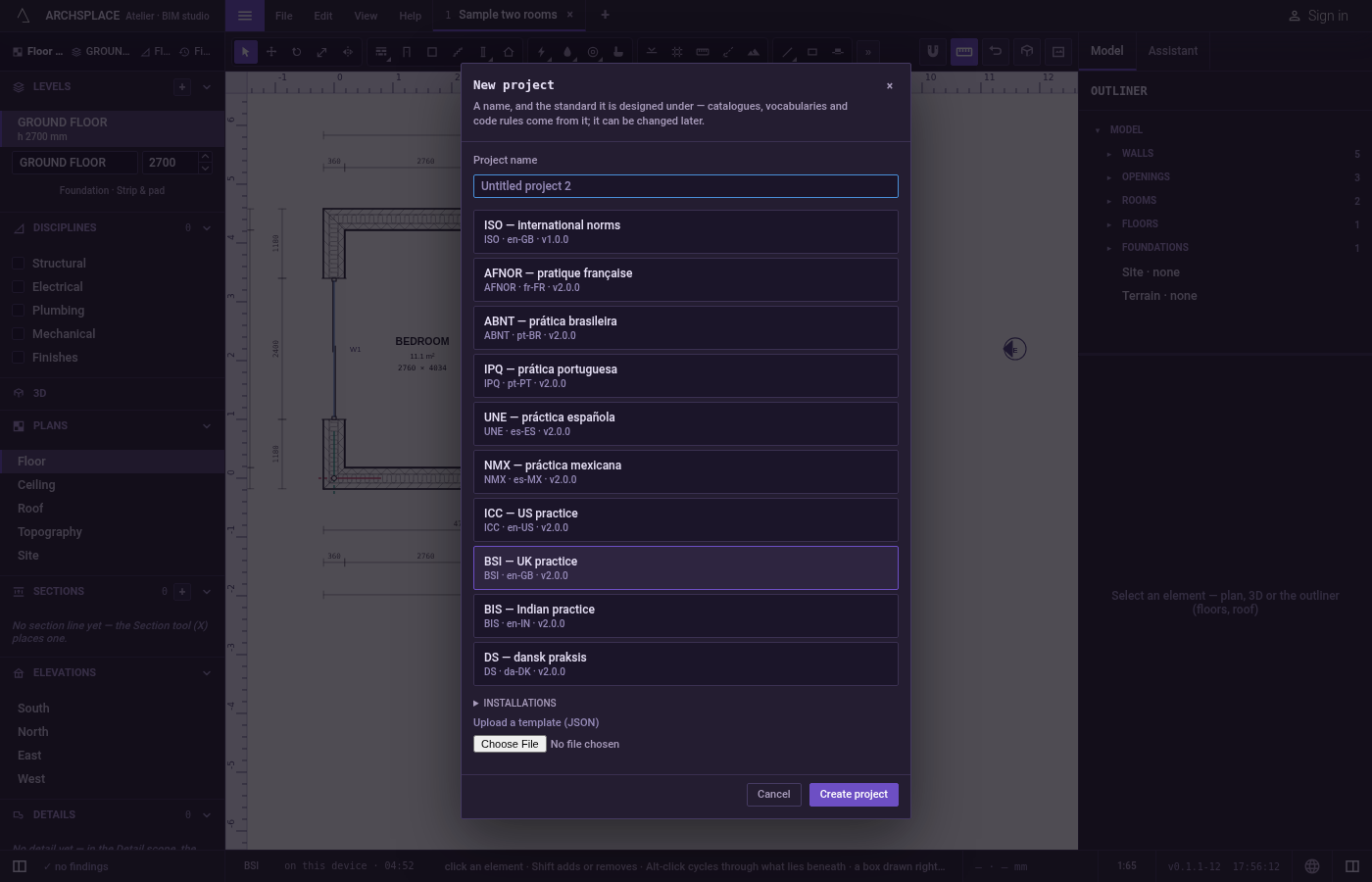
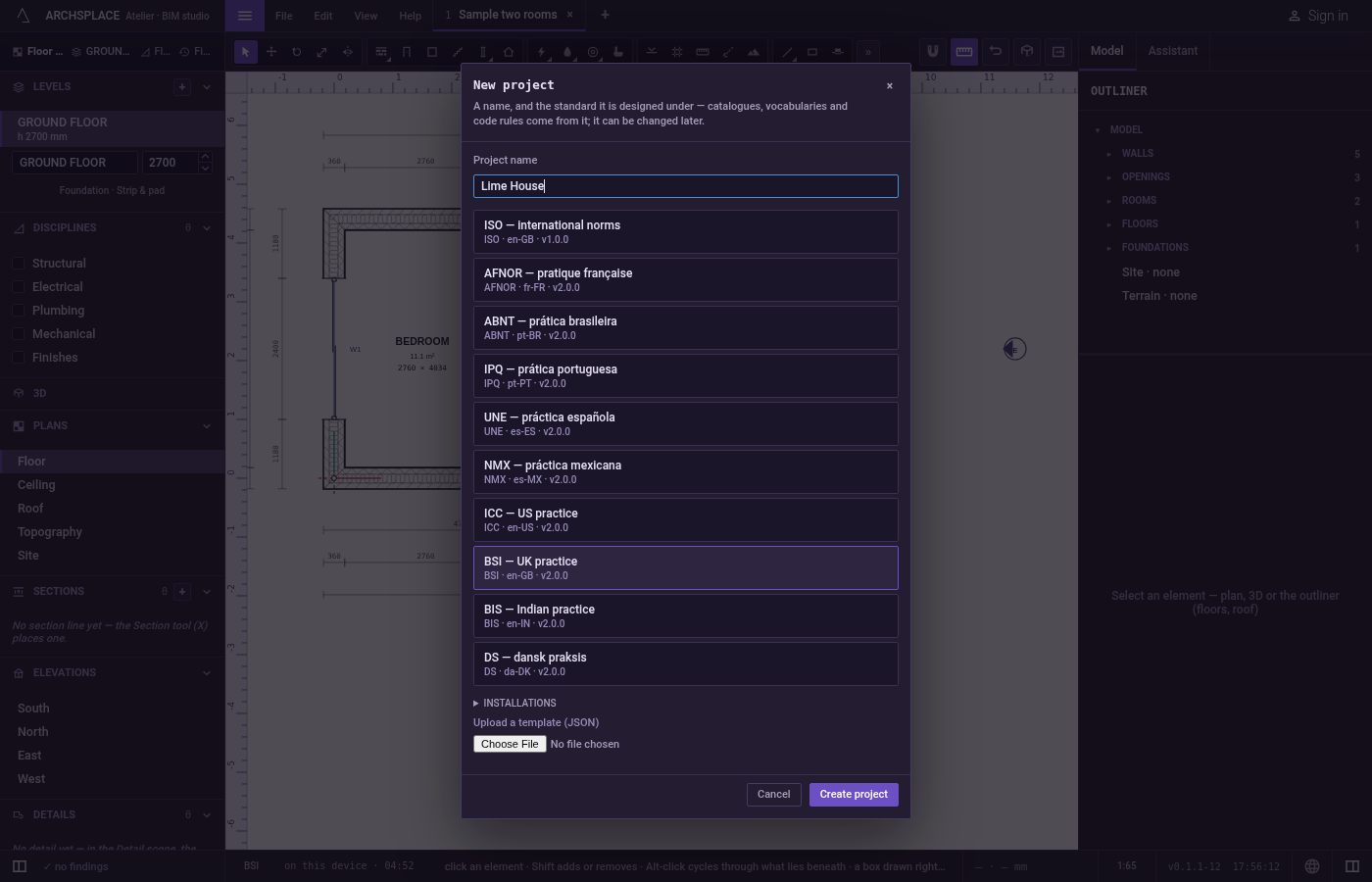
Name the project. In Project name, type Lime House.
Choose the standard. Click the card BSI. It is the one marked as chosen.
Set the installations. Open Installations, and under Ventilation & AC choose Above the ceiling in Ducts.
Create it. Click Create project, or press
Enterin the name field. A new tab named Lime House opens on the floor plan of Level 0, with the Wall tool in hand, and the status bar shows BSI.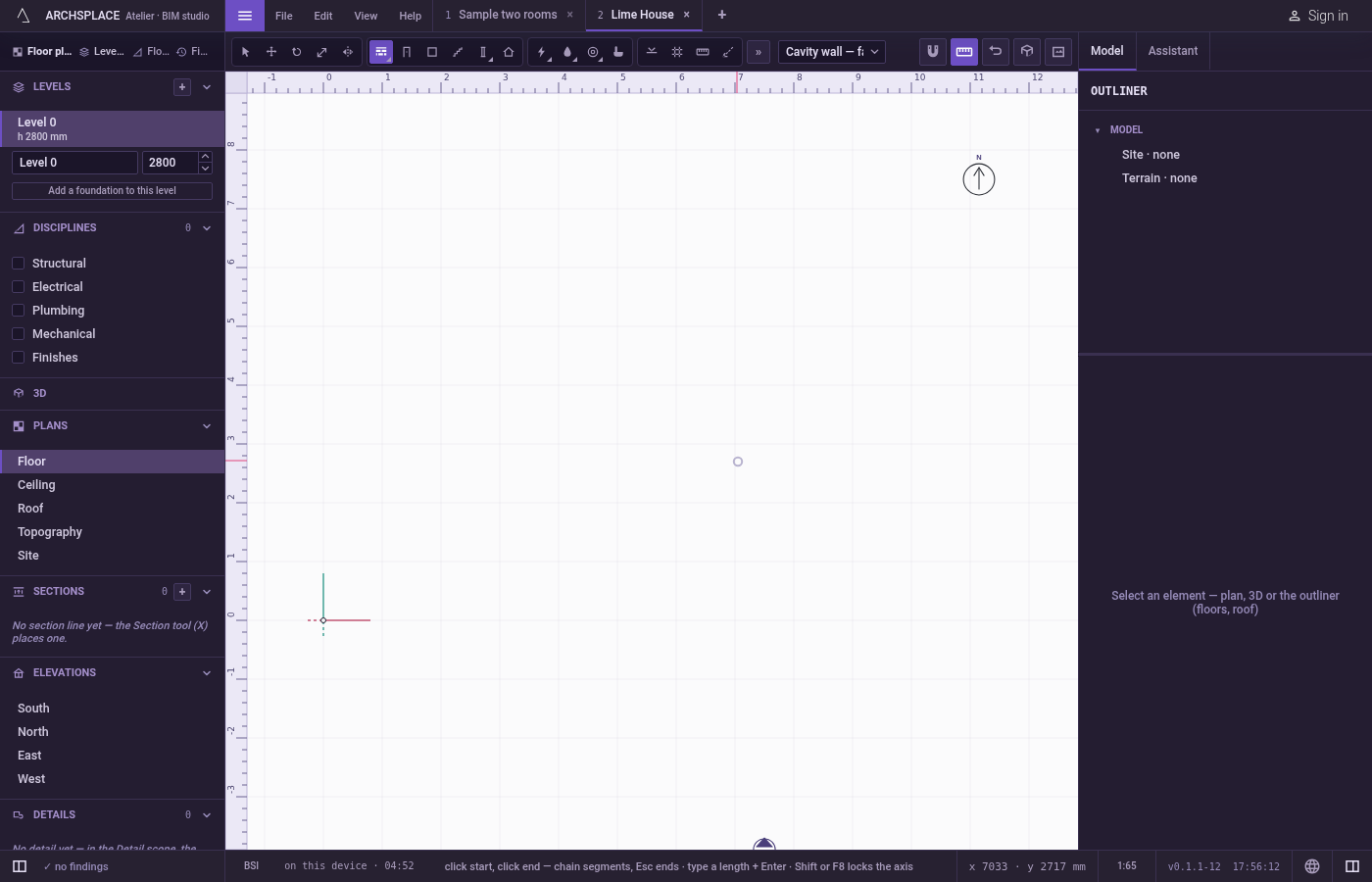
What it refuses
- A template file that is not a standard. The dialog lists what it could not read, line by line, and the file's card is not added: the project cannot be created under it.
- A file that is not readable at all. The dialog says it is not a readable template, and why.
What it writes to the contract
A new project is one new file of the library. After the five steps above it reads:
standard names the template by its id and its version, the one the atelier carries today. A standard of your library or an uploaded one is also written whole as standardTemplate, so the project carries it wherever it goes. The installations are written only where they leave the defaults: electrical with floorOutlets, hydraulic with ceilingDrains, and ventilation with its three choices.
Common questions
Which template should I choose for a new project?
The one of the country you build in: the atelier offers it first, read from your account's country when you are signed in, else from where your browser stands. A country without a template of its own starts on ISO, the international one. Any template can be chosen instead, and a project can switch template later.
What does the template change?
The catalogues of wall and slab types, opening families, devices and patterns, the words of the drawings, the code rules the model is checked against, the pens and the title block. Everything you draw is yours; the template is where it starts from.
Can I use my office's own standard?
Yes. A standard you adopted from a project is listed with the built-in ones, and Upload a template (JSON) takes a standard file exported from the atelier. Either one travels inside the project.