3DSPin the studio
Sphere
The Sphere tool makes a solid sphere in the 3D view from two inputs: its centre, then its radius, clicked or typed. The sphere is placed as a new component, so a single click later takes it whole.
What it is
The Sphere tool makes a solid ball. You give it a centre and a radius; the studio builds a closed sphere of 32 steps around, its surface marked smooth so it reads as one round surface and never shows its facets.
The sphere lands as a new component, named Sphere with a number, holding that one body and placed where you drew it. A click takes it whole; a double click opens it if you want to work on its shape.
When to use it
- To model a ball, a globe light, a dome to cut with Boolean, or any round object.
- To make a round cutter: place a sphere where it overlaps a body, then use Boolean to carve the hollow.
The steps
Take the tool. Type
SthenP, the two letters within a short moment, or click Sphere among the shapes.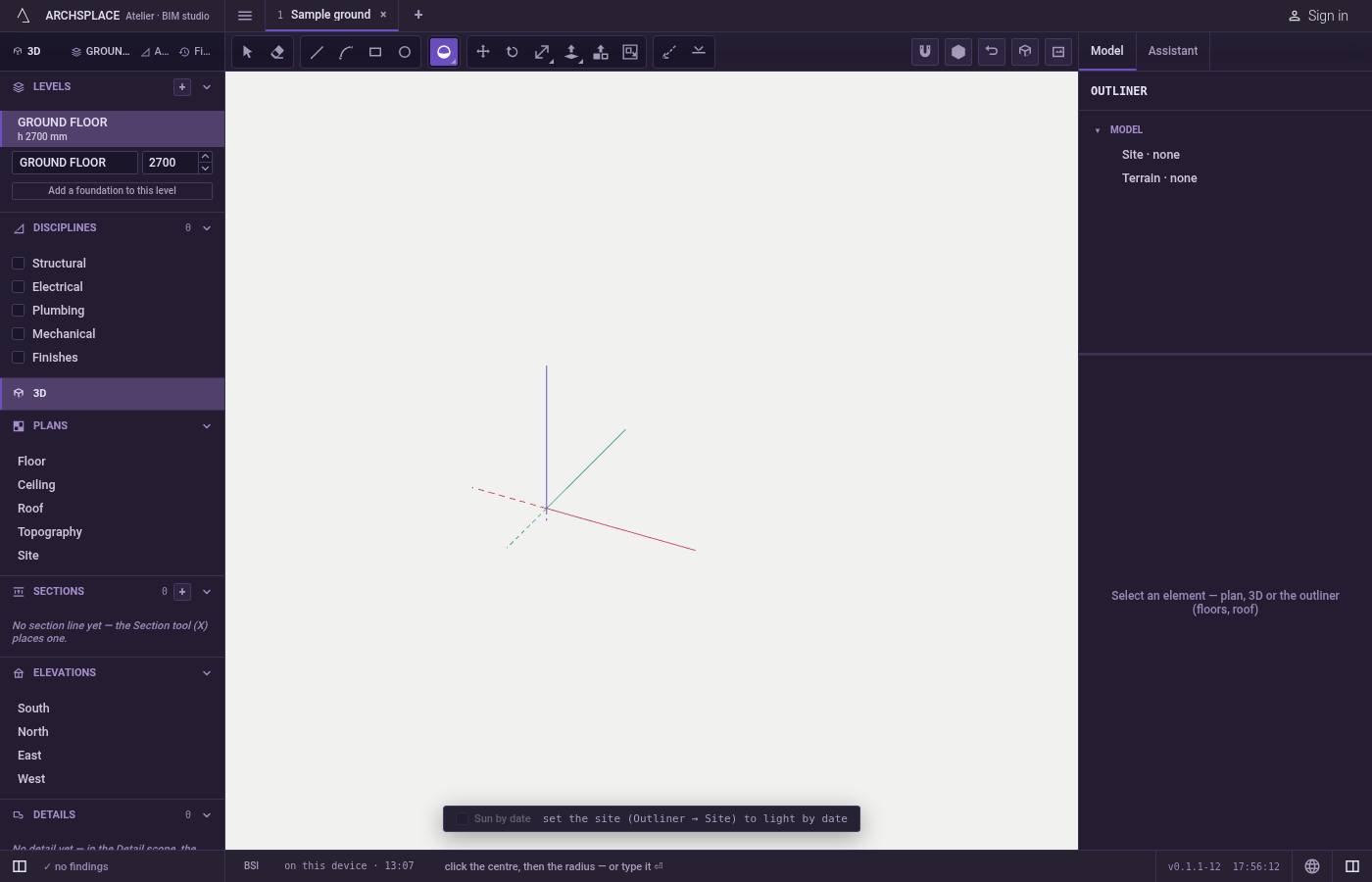
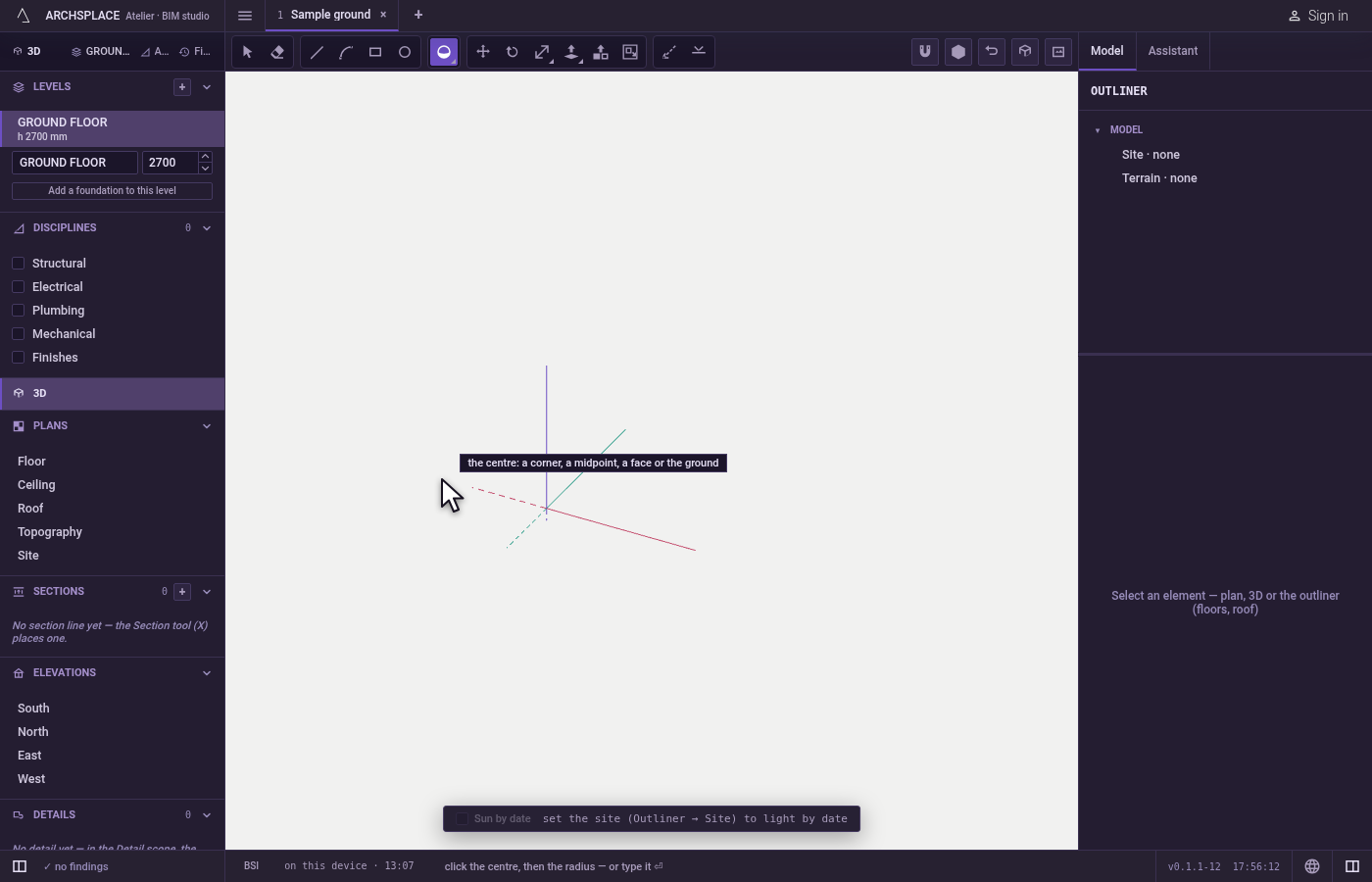
Click the centre. The marker shows what the click takes: a corner, a midpoint, a face or the ground when nothing stands under the pointer. The hint reads the centre.
Set the radius. Move away from the centre: the radius is read on the level plane through the centre, the ghost of the sphere grows, and the readout gives the radius. Click, or type the radius and press
Enter. A corner or an edge in reach gives its distance.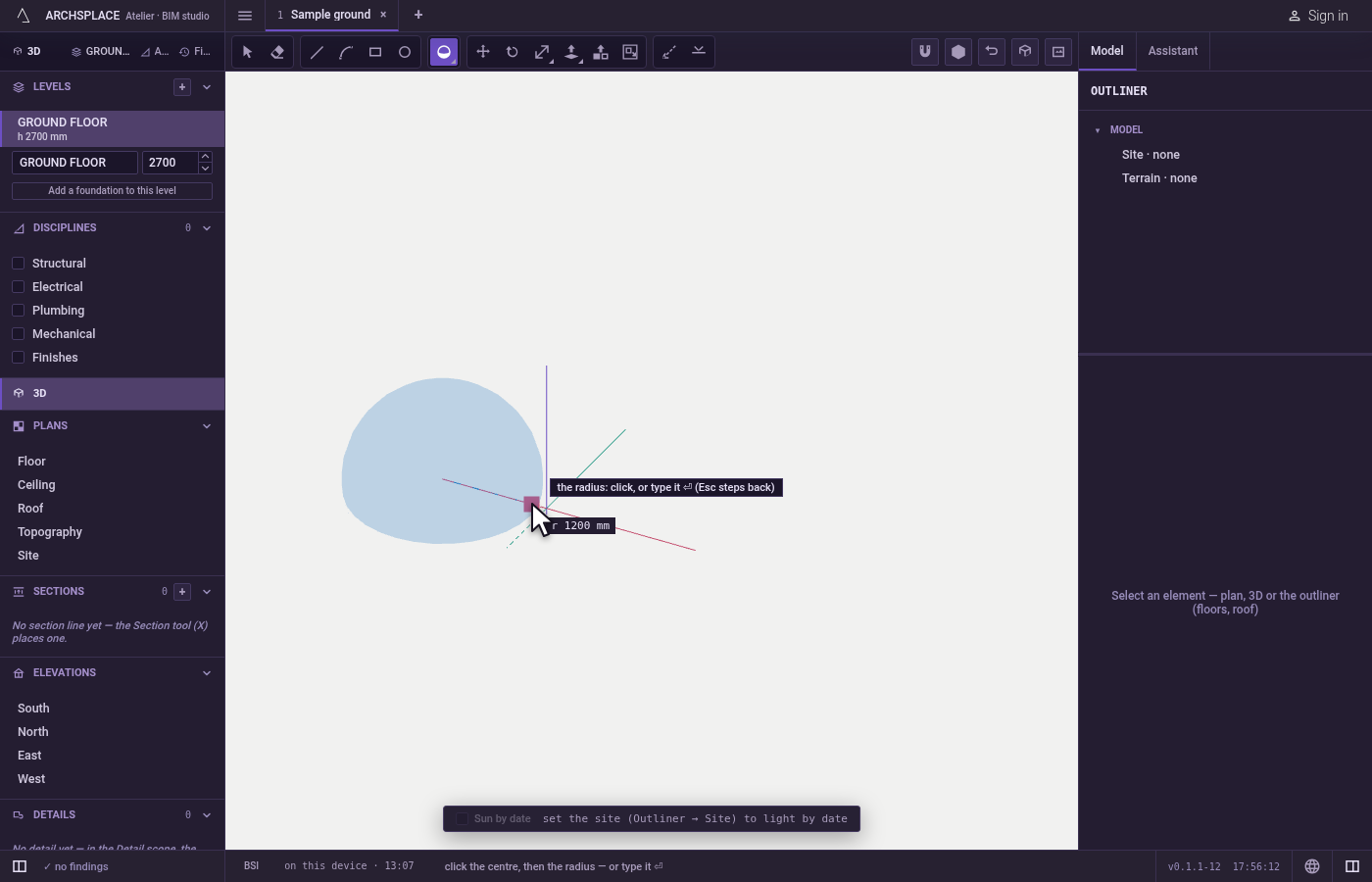
Step back if needed.
Escapebefore the radius goes back to choosing the centre. The space bar returns to Select.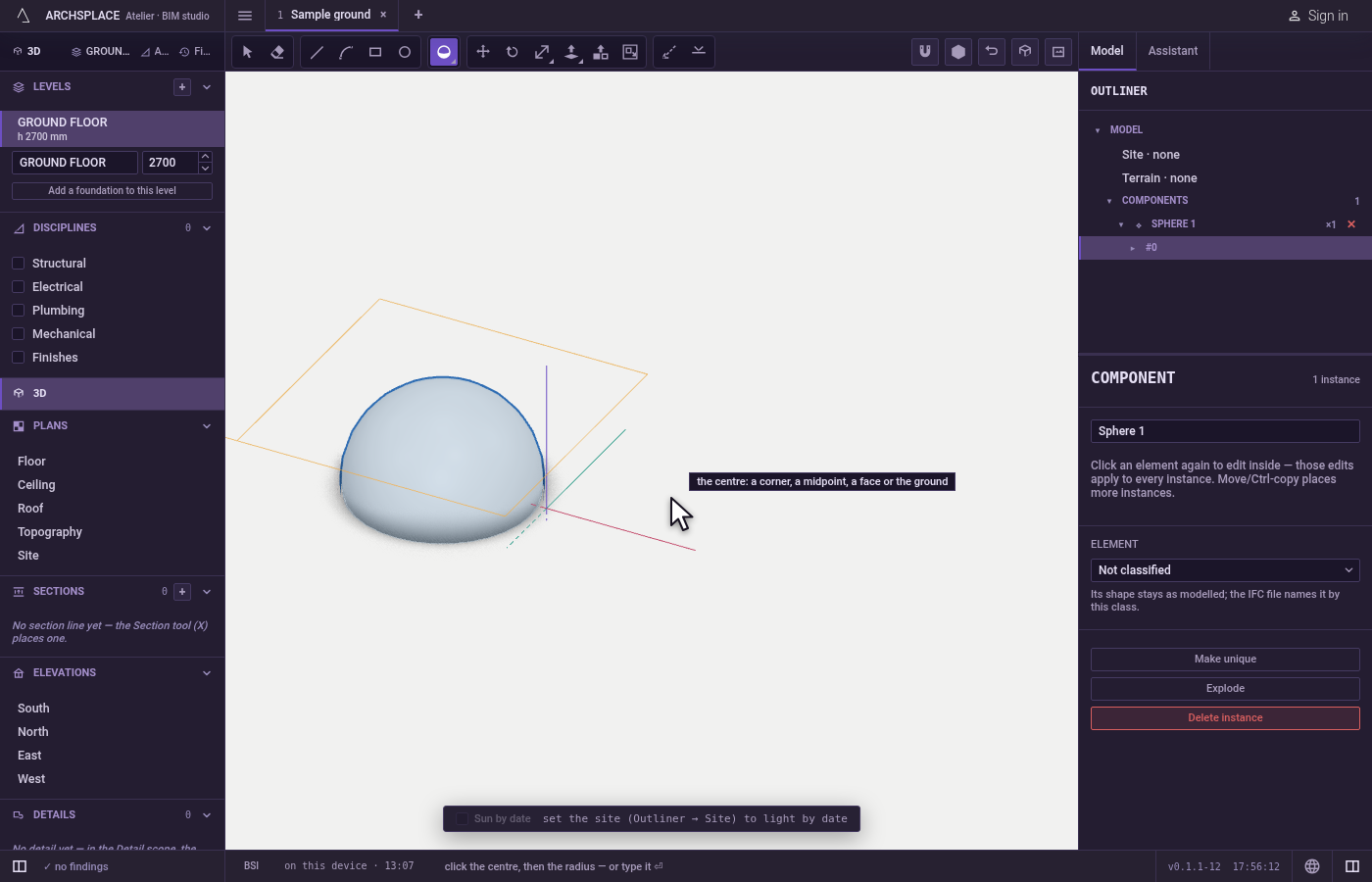
What it refuses
- A radius of nothing. A sphere needs a radius; a zero is ignored and the tool waits.
- A centre on nothing. A click that finds no point says the centre: a corner, a midpoint, a face or the ground.
What it writes to the contract
One undoable step adds a new component definition holding the sphere's body, and a placement of it at the centre, on the current level. Inside an open component, the new component is placed inside that one. The new placement is selected.
Common questions
What is the shortcut of the Sphere tool?
Type S then P, the two letters within a short moment. The tool opens on the second letter.
Why is my sphere a component?
Every sphere, cylinder and cone lands as a component of its own, holding one solid body, so a click takes it whole and its surface is never picked facet by facet. Double-click it to work inside, or explode it to make it loose.
Where does the centre of the sphere sit?
Exactly where you click: a corner, the middle of an edge, a point on a face, or the ground. A sphere centred on the ground stands half below it.