SketchOin the studio
Offset
Offset draws a new closed outline parallel to a shape in the sketch editor, inside or outside it, at a distance you set with the pointer or type. It works on the outlines you drew and on the dimmed shape in force, and it keeps arcs as true arcs.
What it is
Offset copies a closed outline at a constant distance from it, every side moved parallel to itself, the corners meeting again where the moved sides cross. Arcs keep their centre and grow or shrink their radius, so an arched outline offsets to an arched outline. Going inside shrinks the outline; going outside grows it. The original is not changed.
You can offset an outline you drew in the editor, or the dimmed shape in force behind it. In both cases the new outline is added to your drawing.
When to use it
- Drawing the inner edge of a frame or a border at a set distance.
- Starting a slightly smaller or larger version of the shape in force, then reshaping it.
- Laying a band of tiles around a pattern area at an even width.
The steps
Arm Offset. In the sketch editor (see Select for the ways in), press
Oor click Offset on the editor's toolbar. The hint at the cursor says click inside a shape.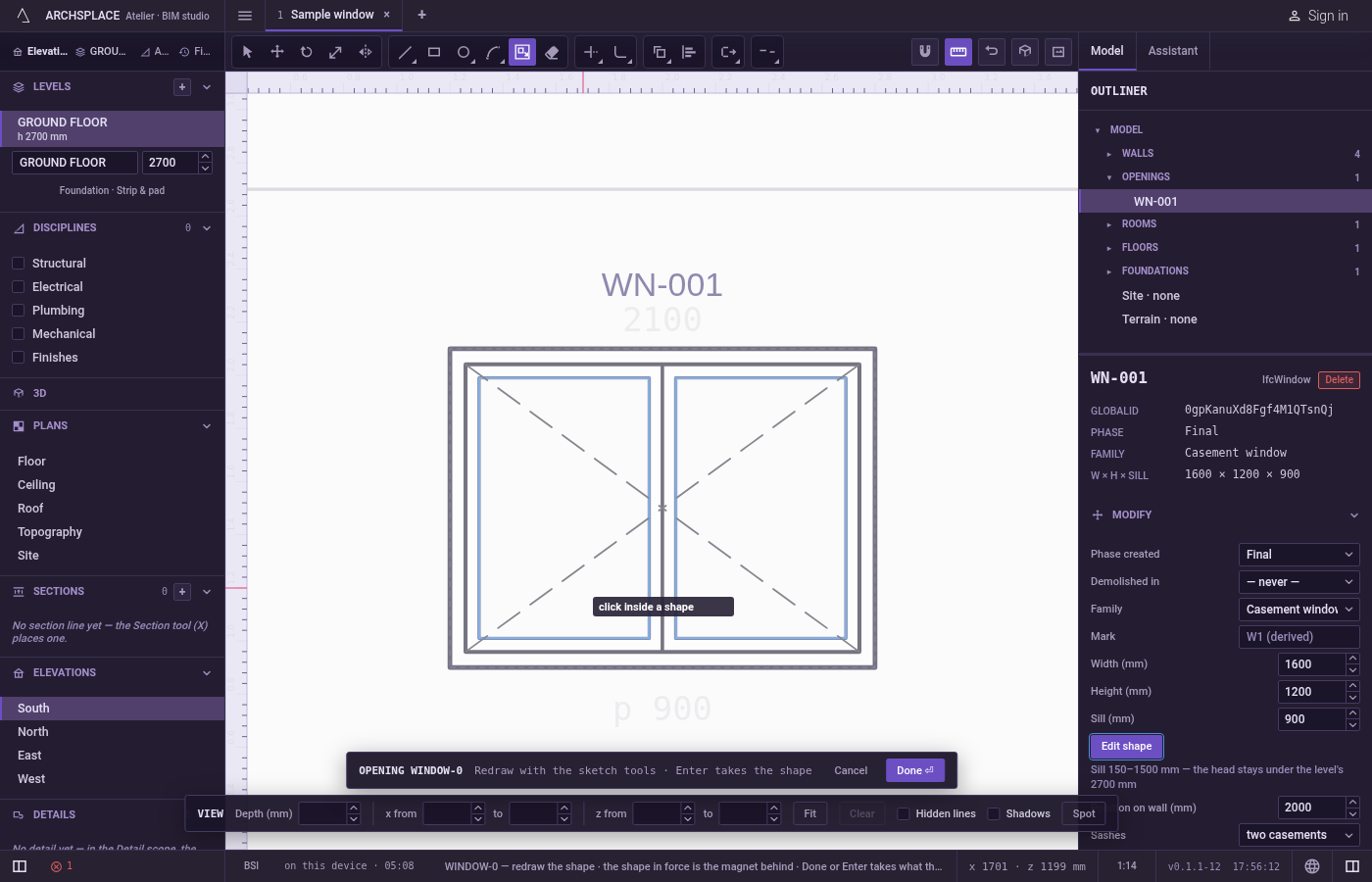
Click inside an outline. Your own outlines are taken first. Where your lines divide a shape into parts, the smallest part around the click is taken. With none of your outlines under the pointer, the dimmed shape in force is taken.
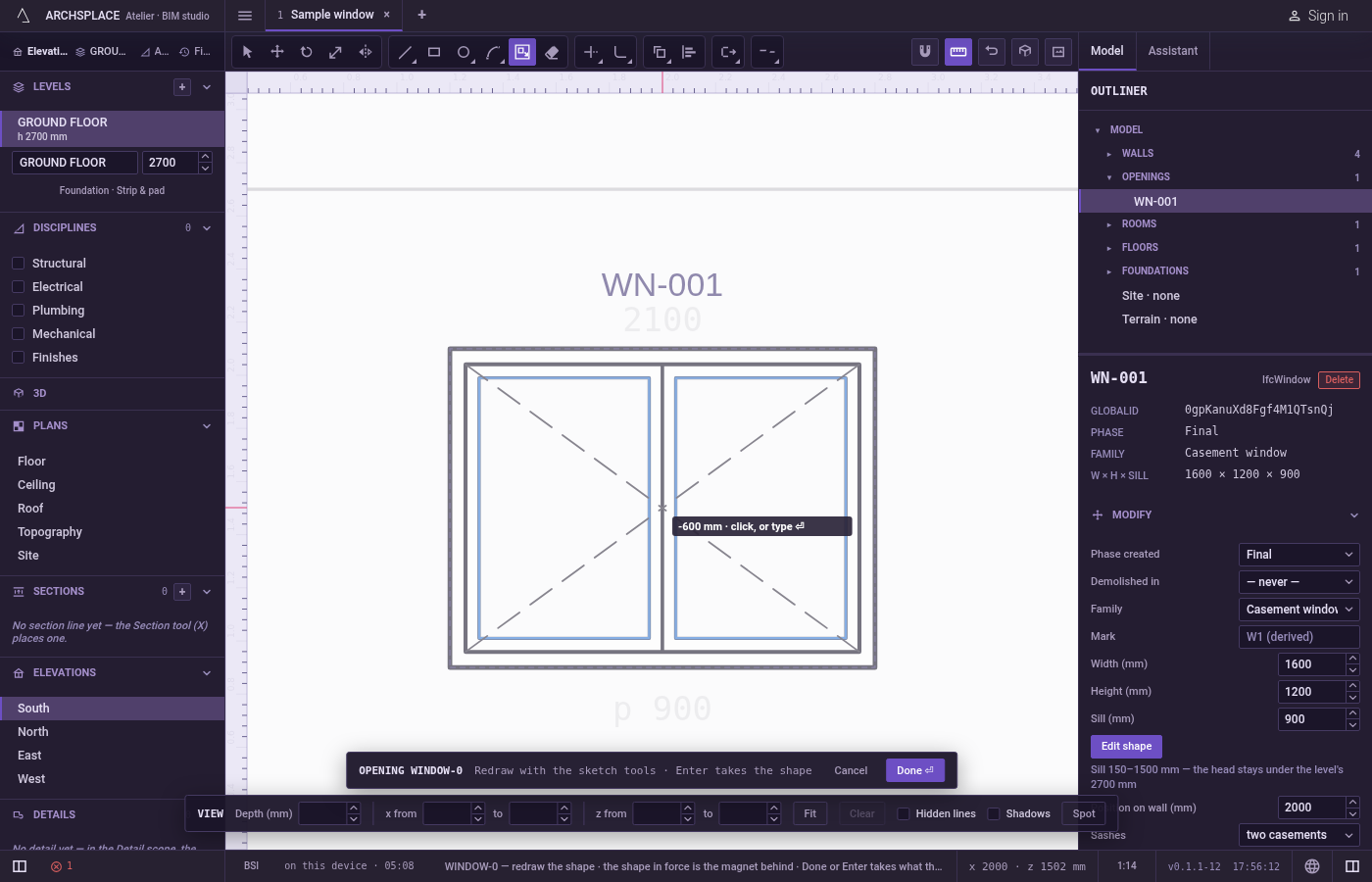
Move to set the distance. A preview of the new outline follows the pointer, and the hint shows the distance: negative inside the outline, positive outside. The distance is measured from the pointer to the nearest side.
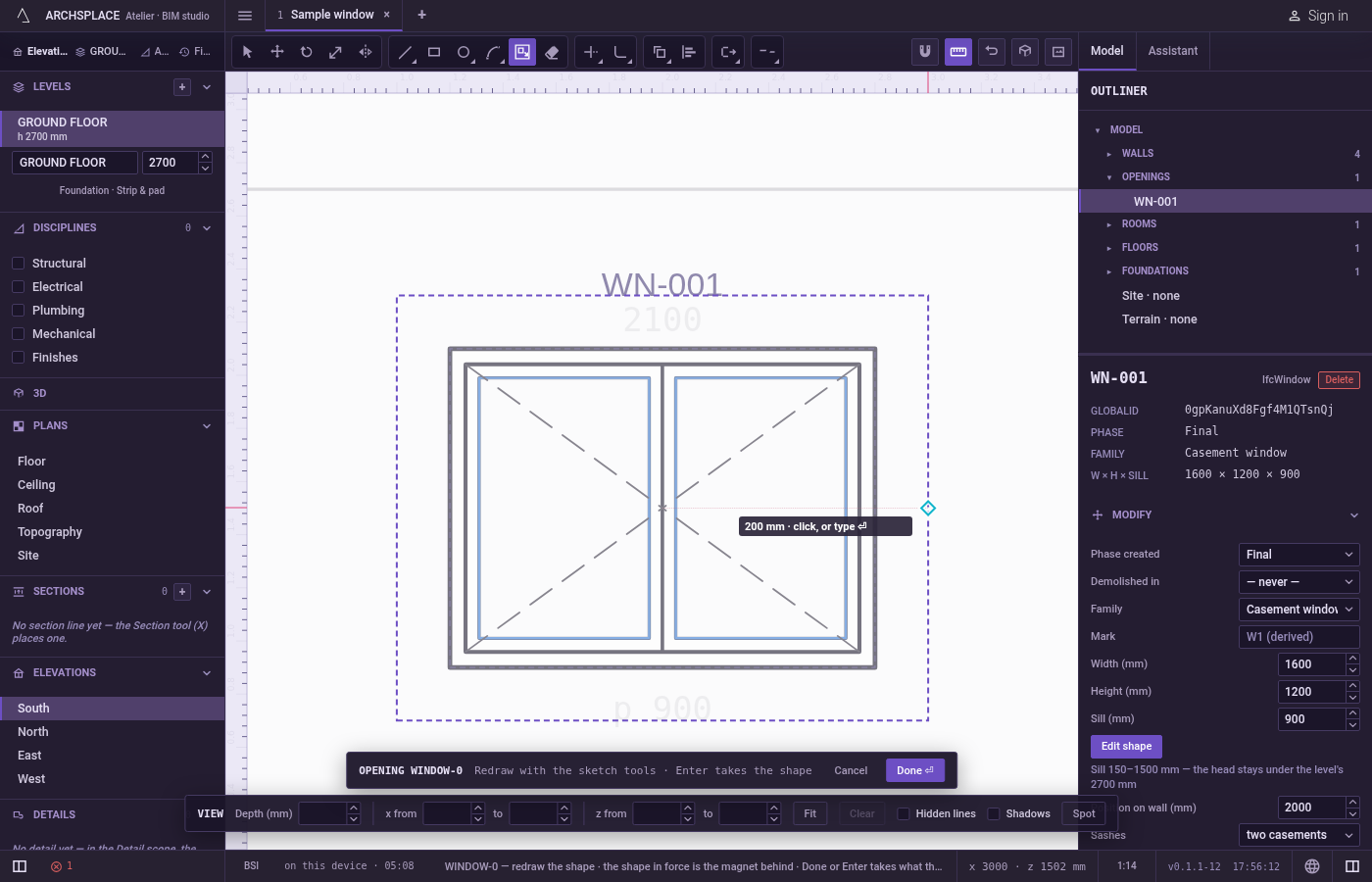
Click, or type the distance. A click adds the outline the preview shows, rounded to the millimetre. For an exact value, type the distance in the project's units and press
Enter: a positive number grows the outline and a negative one shrinks it, wherever the pointer is. Near a curve, type the distance: the pointer reading measures to the straight line between the curve's ends.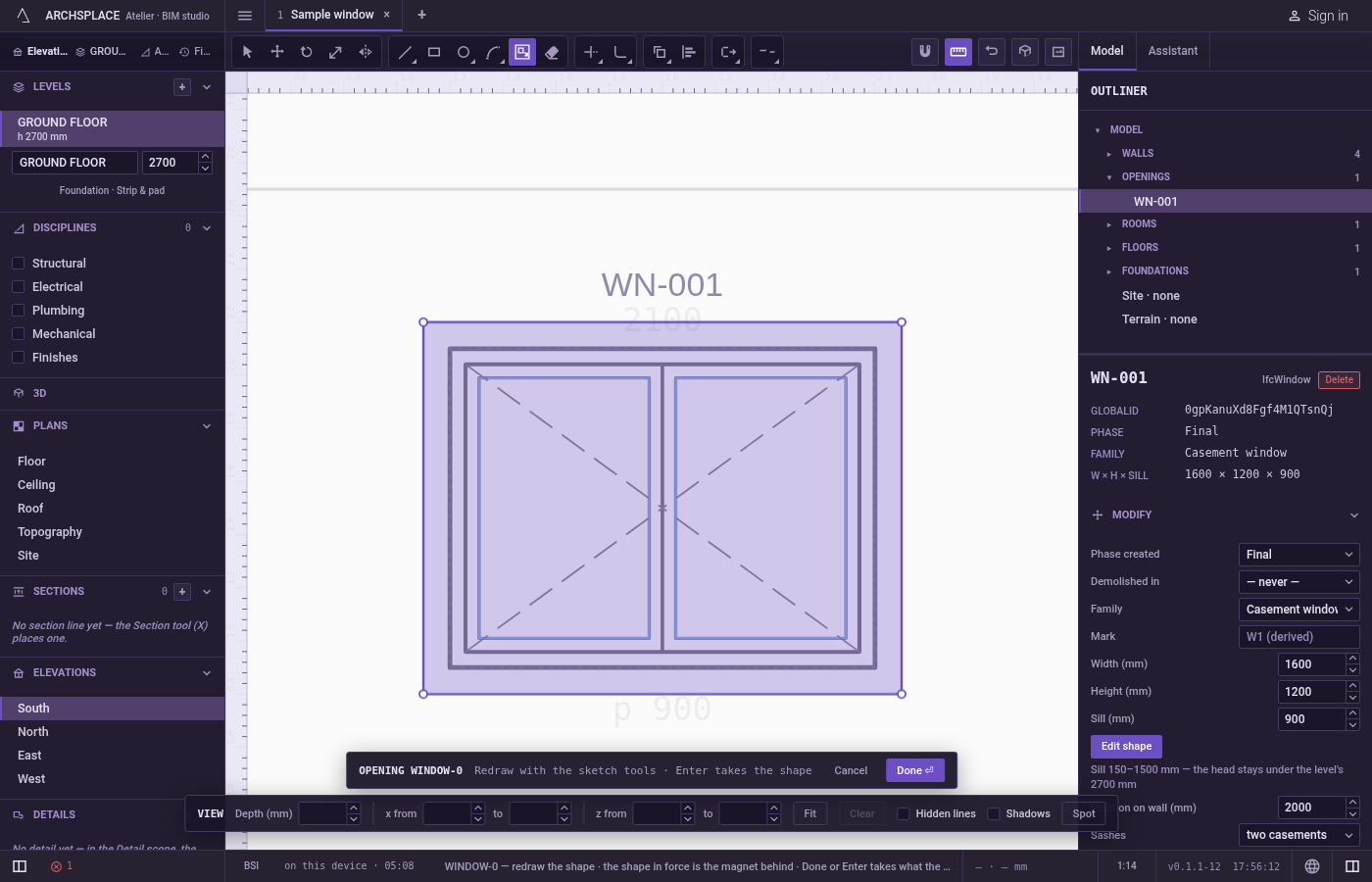
Carry on. The outline is released after each offset and the next click takes a new one.
Escapelets go of the outline in hand without drawing anything.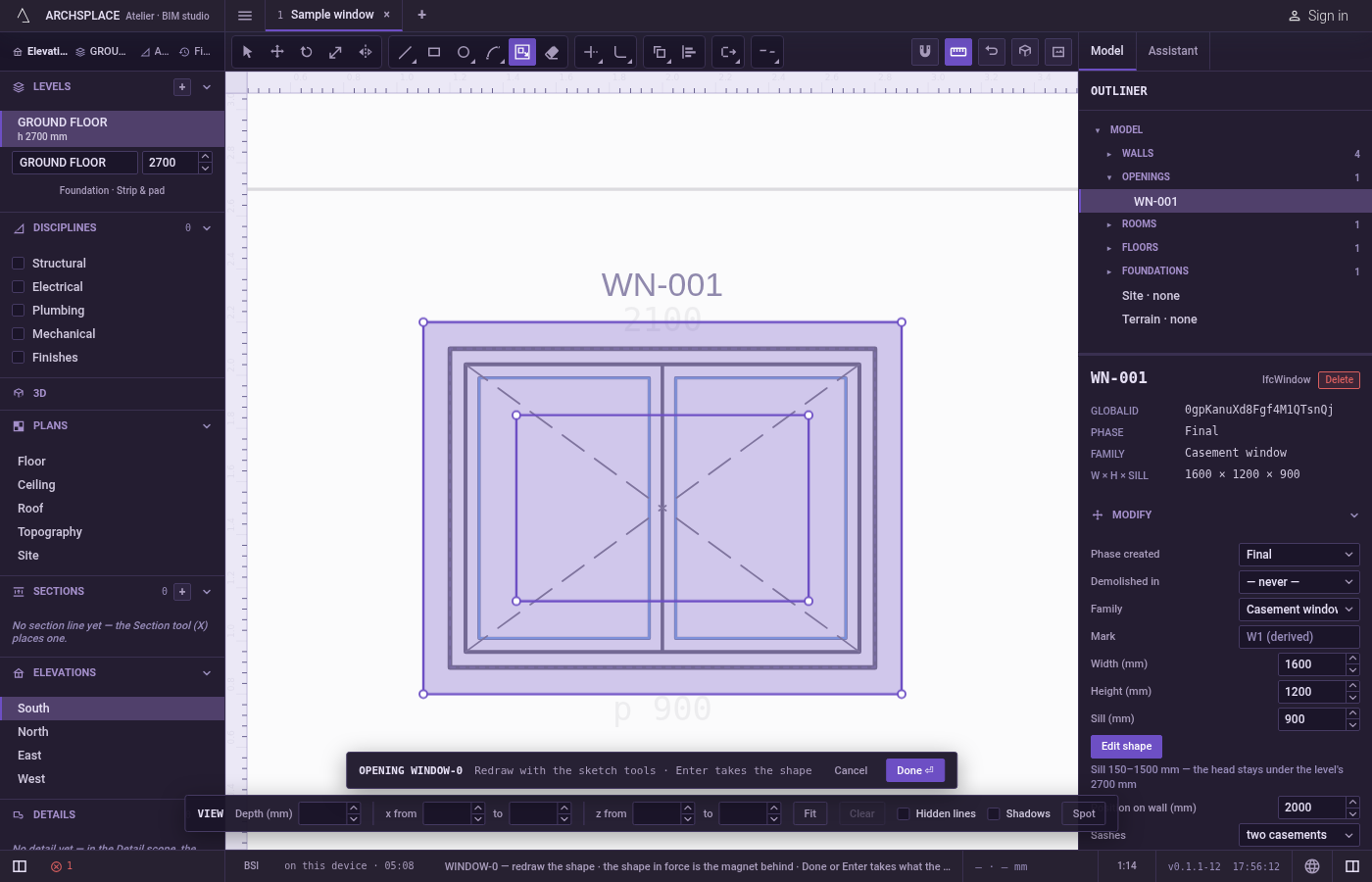
What it refuses
- A click outside every outline. With nothing closed under the pointer, nothing is taken and the tool keeps waiting. An open line has no inside, so it cannot be offset.
- A distance typed too early. Digits count only once an outline is in hand.
- A distance of zero. A typed
0, or a click right on the edge, adds nothing. The outline stays in hand. - An outline that would collapse. When a side or an arc would shrink to nothing, the preview disappears and the click or the typed distance adds nothing. No notice is shown; the outline stays in hand for a smaller distance.
- Holes. Only the outer edge of the part you clicked is offset. A hole inside it gets no offset of its own.
- Changing the original. The outline you clicked, and the dimmed shape in force, stay exactly as they were.
What it writes to the contract
Nothing until you press Done. The new outline is added to the drawing inside the editor, and Ctrl+Z steps back through it. The contract changes when you press Done, or Enter with nothing in progress, as one step you can undo. Done reads every area your lines enclose and must find exactly one outline with no island, so an offset inside an outline you keep leaves two areas, the band and the middle, and is refused: erase one of the two outlines first. The outline becomes the window's or door's profile, points [u, v] in metres across the wall and up from the floor, or the pattern area's outline in the room's floorAreas or ceilingAreas, points [x, y] in plan metres.
An arched head offset by 5 centimetres inward keeps its half circle, with a smaller radius:
Common questions
How do I draw a border 10 centimetres inside an area?
Press O, click inside the outline, type -0.1 and press Enter. A positive number grows the outline and a negative one shrinks it.
Can I offset the shape that was there before I opened the editor?
Yes. Click inside the dimmed shape in force: the new outline is added to your drawing, and the dimmed shape itself stays behind as it was.
Why does nothing happen when I click?
The new outline would collapse at that distance, so the preview disappears and the click is ignored. Move the pointer closer to the edge or type a smaller distance.